
NestDialog
A downloadable tool for Windows
Design, validate, and orchestrate dialogue-driven gameplay visually, including quests, audio, video, and events while organizing logic into reusable blocks before running it in-game.
The editor also includes built-in debugging tools to visualize dialogue execution in real time, and contextual writing assistance to help maintain narrative consistency while authoring dialogues.
Play the example game in your browser: The Endless Quest
Try the NestDialog Editor demo for free (version 0.1.0) - explore and trigger your dialogues!
Last Update, What's new:
Trailer:
Why NestDialog
- Events are decoupled from gameplay logic, allowing flexible integration with your engine systems.
- Dialogue is structured into clear node types and reusable logic blocks, improving readability and scalability.
- Built-in validation catches errors early, before runtime.
- Live preview allows you to test and debug flows directly in the editor.
- Includes a Godot API and a fully working example project for fast integration.
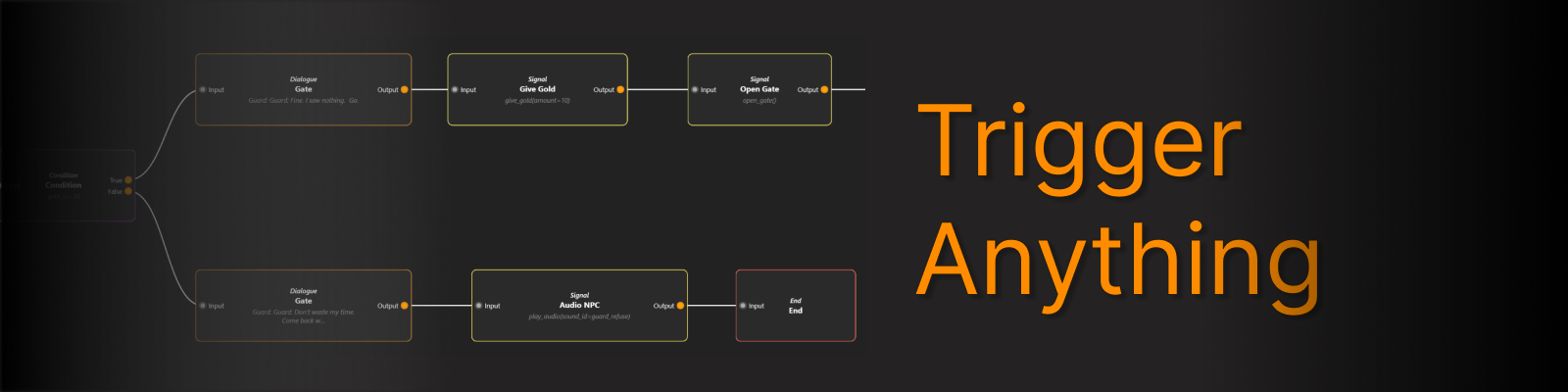
Signal Node
Trigger events such as quests, audio, or animations directly from dialogue.
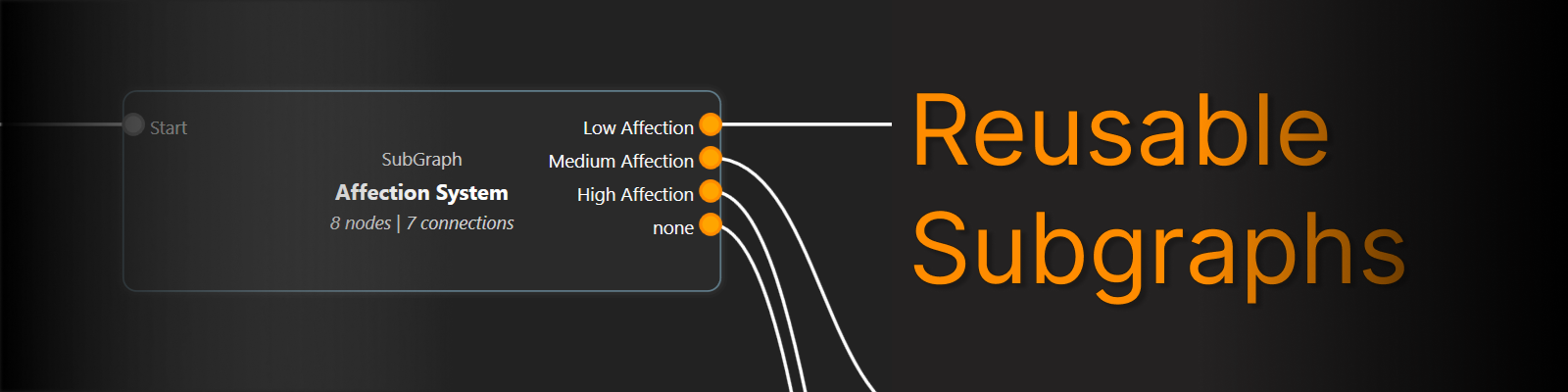
Subgraph Node
Create reusable dialogue blocks that share the same variables and logic. Organize your graph with nested subgraphs and reuse them anywhere.
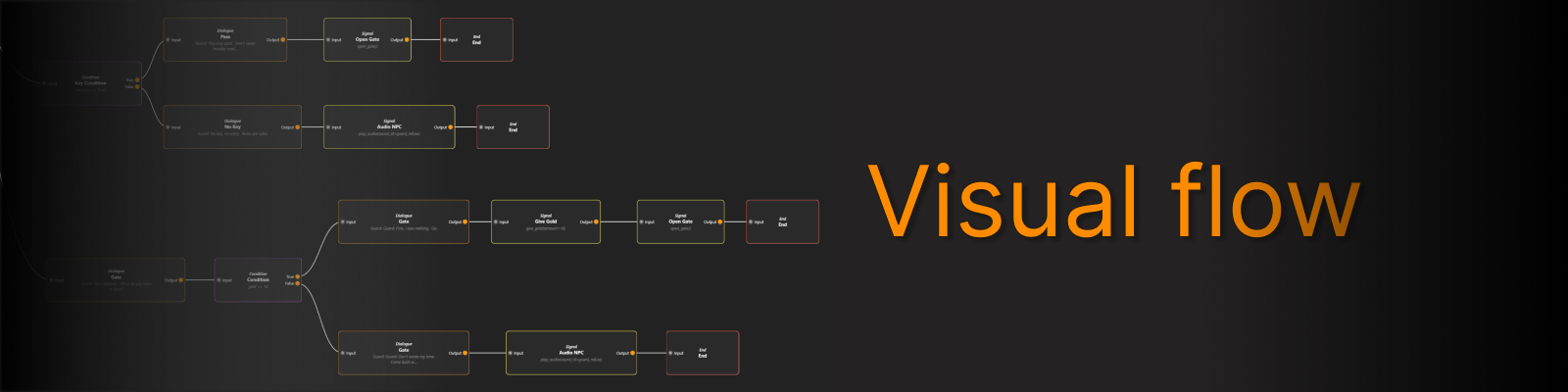
Visual flow
Link nodes to build branching dialogues visually.
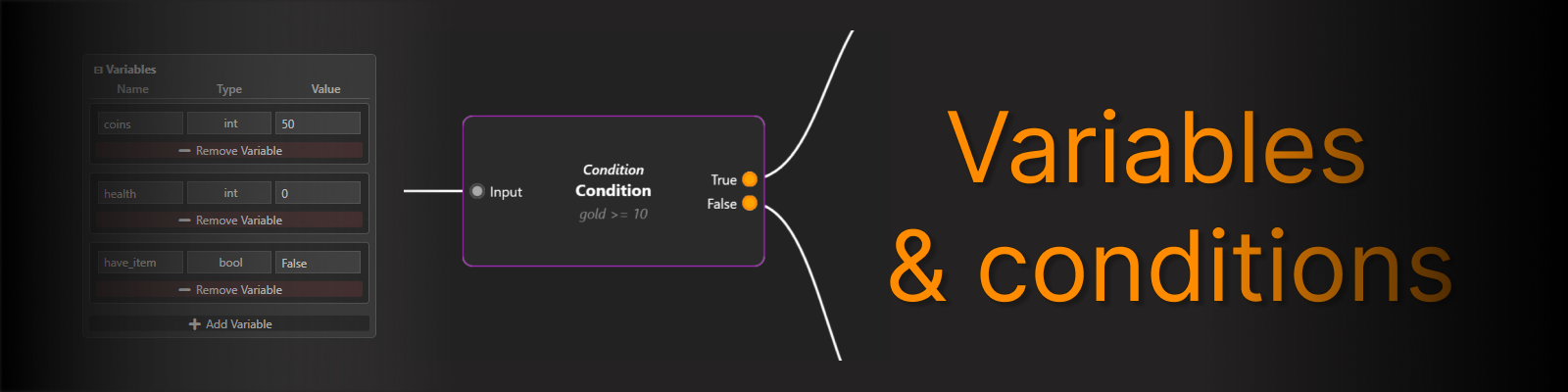
Variables & Conditions
Define conditions to control branching, manage variables, and use placeholder text in dialogue.
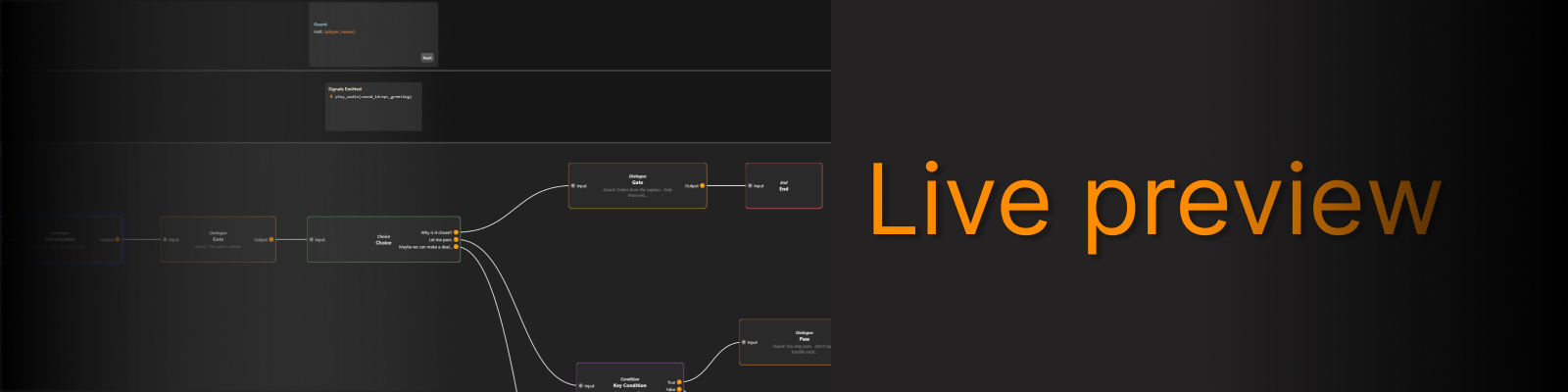
Live Preview
-
Step through lines, see choices, track running nodes, and monitor triggered events in real time.
-
What you build is exactly what you play.
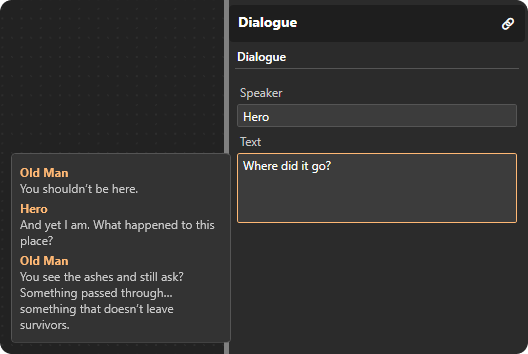
Contextual Dialogue Assistance
When writing a dialogue node connected to previous nodes, the editor shows the preceding dialogue lines in a contextual popup.
This helps maintain narrative consistency and makes it easier to understand the conversation flow while editing.
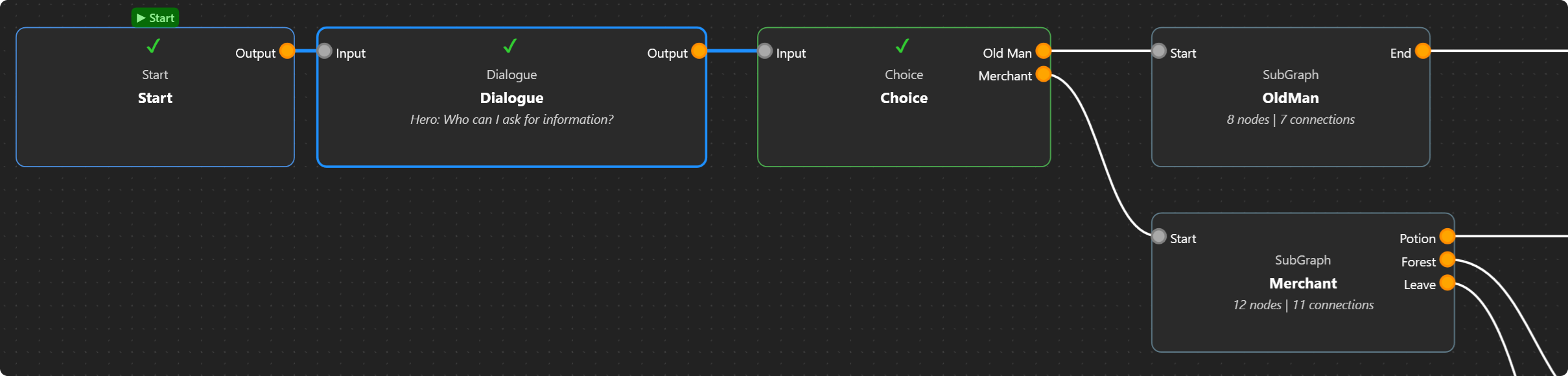
Dialogue Debug
The preview system includes built-in debugging tools to visualize dialogue execution in real time.
It shows the exact execution path taken during preview, including which nodes have been processed, which nodes have been triggered, and which node is currently active in the dialogue flow.
The currently displayed node is clearly highlighted, allowing you to track the current position in the conversation at any time.
This system helps you understand how the dialogue is executed step by step and makes it easier to debug complex flows.
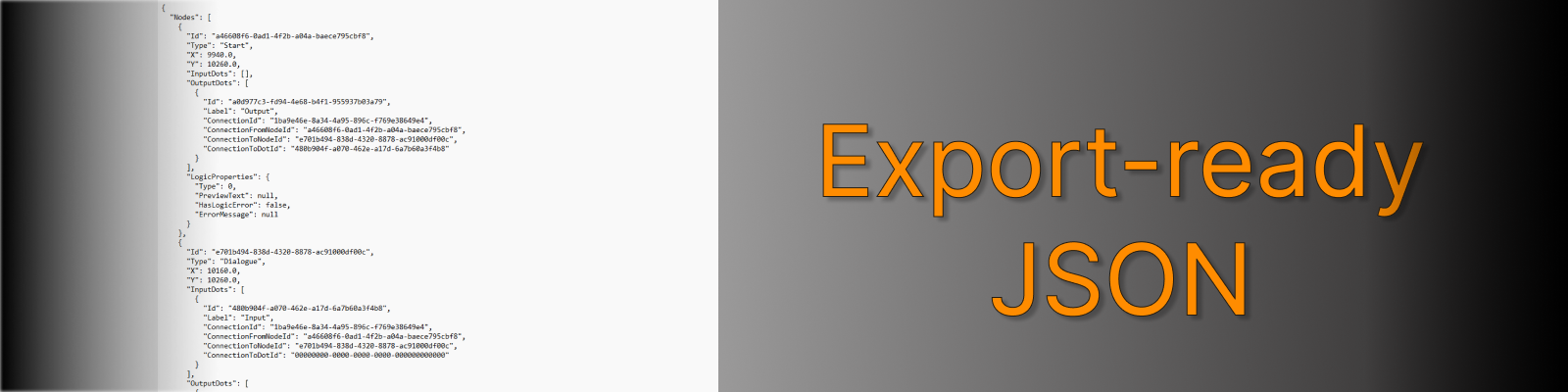
Export-ready JSON
Save dialogues as structured JSON for game integration and tooling pipelines.
Early Beta / Feedback
-
Demo: Explore the editor and test core dialogue workflows.
This version is limited to 10 nodes and does not include the Signal Node, focusing on dialogue and branching logic. -
Full: Unlimited nodes, complete Godot API integration, and a ready-to-use sample project demonstrating event-driven gameplay.
Your feedback is welcome to improve readability, workflow, and future features.
Godot API & Example Project
NestDialog includes a ready-to-use Godot API, along with a fully functional example project. This allows you to integrate and test dialogues and events immediately within Godot. The project demonstrates how to load, trigger, and manage dialogue-driven events seamlessly, providing a practical reference for your own game integration.
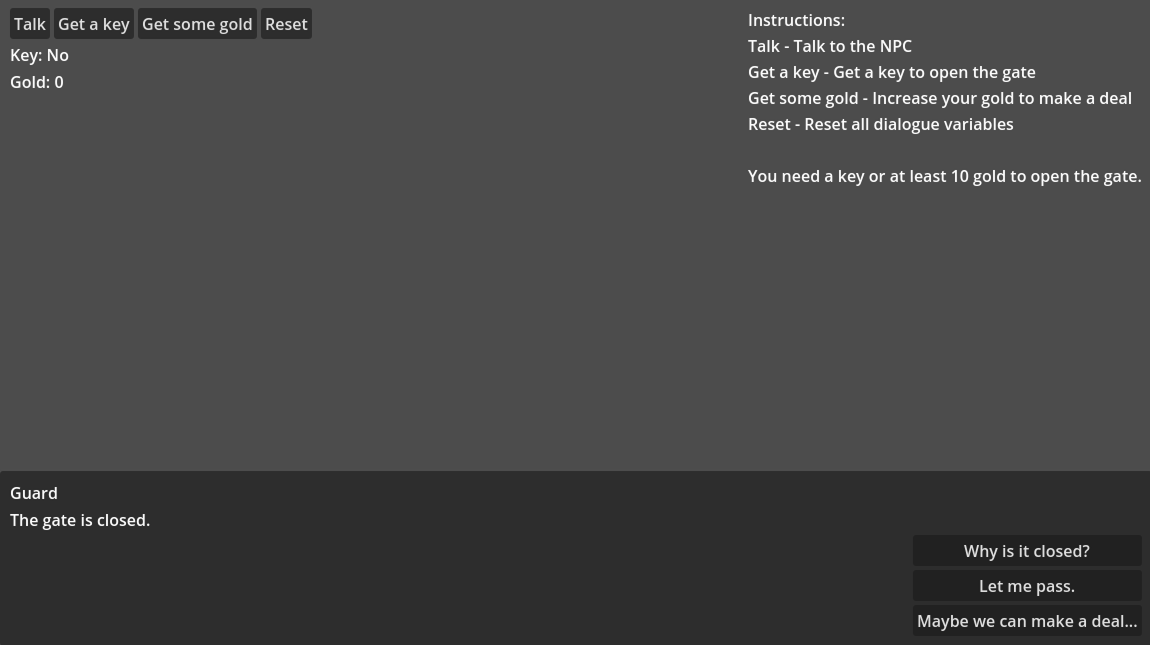
You can find the example project and API usage guide in the documentation under the Godot integration section.
Documentation
I highly recommend reading the NestDialog documentation. It includes:
-
Clear explanations of dialogue, choice, condition and signal nodes.
Explanation of the invalidation rules adopted by the tool.
-
How the editor works and the recommended workflow.
-
Example JSON with detailed explanations.
-
A practical Godot example demonstrating dialogue integration and API usage.
A dedicated section explaining how to structure, nest, and reuse subgraphs for modular dialogue design.
Reading the documentation will help you quickly understand NestDialog and build dialogue flows with confidence.
Link to the full documentation:
Future Plans
I’m actively working on expanding NestDialog. Upcoming features include:
- Reference tracking system for variables, signals, and subgraphs.
- Node setter improvements for more flexible logic control.
- Ability to compare and assign values between variables
- Undo / Redo system for safer editing and workflow control.
- Continued improvements to UI, multi-selection, and overall user experience.
- Expanded export options, further improving Godot integration and exploring support for other engines like Unity.
Important: The price of NestDialog may change with future major updates. Early adopters will retain access at their current price.
For questions or feedback, contact me at lucysandboxsoftware@gmail.com
Support the project for future updates!
Purchase
In order to download this tool you must purchase it at or above the minimum price of 7.00€ EUR. You will get access to the following files:
Download demo
Development log
- NestDialog v0.3.0 Released – Subgraph Update17 days ago
- NestDialog v0.3.0 Coming Soon: Subgraphs, Visual Debugging & Clean Build Workflo...39 days ago
- NestDialog Major Update – Signal Node Live: Trigger Everything!91 days ago
- Devlog: Editor Update – Signal Node and Workflow ImprovementsJan 11, 2026

Leave a comment
Log in with itch.io to leave a comment.