Linear Spectrum and Oscilloscope Visualizer
A downloadable tool for Windows and Linux
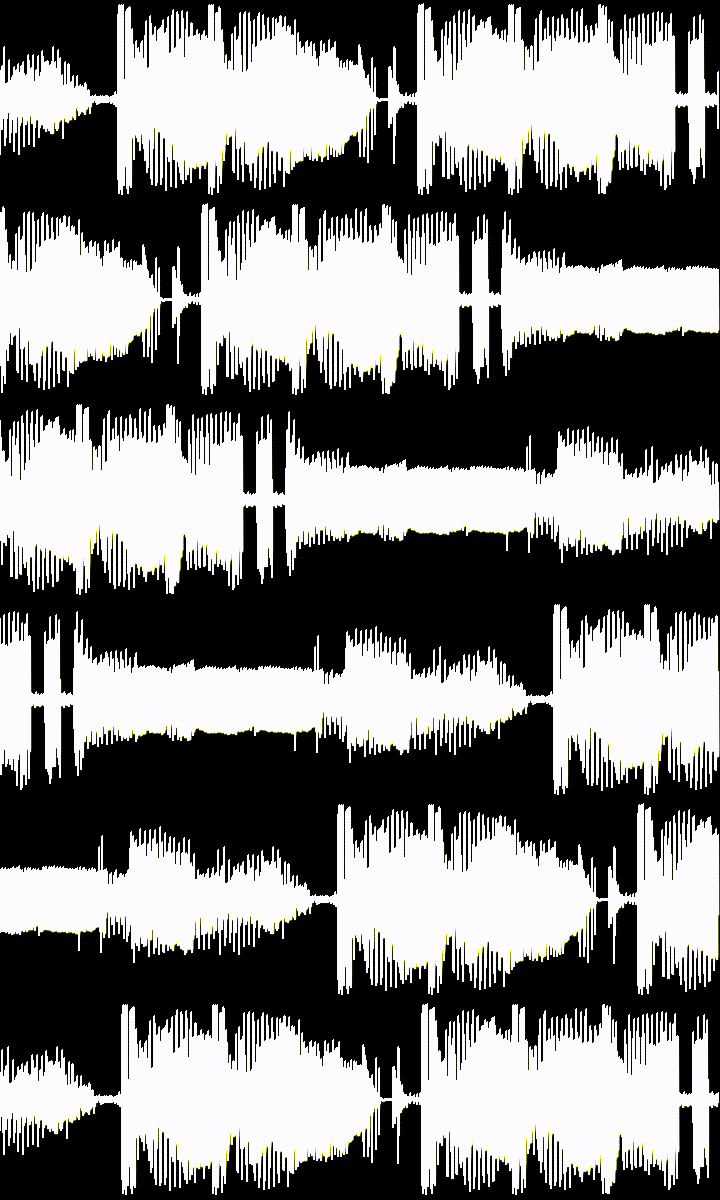
This is a very fast, free and open source audio visualization tool that can export videos of a linear spectrum, tuned short waveform, long waveform, X/Y oscilloscope, polar oscilloscope or recurrence plot of a song. It supports multiple audio and video formats.
Coded to look as violent, responsive, snappy and rough as possible. It draws a white linear spectrum, waveform or oscilloscope over a black background for further processing with a video editor of your preference.
Linear Spectrum: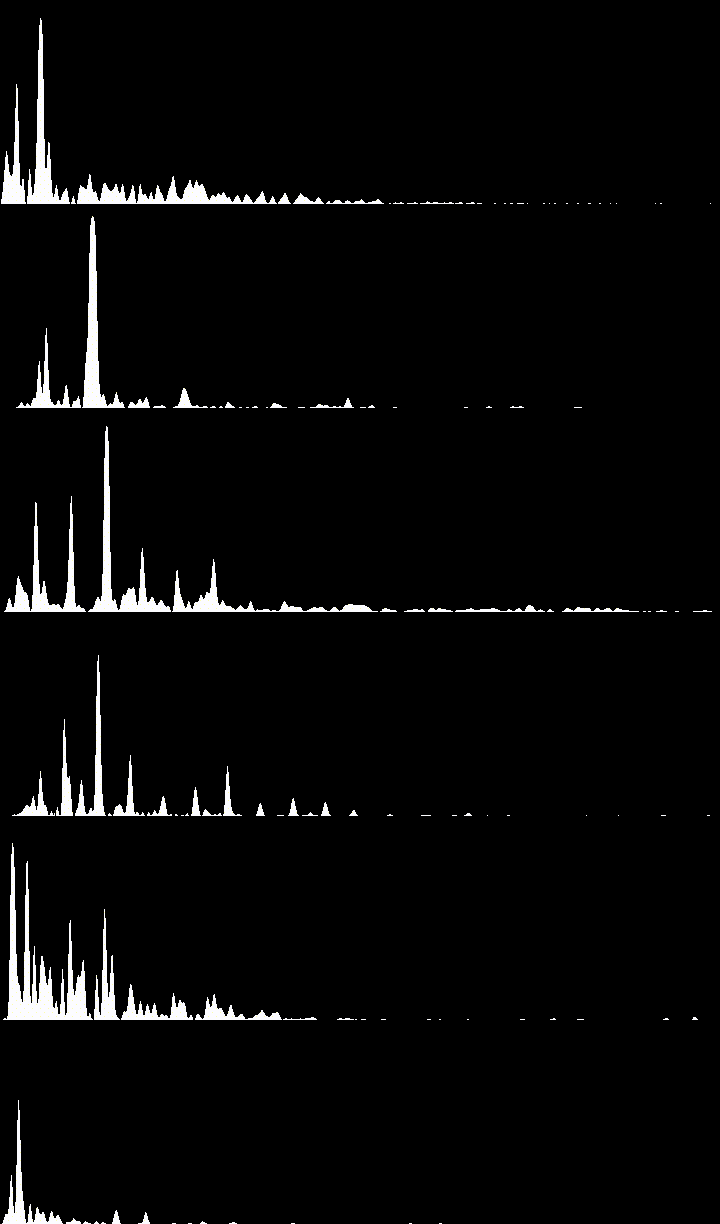
Waveform (tuned):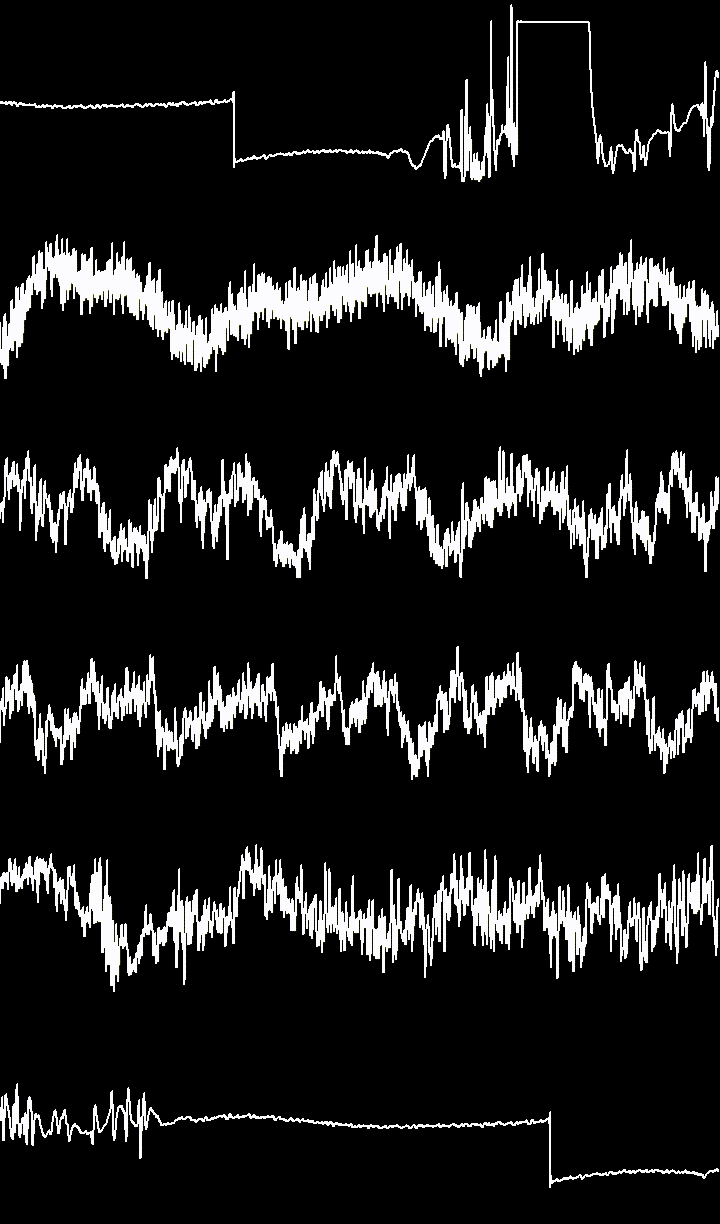

Long Waveform:
Stereo Oscilloscope:

Mono Polar Oscilloscope:
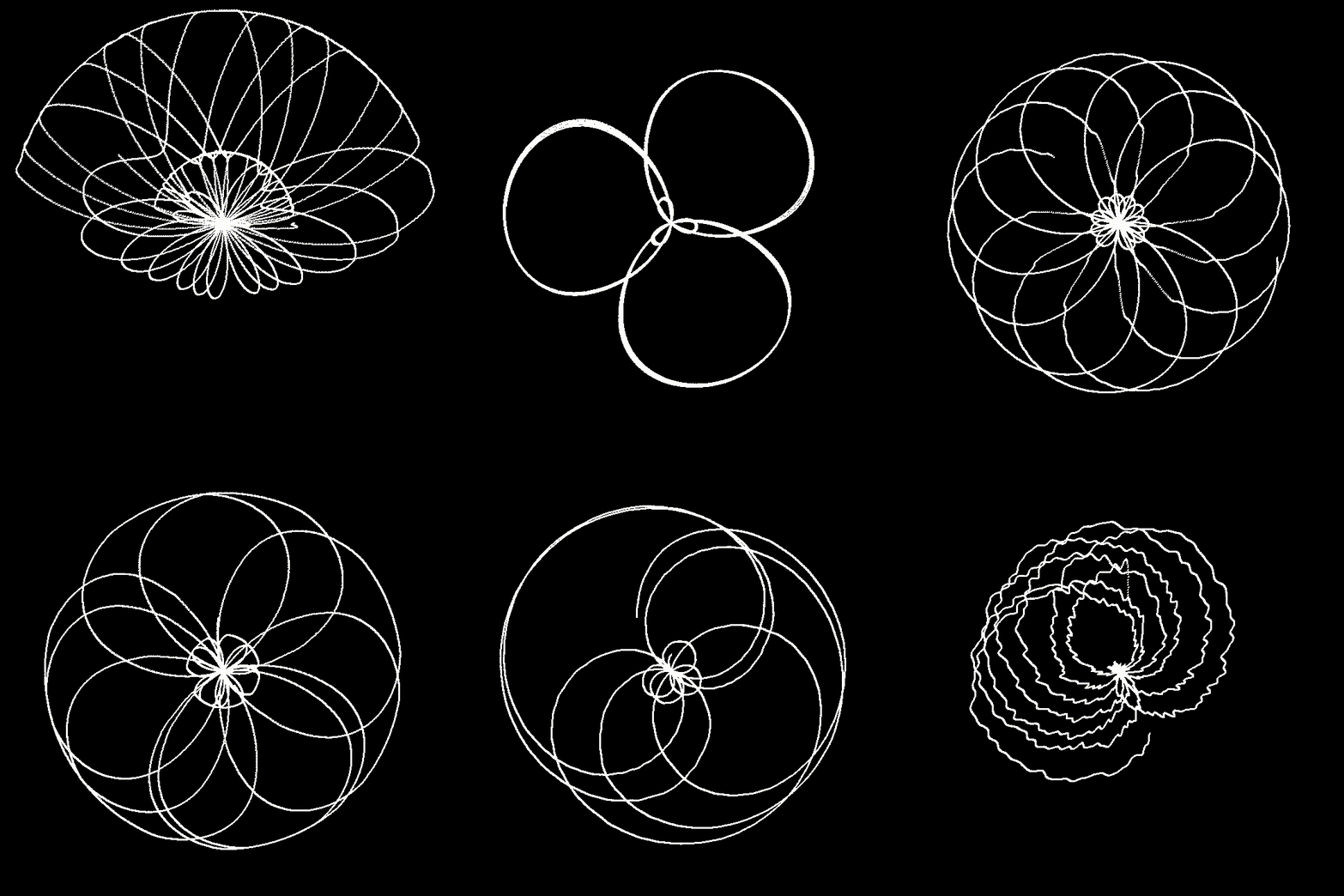
Stereo Polar Oscilloscope (various tunings, same input):
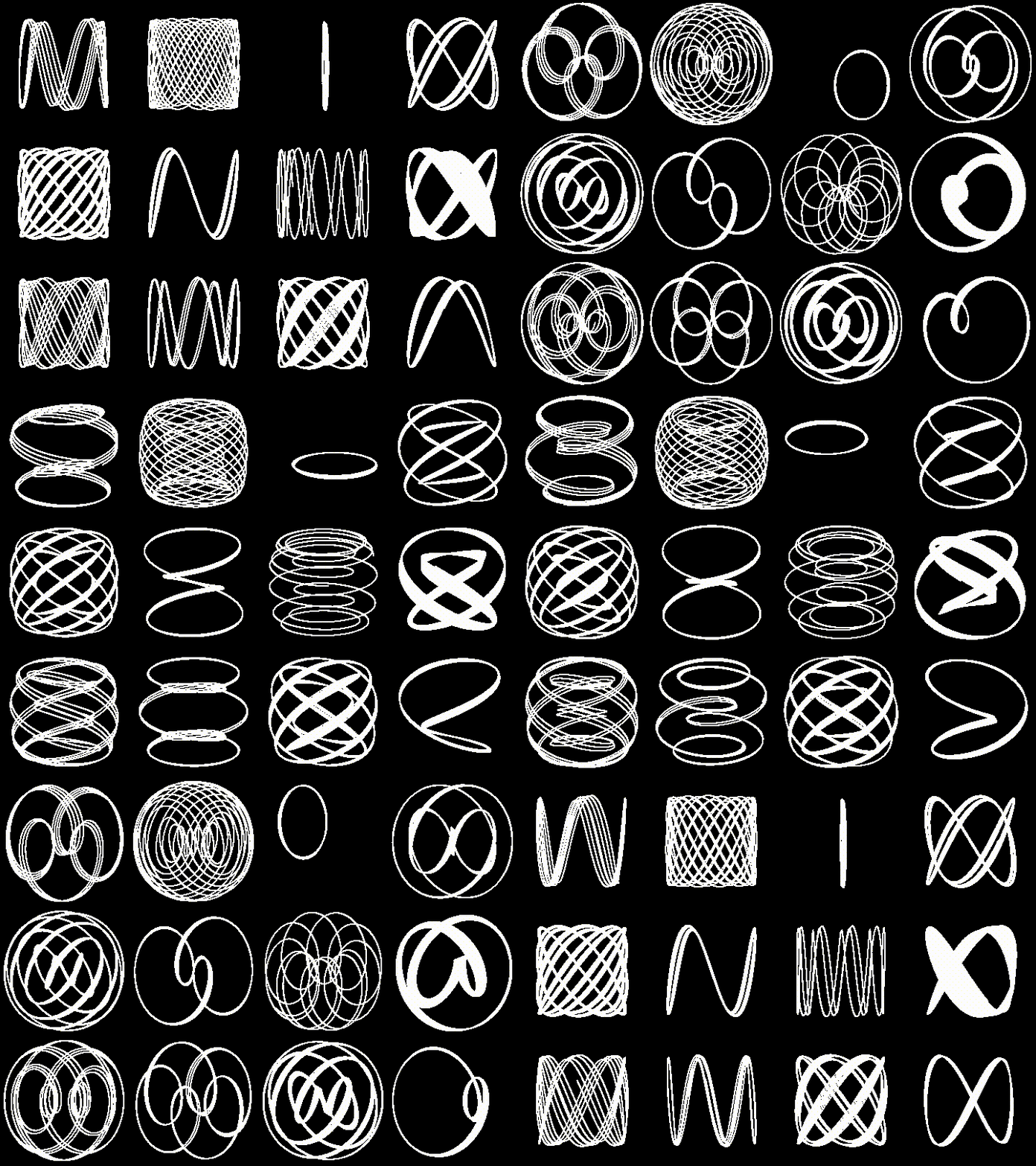
Spectral Balance:
Recurrence Plot:
Poincaré Plot: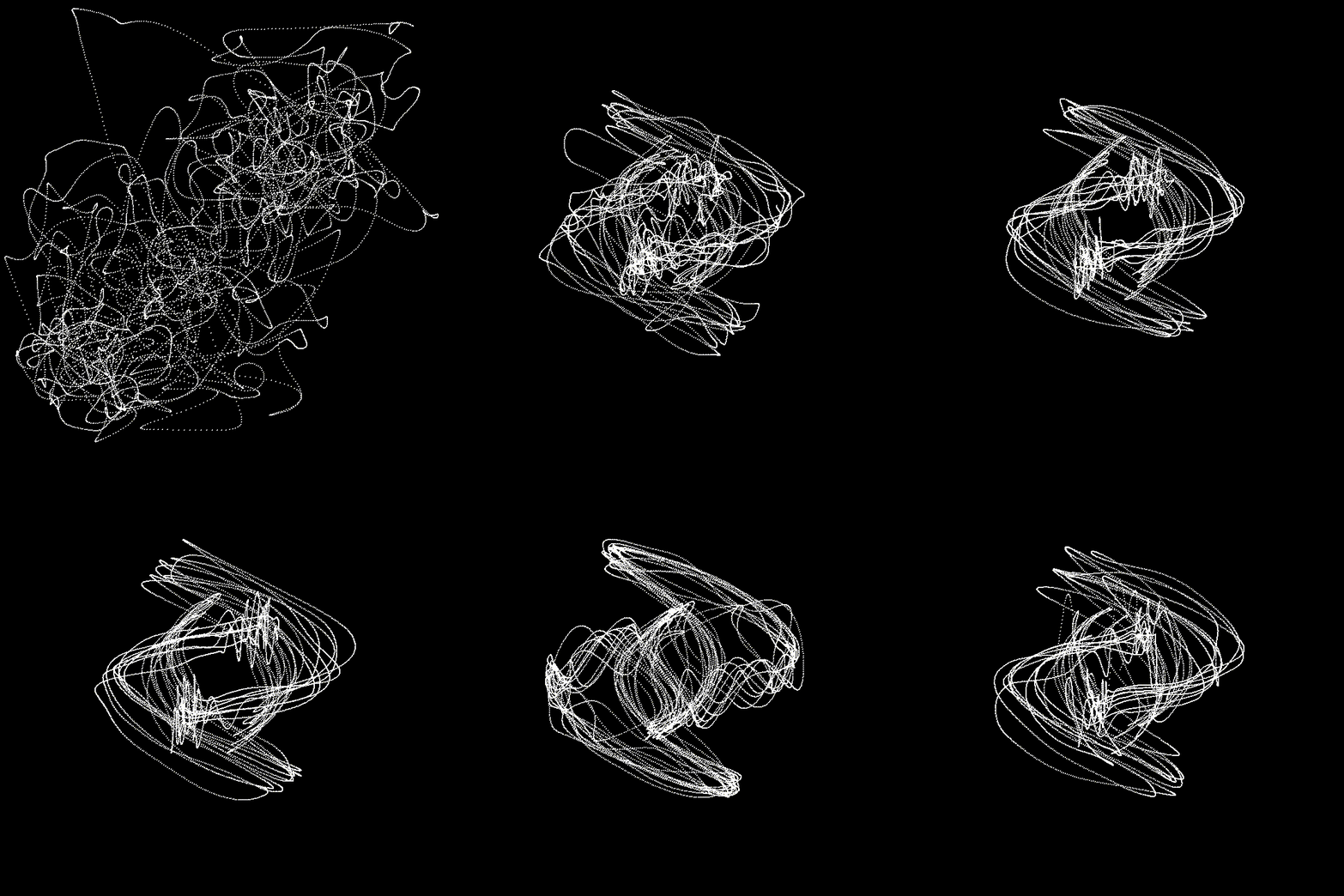
Delay Embedding Plot: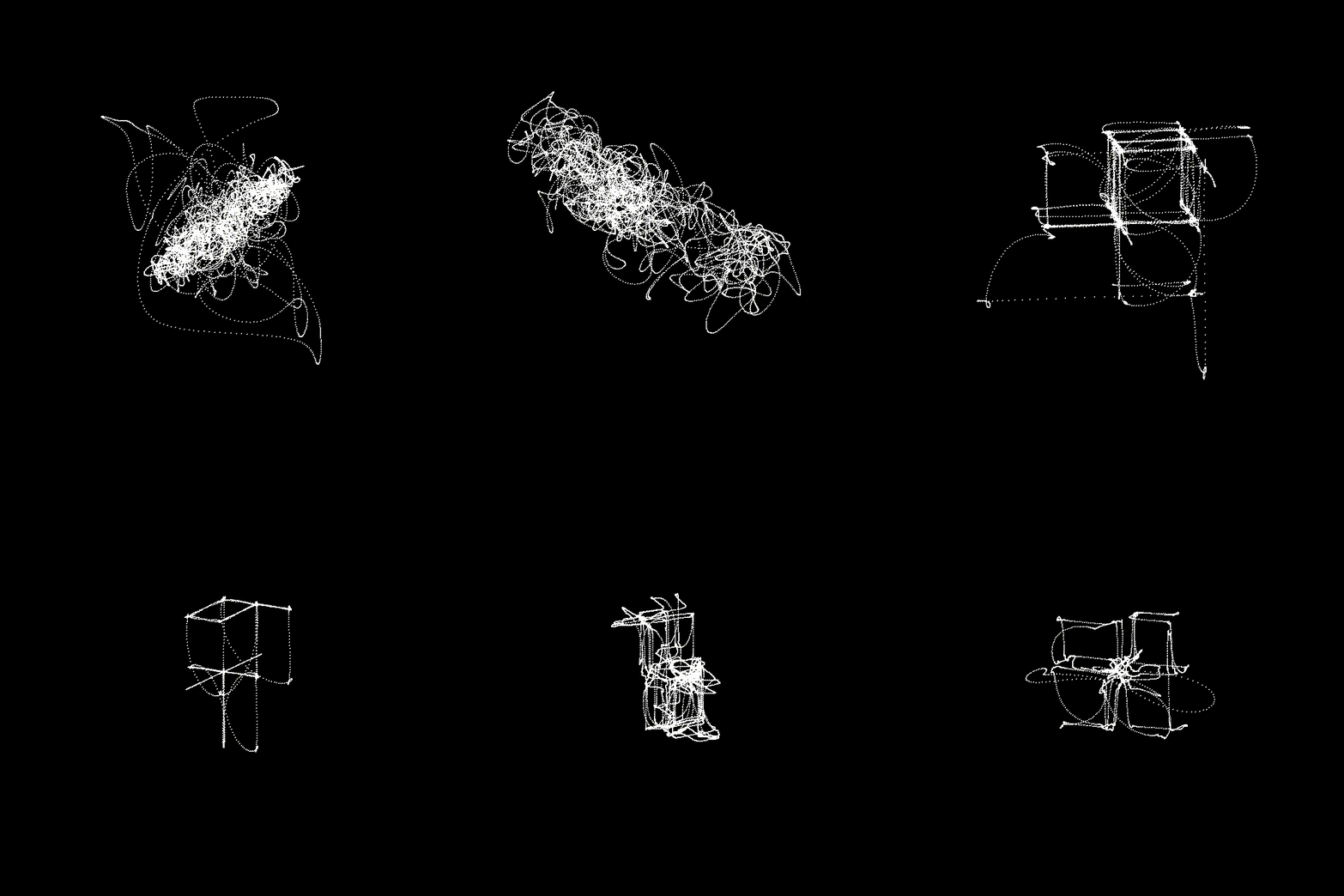
Histogram:
Chladni Plate:
Envelope Visualizer:
Here's what you can do with it:
Why?
This small project started due to the omnipresence of logarithmic spectrum visualizers and the apparent absence of linear spectrum visualizers (apart from the one in After Effects, but who wants to install an Adobe product anyway). Once I made this, I decided to also include the other types of visualizers.
It has Live Audio Preview™ too!
For Linux:
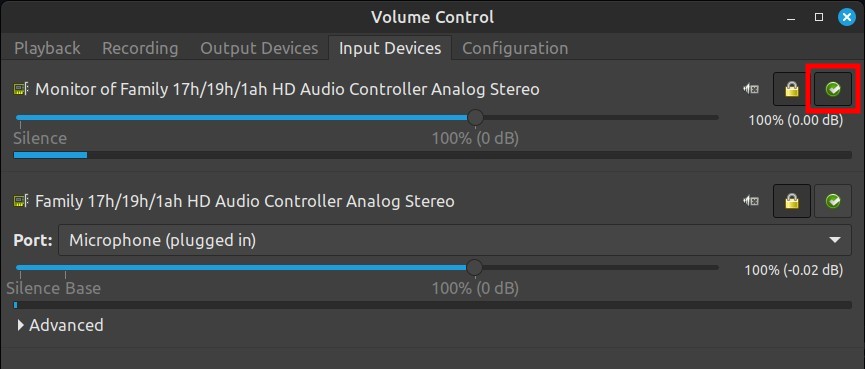
You can select which audio stream you want to visualize with Pavucontrol. Just set that source as fallback in the "Input Devices" tab.
- Set as fallback "Monitor" to visualize Desktop Audio.
- Set as fallback Internal Microphone or your audio interface for actual audio inputs.
For Windows:
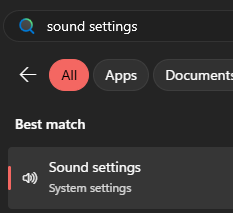
- Search for "Sound settings"
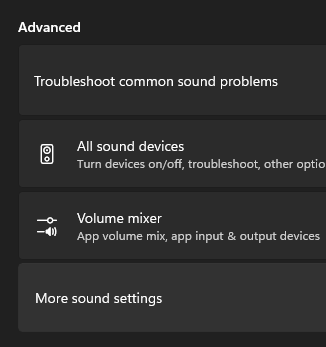
- Advanced -> More sound settings
- For Desktop Audio, you can select which audio stream you want to visualize in the "Playback" tab by setting it as default.
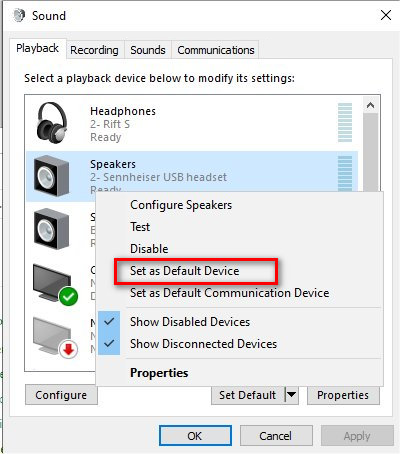
- For live microphone input (or any other audio source like an audio interface), go to the "Recording" tab and double click on the device you want to use.
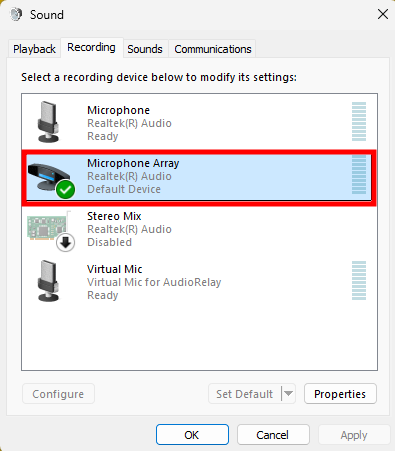
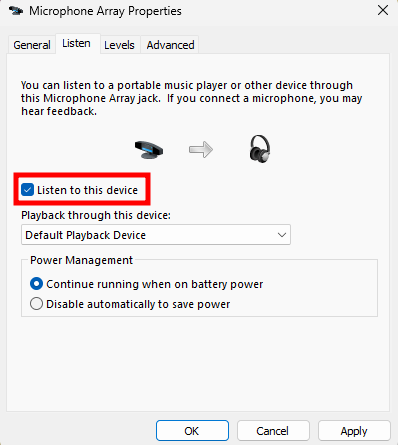
- In the "Listen" tab, check "Listen to this Device" and then press OK/Apply.
Things to know
- The Windows releases of this software bundle FFmpeg (https://ffmpeg.org/). Nevertheless, if for any reason it's missing, it will try to use the FFmpeg in PATH if already installed. FFmpeg is licensed under the GNU General Public License version 3 (GPL v3). Prebuilt binaries used in this project are from Gyan.dev (https://www.gyan.dev/ffmpeg/builds/). The FFmpeg source code is available at https://ffmpeg.org/download.html#source
- The Stereo X/Y and Polar Visualizers only work with stereo files as it wouldn't make any sense to visualize a mono file with a stereo oscilloscope.
Tips for Windows:
- The default Windows video player is not gonna play the exported videos correctly. Try another video player instead (Like VLC, for example). You'll be able to use the exported videos in any video editing software just fine, though.
Feel free to comment about any bug that may appear while you use it.
Download
Click download now to get access to the following files:
Development log
- Added live audio preview!!!Dec 26, 2025

Comments
Log in with itch.io to leave a comment.
Hi, I've downloaded the latest release for Windows and after unzipping it and executing the .exe file I get this in cmd (along with other stuff which I can't read since the console closes immediately right after):
PyInstaller\loader\pyimod02_importers.py:419: UserWarning: pkg_resources is deprecated as an API. See https://setuptools.pypa.io/en/latest/pkg_resources.html. The pkg_resources package is slated for removal as early as 2025-11-30. Refrain from using this package or pin to Setuptools<81.
OSError: ctypes.util.find_library() did not manage to locate a library called 'ole32'
[23068] Failed to execute script 'main' due to unhandled exception!
Great little gem! Any chance we will see live audio input and or "just" visuals-output, without recording?
Edit: Already done. Ignore further text.
I honestly don't know! I know little programming and whatever took to build this was learnt on the go, so I don't know what it would take to make that possible. I suspect that given how I made this, it'd require a very deep change.
I, tired of the visualizers that appear laggy and require you to record the screen (which created unnecessarily large files and required you to wait until the audio is recorded), made this program in a way that there are no frames skipped, very little or no loss of quality in the output and with a file size as small as possible.
So the amount of frames, the information of each frame and other key details are calculated even before I start drawing them so that I can assure nothing is lost in the process, which is contrary to doing it with a live audio input :c
Thanks for reply.I understand that is not the focus of the program to do live visuals.
I love that its violent, responsive and has no frames skipping as a prio! A thumbs up from my side for your little gem.
Update: I am working on that live audio preview. I have it ready for Linux. Currently I am working on the Windows version for it to capture desktop audio, which is terrible btw.
thats good news.thanks for the hard work.
I dont know if this has been solved but i am on win11 and when i open the file, it opens terminal for a second, inputs some code, then shuts down.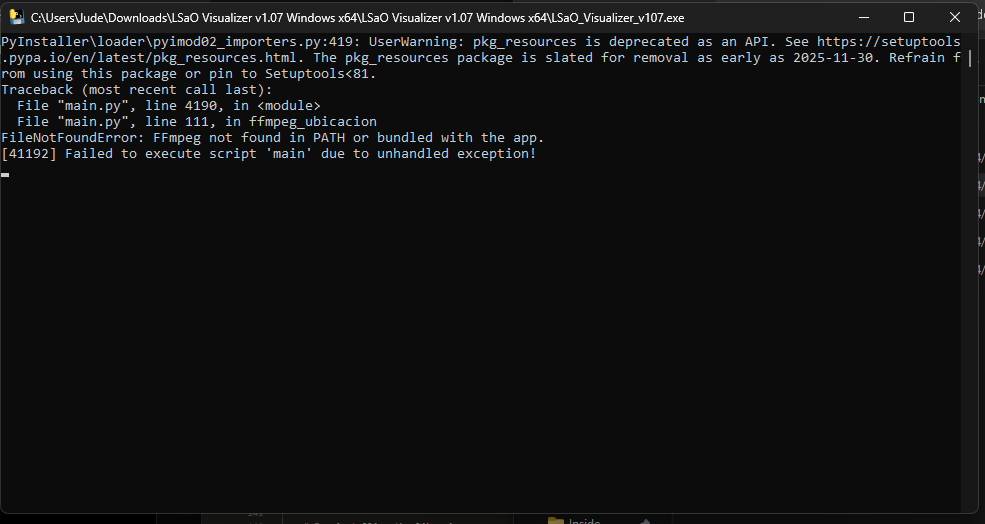
Hey! Thanks for reporting this bug. I fixed it. Try downloading the latest version and let me know if it works now. If not and if you want to help me debug this faster, add me on discord: jup7140
im on win 10 windo is just black as well idk why
make microphone support
Hey man i really like the visuals i see for stereo and mono polar but neither seem to work in the default settings for me. I tried a bunch of mp3 files and wav files (wavs mostly from FL studio because i make music) and they all export fully black videos. I'm on Win11 using VLC
Hey there, thanks for reporting the bug! I fixed it. Try downloading the program again and tell me if it works correctly now :)
In case it doesn't, if you want to help me debug this faster, add me on discord: jup7140
I just tested it and it seems to work thank you man :D
This is really cool, thanks for making this
Glad you like it! Hope you can make some sick visuals with it
how do I Input the audio???
Find your audio file through the file dialog, or you can just enter it's name if you paste it directly in the folder of the program :)
thanks but... where's the "executable"?
It's the .exe file if you are using the windows version, or the file without extension in the main folder if using the the linux version
so.. what you are saying that, I have to merge it, Correct?
No. You have to execute the executable (double click on it) and follow the instructions and fill the fields that you can see in the program.