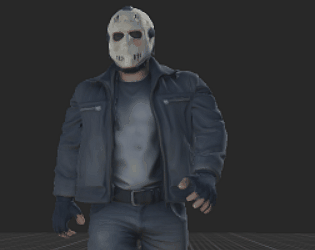
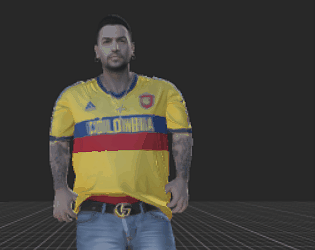
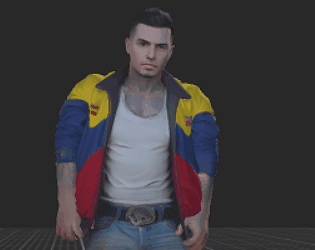
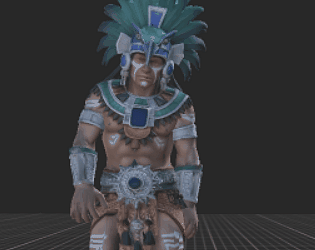
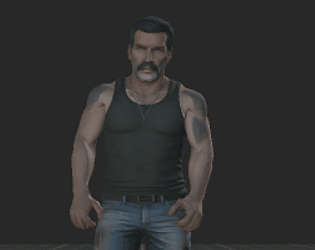
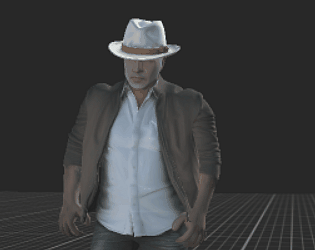
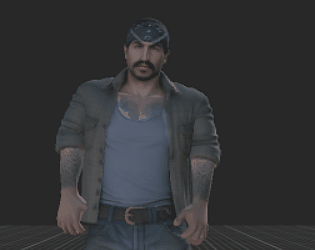
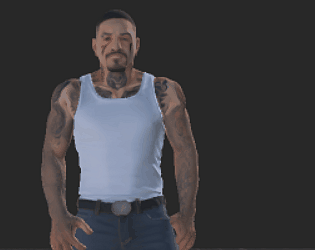
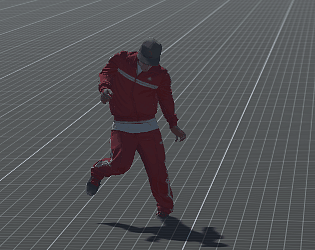
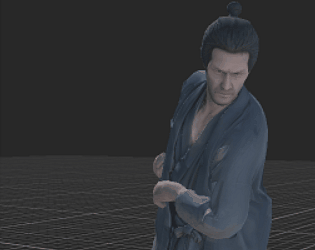
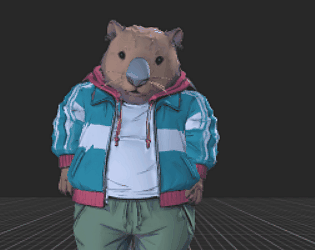
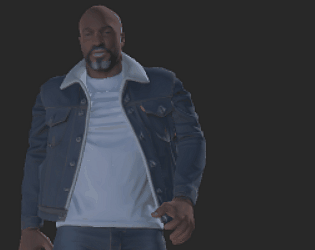
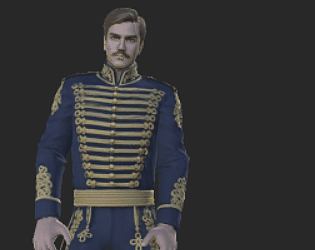
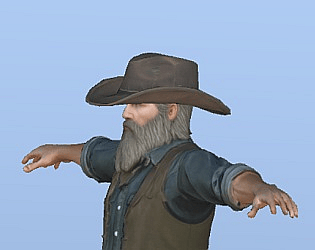
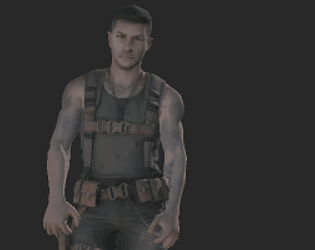
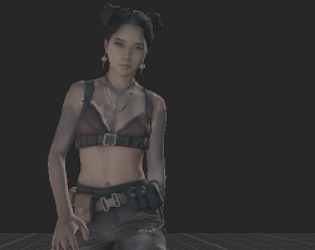
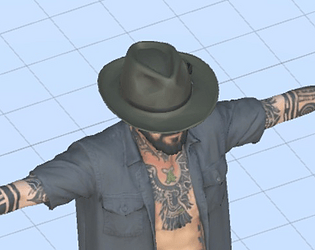
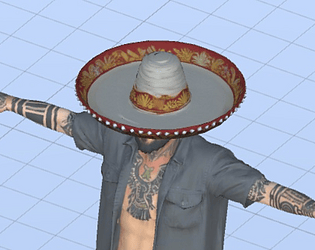
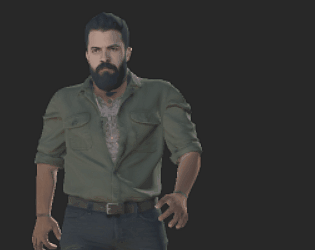
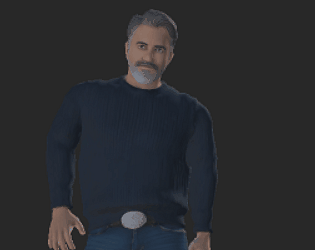
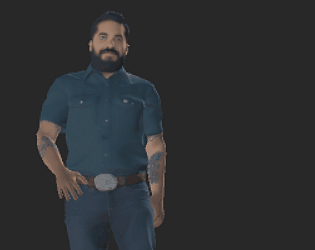
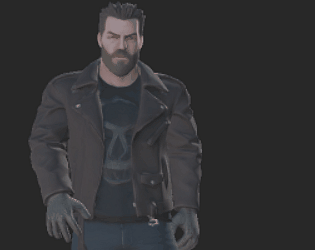
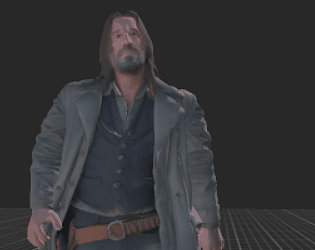
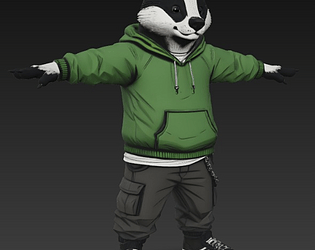
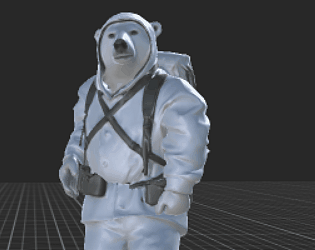
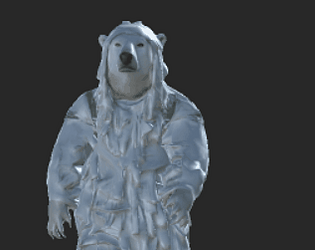
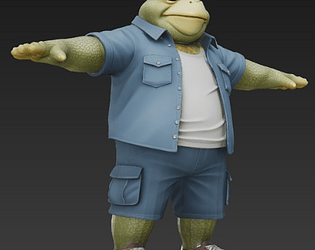
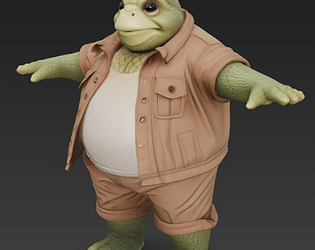
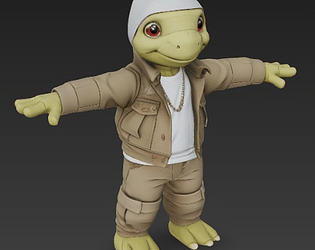
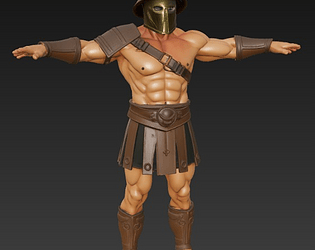
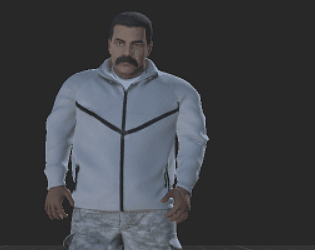
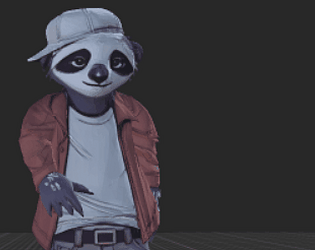
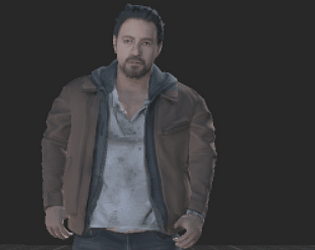
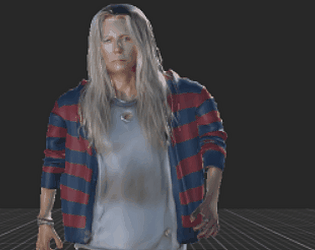
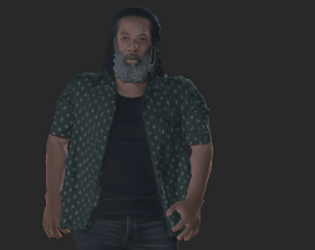
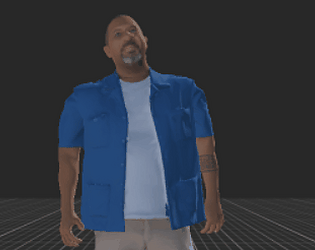
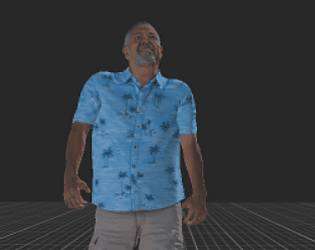
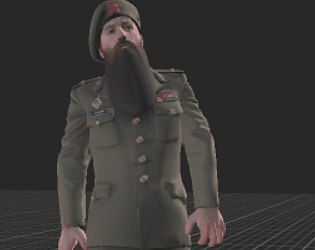
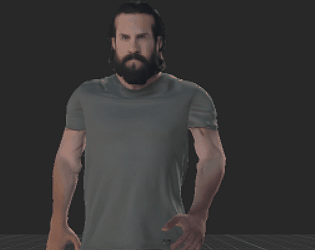
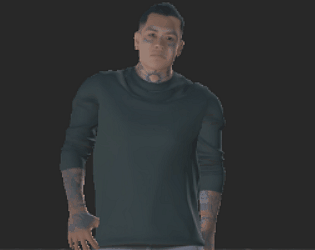
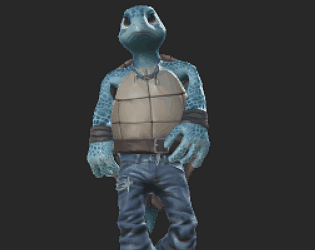
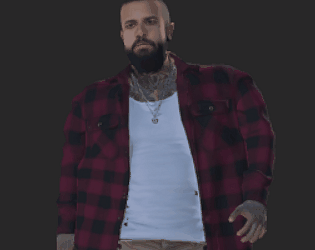
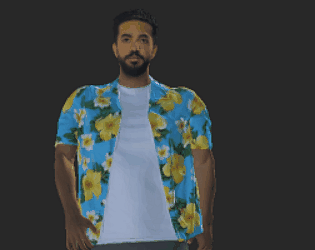
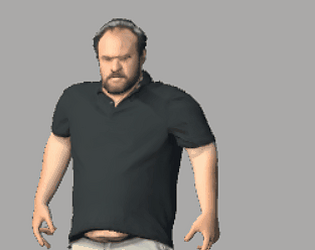
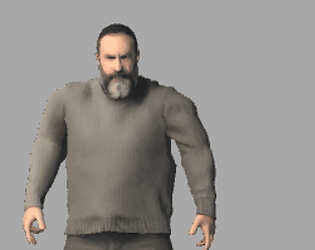
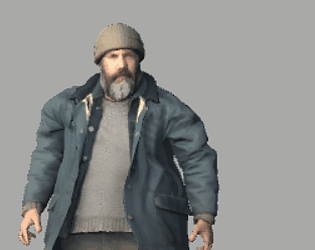
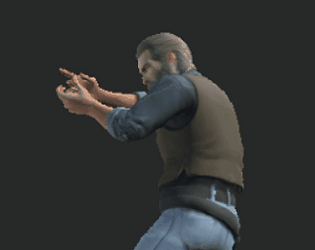
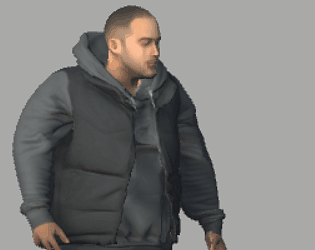
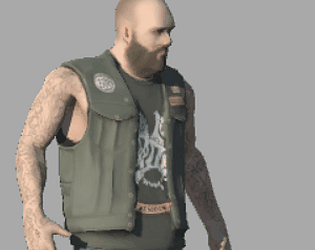
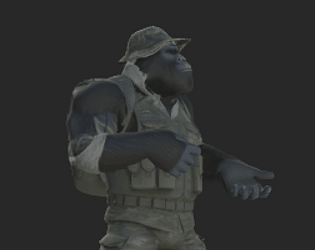
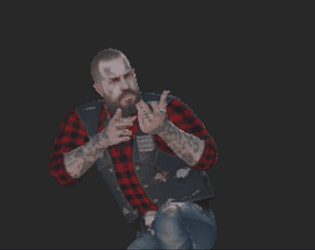
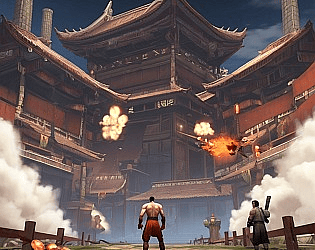
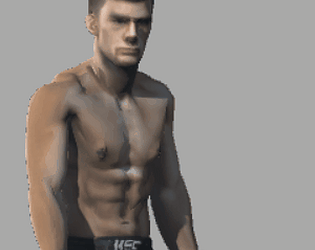
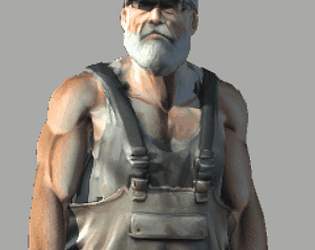
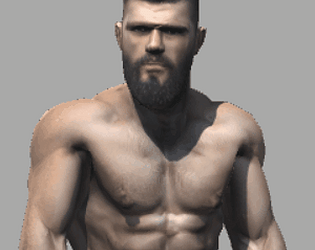
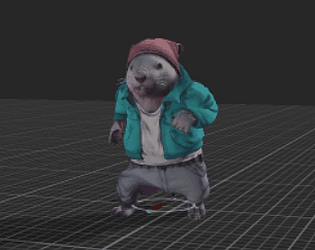
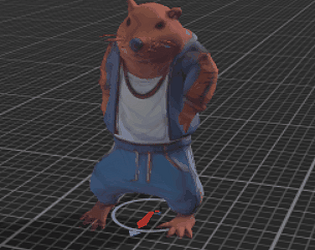
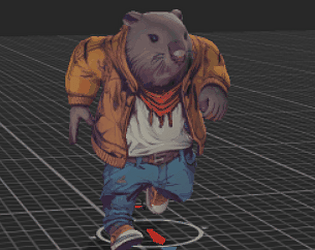
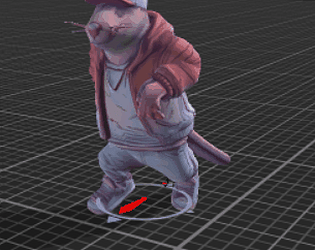
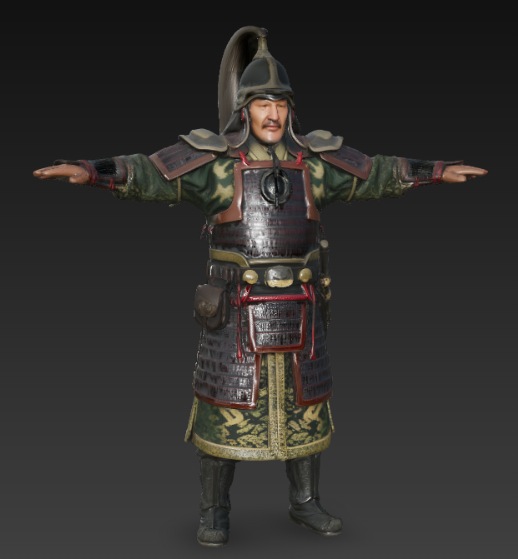
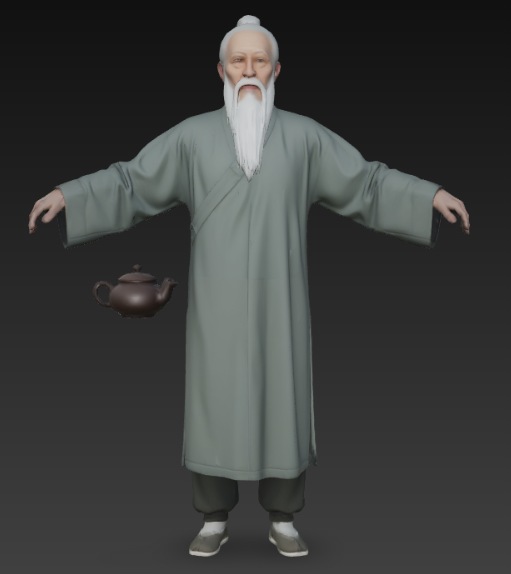
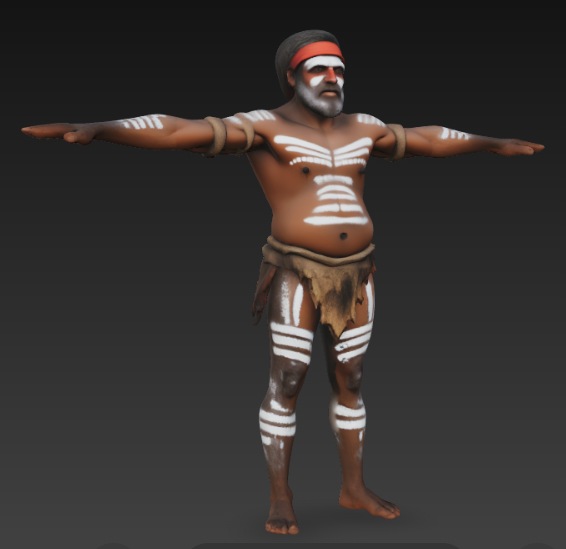
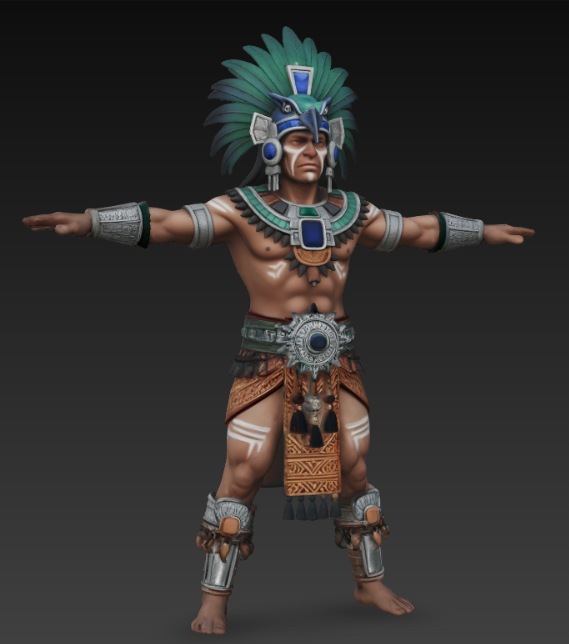
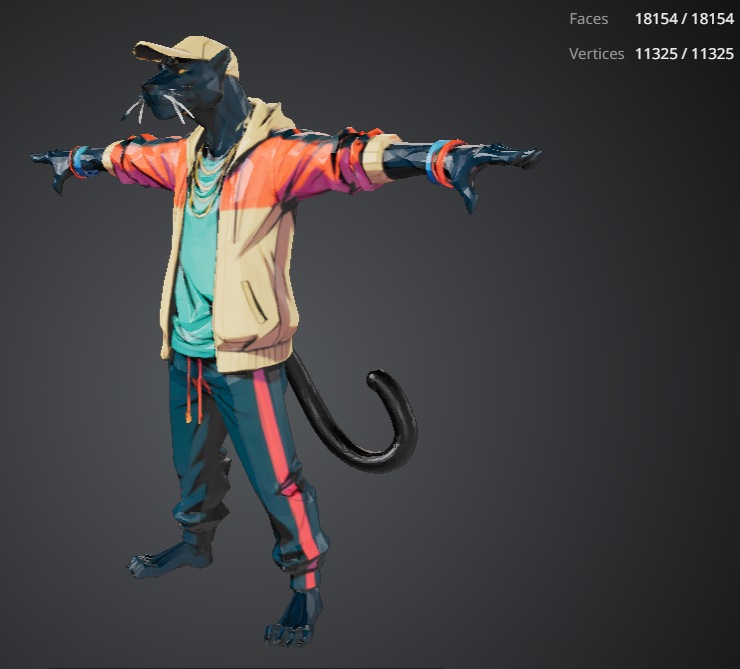
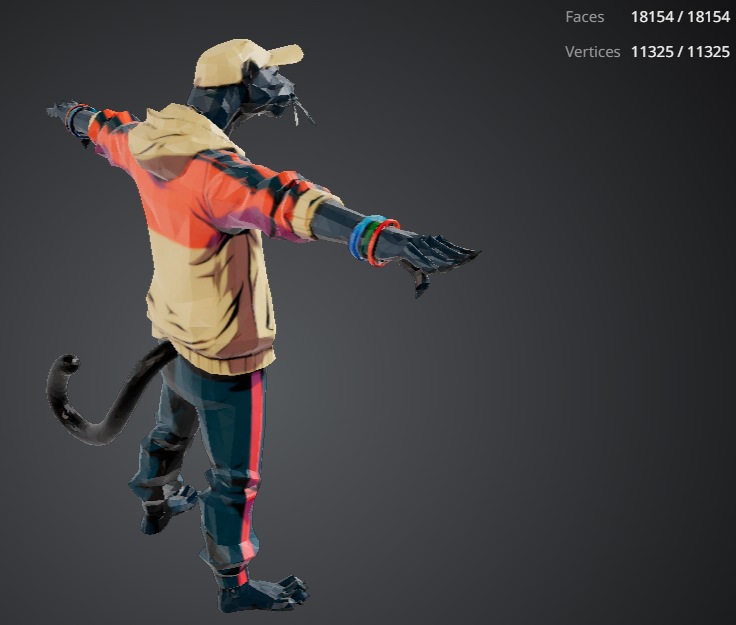
price of loyalty 2nd page
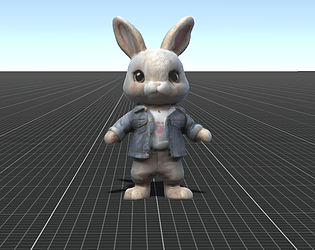
I use either tripo or hunyuan.
if there's too much triangles, you need to decimate.
usually always some editing is needed, like fingers vertices, mesh vertices and sometimes uv edit. then some weight painting for the rig.
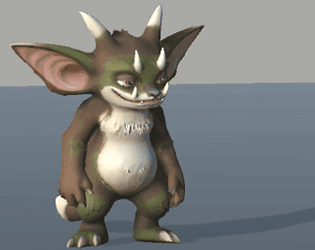
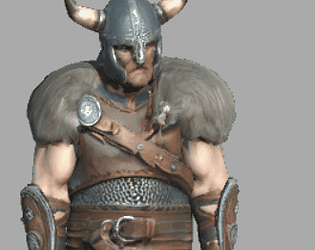
some new creations
great work.
can you make that each storey, balcony etc is a separate object? (for realtime purposes, like destruction)
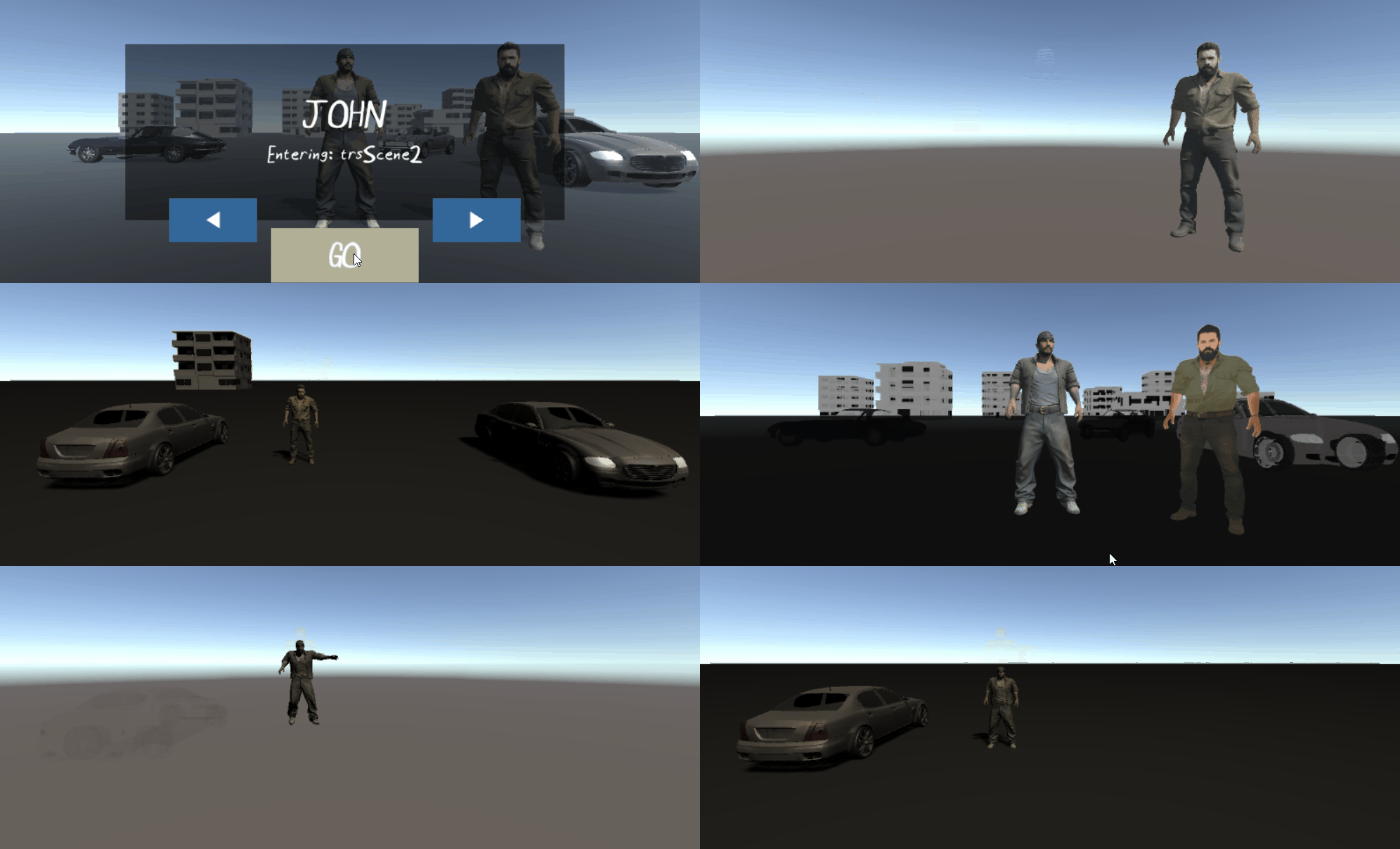
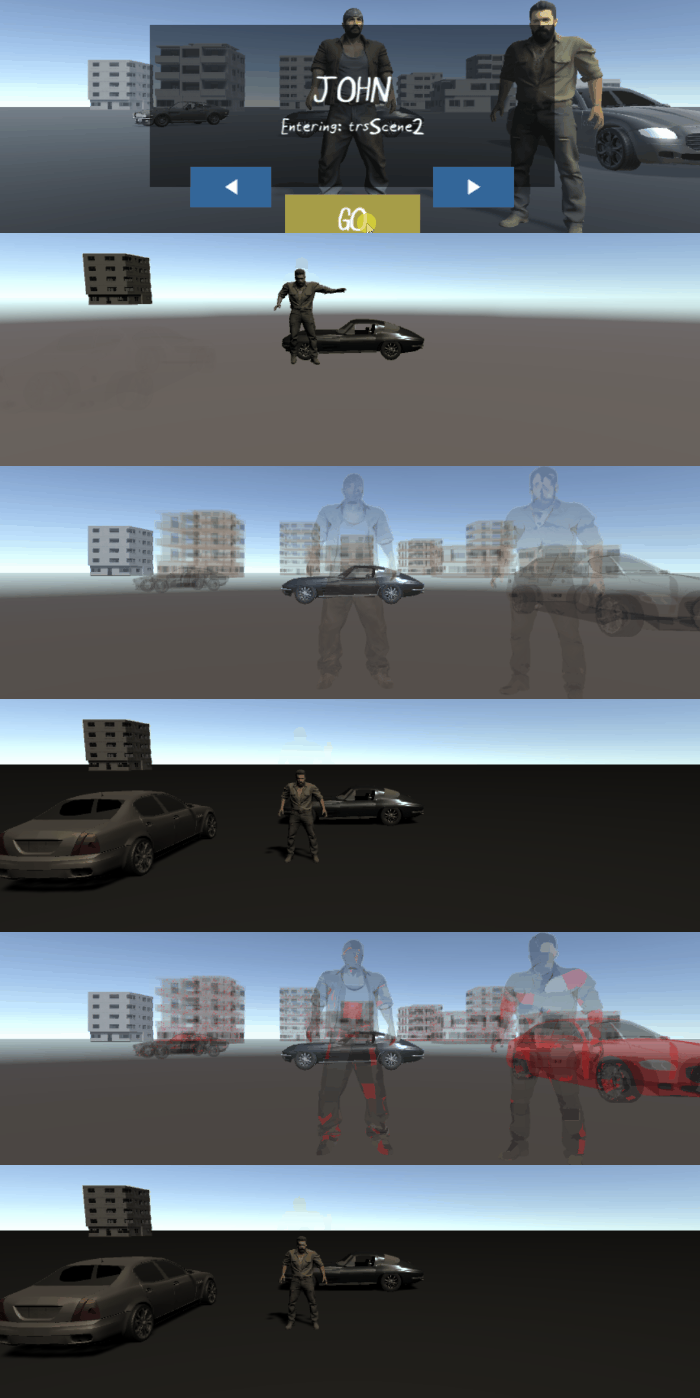
scene transition system
based on objects and shaders
scene1 >> scene2 with character transfer, persistent objects
tested
ComponentCopyTool .cs
component copier for unity3D
[needs to be put in Editor folder]
using UnityEngine;
using UnityEditor;
public class ComponentCopyTool : EditorWindow
{
    Transform source;
    Transform target;
    [MenuItem("Tools/Component Copy Tool")]
    static void Init()
    {
        GetWindow<ComponentCopyTool>("Component Copier");
    }
    void OnGUI()
    {
        GUILayout.Label("Copy Components", EditorStyles.boldLabel);
        source = (Transform)EditorGUILayout.ObjectField("Source", source, typeof(Transform), true);
        target = (Transform)EditorGUILayout.ObjectField("Target", target, typeof(Transform), true);
        if (GUILayout.Button("Copy Components"))
        {
            CopyAll();
        }
    }
    void CopyAll()
    {
        if (source == null || target == null)
        {
            Debug.LogError("Assign source and target.");
            return;
        }
        Component[] components = source.GetComponents<Component>();
        foreach (Component comp in components)
        {
            if (comp is Transform)
                continue;
            UnityEditorInternal.ComponentUtility.CopyComponent(comp);
            UnityEditorInternal.ComponentUtility.PasteComponentAsNew(target.gameObject);
        }
        Debug.Log("Copied successfully");
    }
}
hi.
what is the format (fbx, obj, other) ?
what is the tricount?
as usual original ip rates apply (*10%)
sorry I dont use discord
here's some work of my:
https://payhip.com/rawmedia/collection/all
what kinda genre are you interested in? would you look at it like you part of the team for a game - maybe you do own version in an engine?
I have a couple ideas (that why genre is important)
in my view the setting/look and story is important. setting for game environment, story for character design and audio.
-- simple ideas (all with physics):
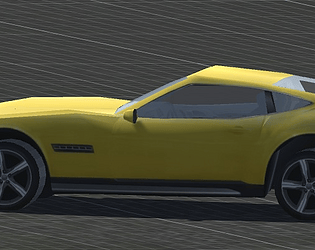
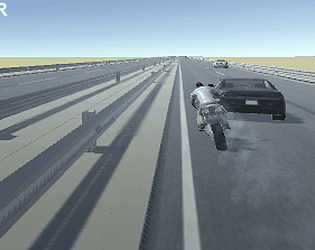
- Truck racing in desert, Boat racing on ocean, Taxi driving in city (tech not yet ready)
-- a scene from a movie - reproducing in game (but no copy, reimagining, no IPs). not gonna talk about it in public which scenes
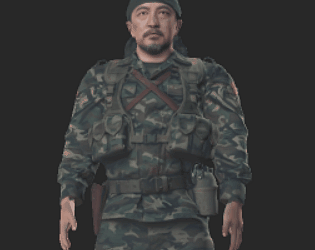
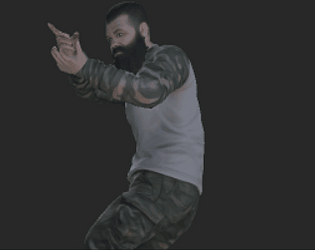
-- story game around a character: shark hunter. guerilla soldier. gang biker. hitman.
-- and mi have mi own IP, sumo stuntmen
create a picture of it
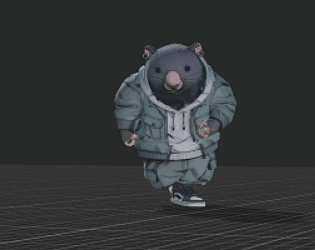
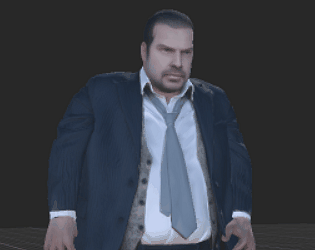
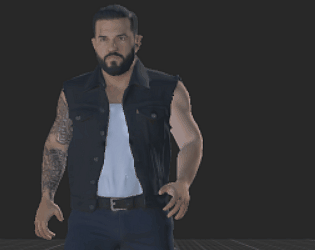
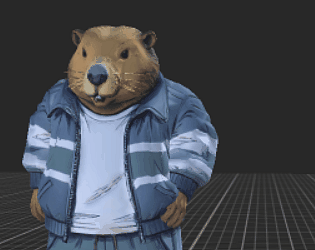
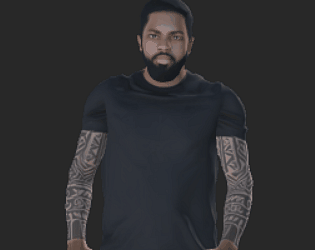
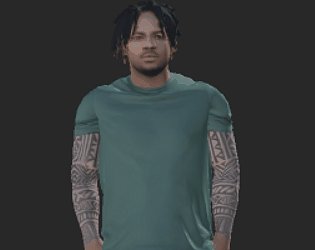
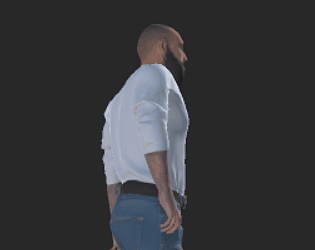
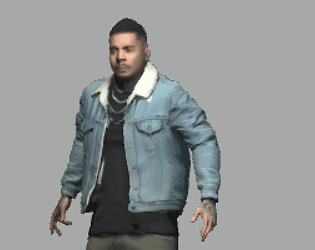
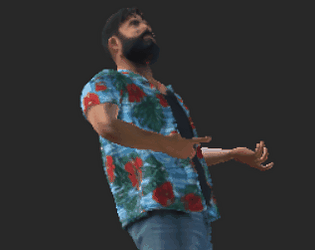
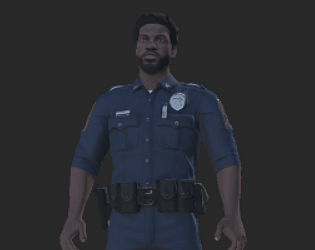
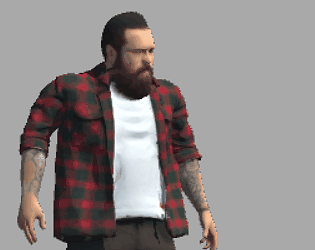
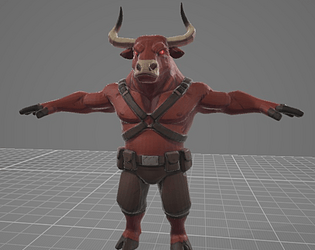
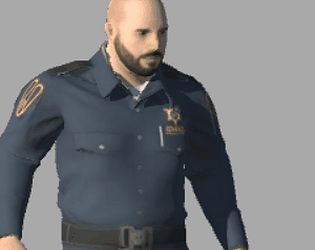
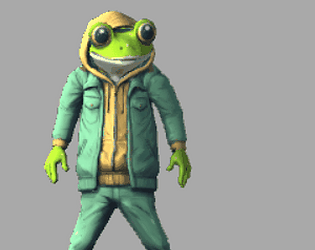
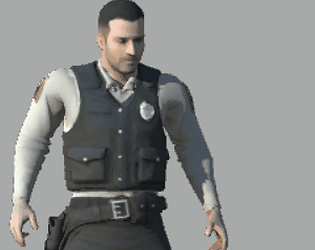
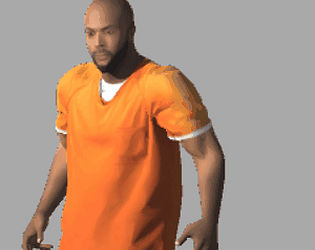
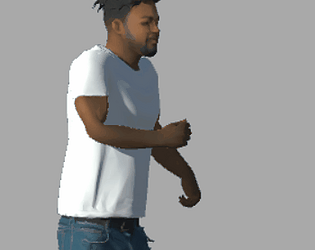
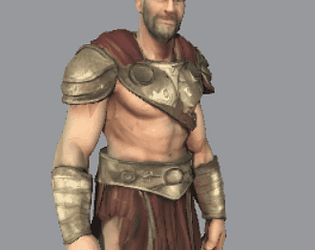
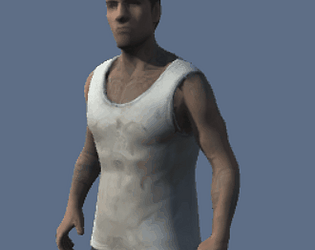
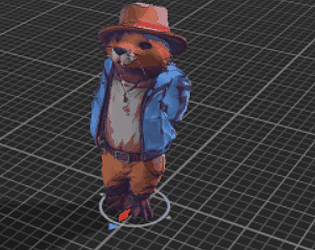
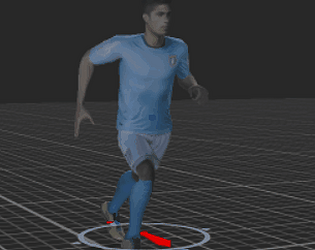
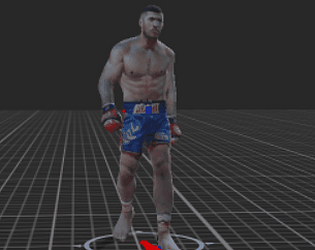
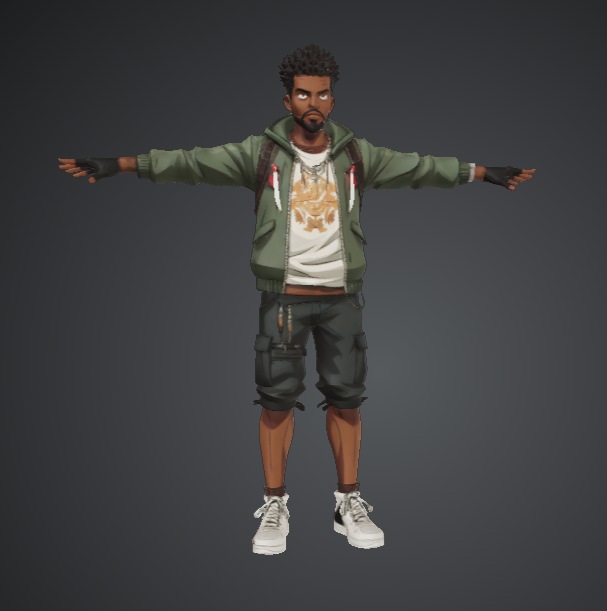
boy series
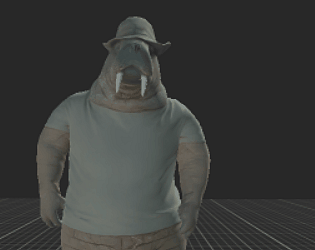
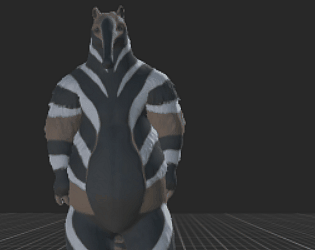
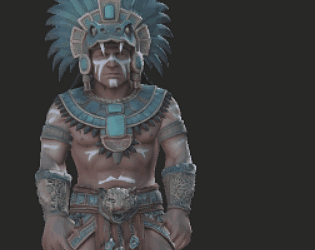
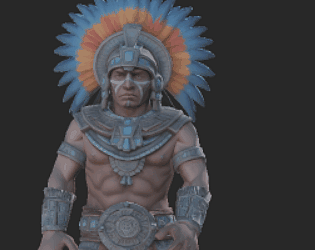
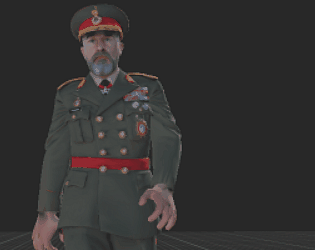
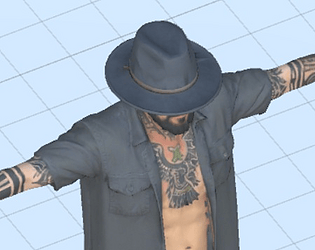
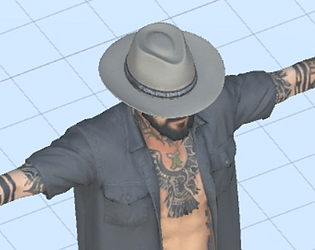
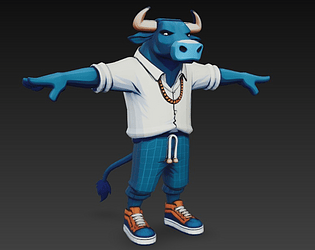
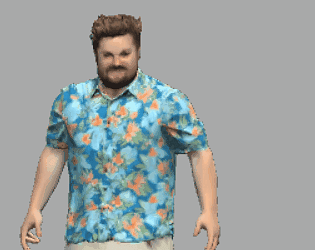
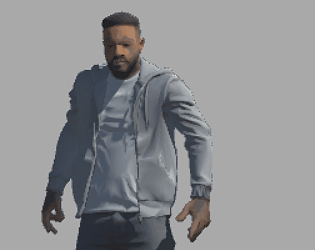
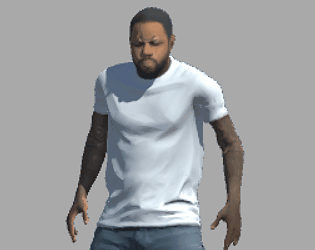
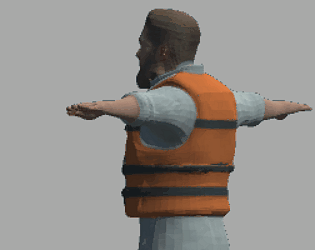
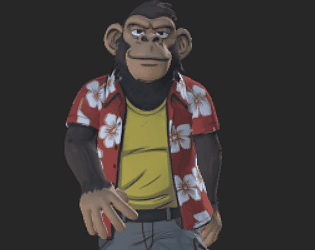
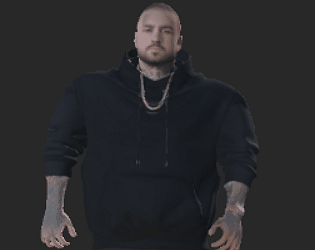
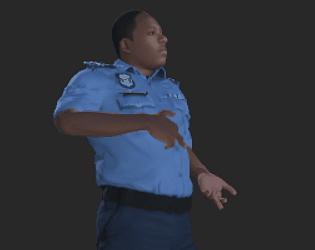
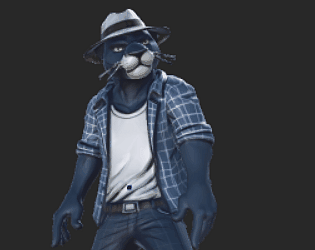
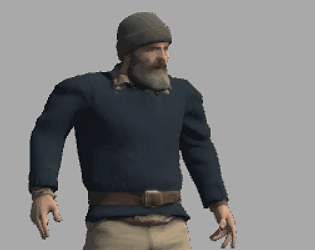
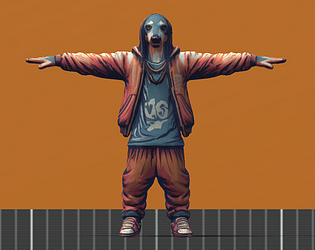
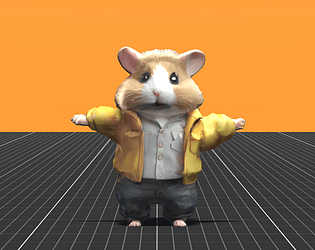
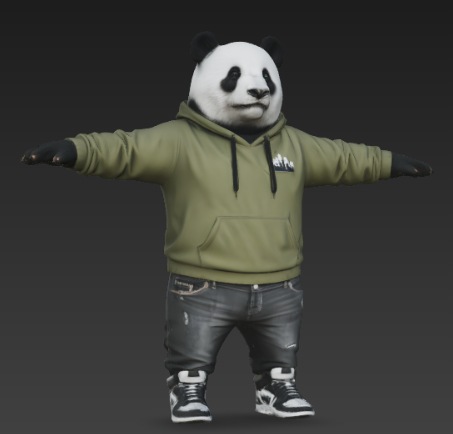
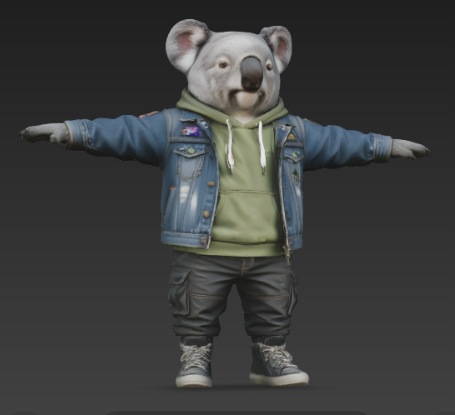
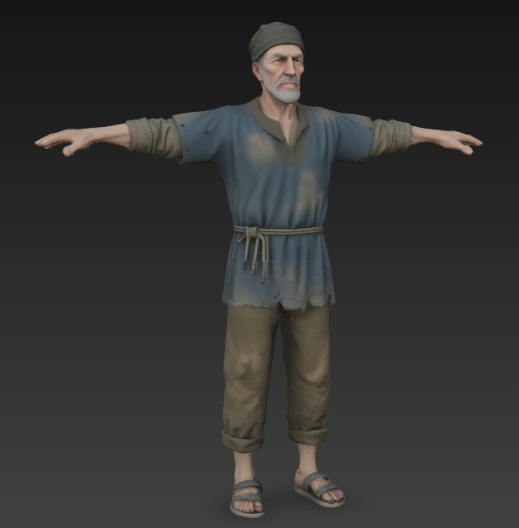
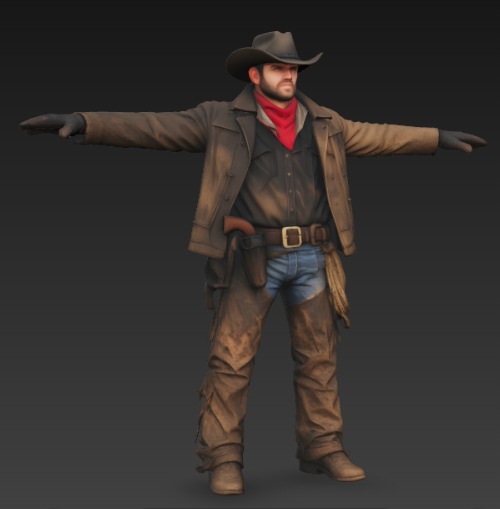
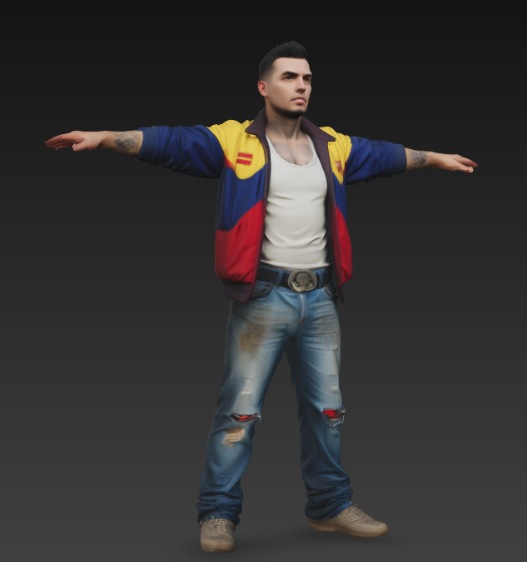
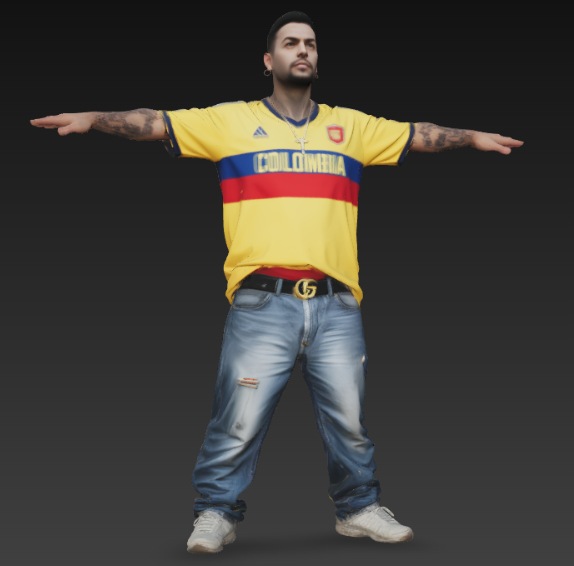
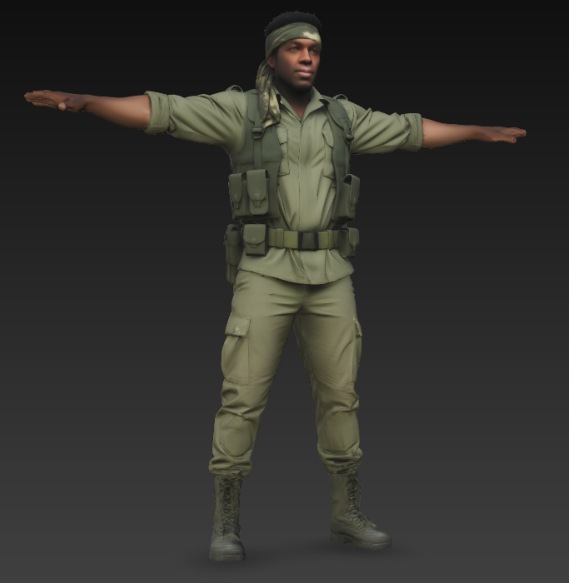
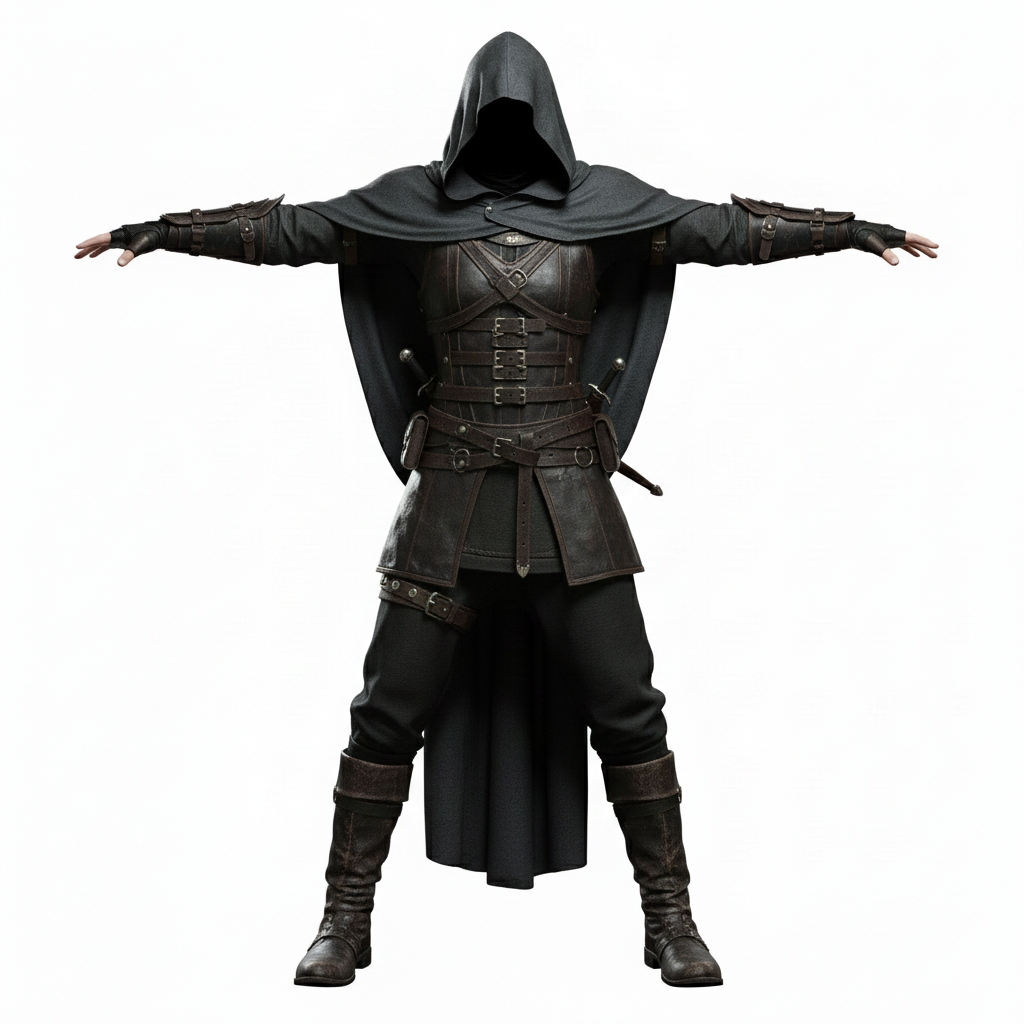
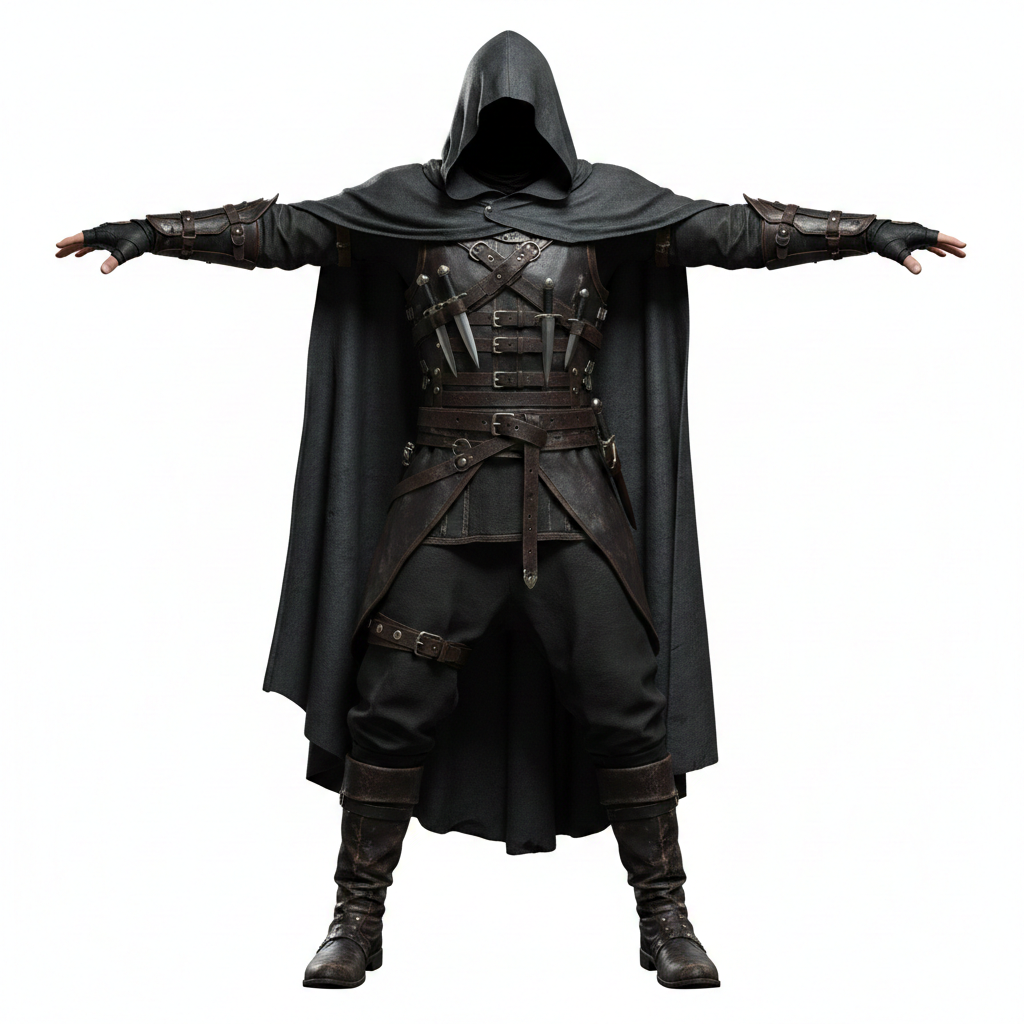
concept T-pose images
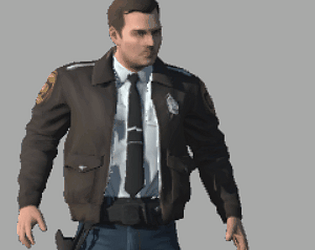
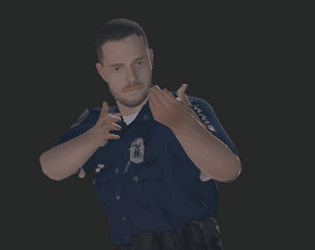
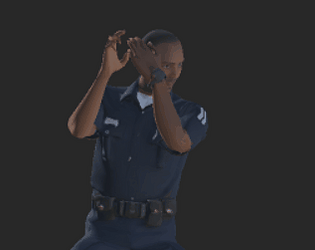
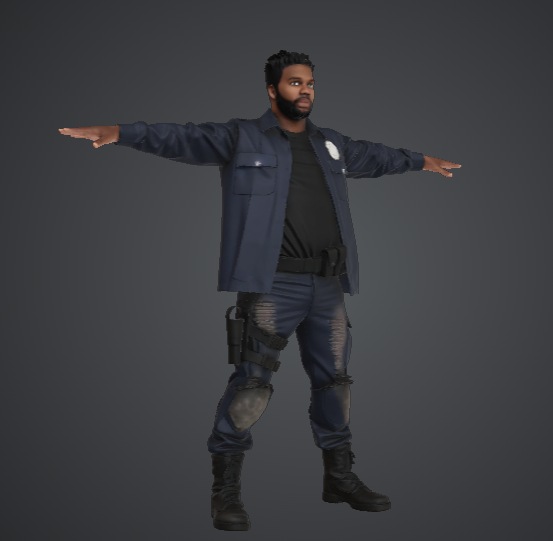
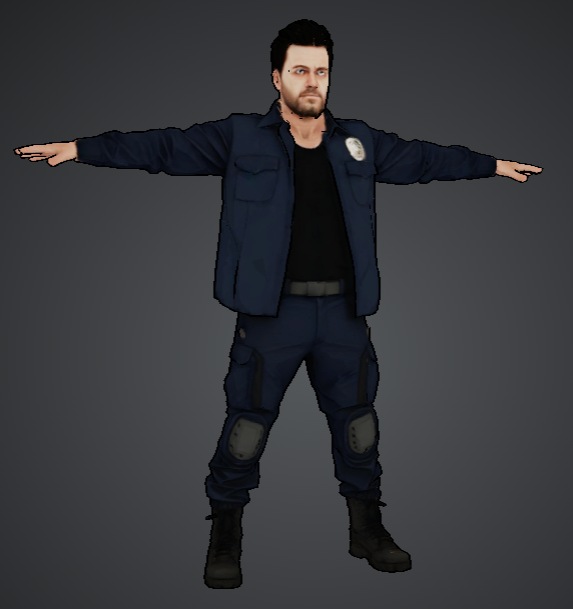
some new cops wip
Select a Mesh object in the scene
Open Tools → Simple Mesh Modifier
Tools → Simple Mesh Modifier
Set Selection Radius
Click Select Vertices by Radius
Adjust Scale
Click Scale Selected Vertices
Red dots show selected vertices in Scene View.
using UnityEngine;
using UnityEditor;
using System.Collections.Generic;
public class SimpleMeshModifier : EditorWindow
{
    GameObject targetObject;
    Mesh mesh;
    Vector3[] vertices;
    float selectionRadius = 0.5f;
    Vector3 scale = Vector3.one * 1.2f;
    List<int> selectedVertices = new List<int>();
    [MenuItem("Tools/Simple Mesh Modifier")]
    static void Open()
    {
        GetWindow<SimpleMeshModifier>("Mesh Modifier");
    }
    void OnGUI()
    {
        GUILayout.Label("Simple Mesh Modifier", EditorStyles.boldLabel);
        targetObject = (GameObject)EditorGUILayout.ObjectField(
            "Target Object",
            targetObject,
            typeof(GameObject),
            true
        );
        selectionRadius = EditorGUILayout.FloatField("Selection Radius", selectionRadius);
        scale = EditorGUILayout.Vector3Field("Scale", scale);
        if (GUILayout.Button("Select Vertices by Radius"))
        {
            SelectVertices();
        }
        if (GUILayout.Button("Scale Selected Vertices"))
        {
            ScaleVertices();
        }
        GUILayout.Label($"Selected Vertices: {selectedVertices.Count}");
    }
    void SelectVertices()
    {
        selectedVertices.Clear();
        if (!ValidateMesh()) return;
        Vector3 center = targetObject.transform.position;
        for (int i = 0; i < vertices.Length; i++)
        {
            Vector3 worldPos = targetObject.transform.TransformPoint(vertices[i]);
            if (Vector3.Distance(worldPos, center) <= selectionRadius)
            {
                selectedVertices.Add(i);
            }
        }
        SceneView.RepaintAll();
    }
    void ScaleVertices()
    {
        if (!ValidateMesh() || selectedVertices.Count == 0) return;
        Undo.RecordObject(mesh, "Scale Vertices");
        Vector3 center = Vector3.zero;
        foreach (int i in selectedVertices)
            center += vertices[i];
        center /= selectedVertices.Count;
        foreach (int i in selectedVertices)
        {
            Vector3 dir = vertices[i] - center;
            vertices[i] = center + Vector3.Scale(dir, scale);
        }
        mesh.vertices = vertices;
        mesh.RecalculateNormals();
        mesh.RecalculateBounds();
        EditorUtility.SetDirty(mesh);
    }
    bool ValidateMesh()
    {
        if (!targetObject) return false;
        MeshFilter mf = targetObject.GetComponent<MeshFilter>();
        if (!mf || !mf.sharedMesh) return false;
        // Duplicate mesh so original asset is not modified
        mesh = Instantiate(mf.sharedMesh);
        mf.sharedMesh = mesh;
        vertices = mesh.vertices;
        return true;
    }
    void OnSceneGUI(SceneView sceneView)
    {
        if (!targetObject || vertices == null) return;
        Handles.color = Color.red;
        foreach (int i in selectedVertices)
        {
            Vector3 worldPos = targetObject.transform.TransformPoint(vertices[i]);
            Handles.SphereHandleCap(
                0,
                worldPos,
                Quaternion.identity,
                0.02f,
                EventType.Repaint
            );
        }
    }
    void OnEnable()
    {
        SceneView.duringSceneGui += OnSceneGUI;
    }
    void OnDisable()
    {
        SceneView.duringSceneGui -= OnSceneGUI;
    }
}
code or preview
it has not been outlawed, so it is staying with us as we speek.
it might endanger work fields or steal IP (trained on) , but it as well could be trained on legal IP.
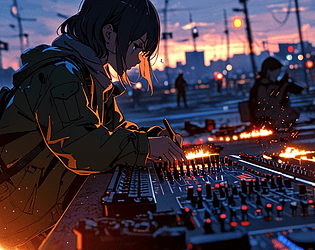
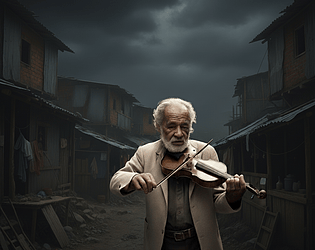
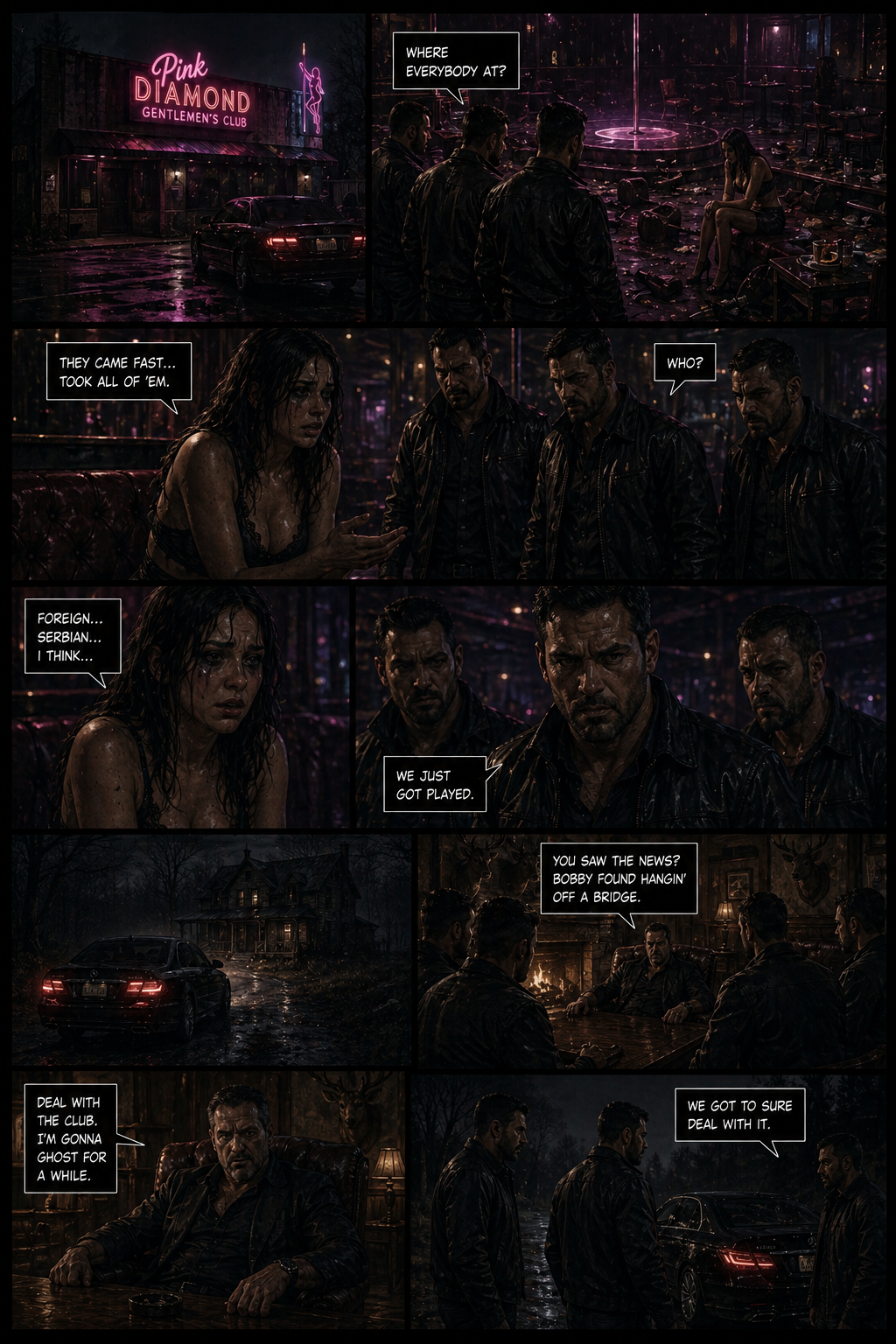
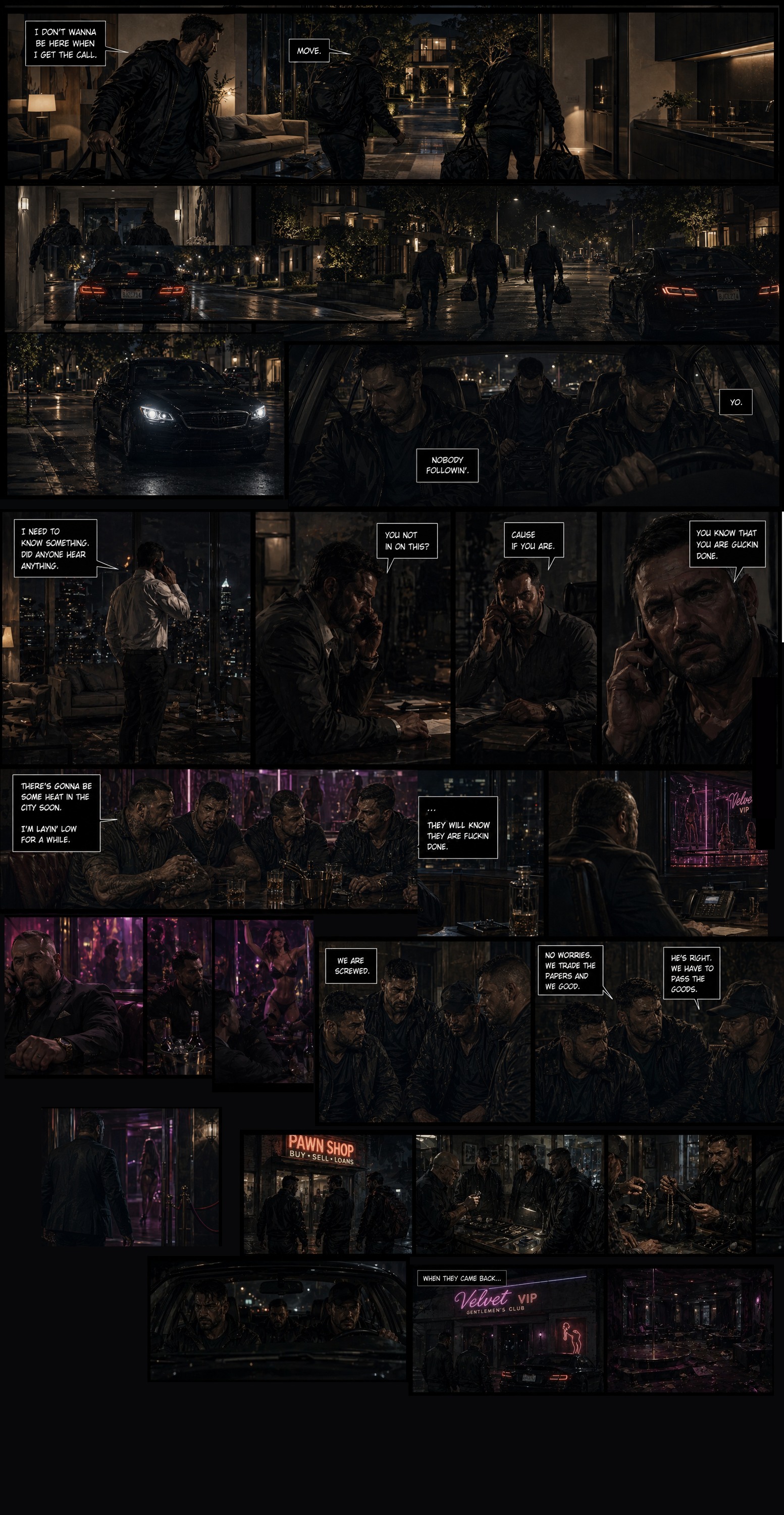
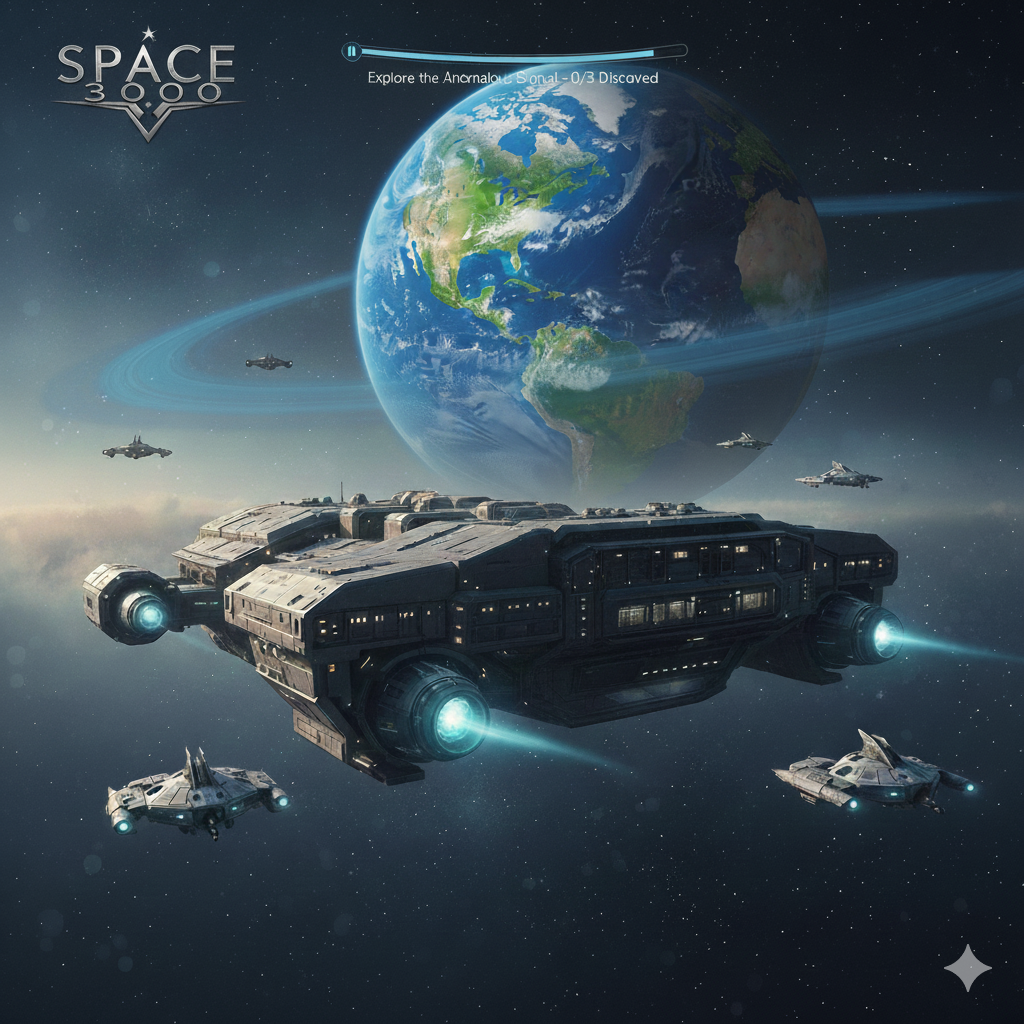
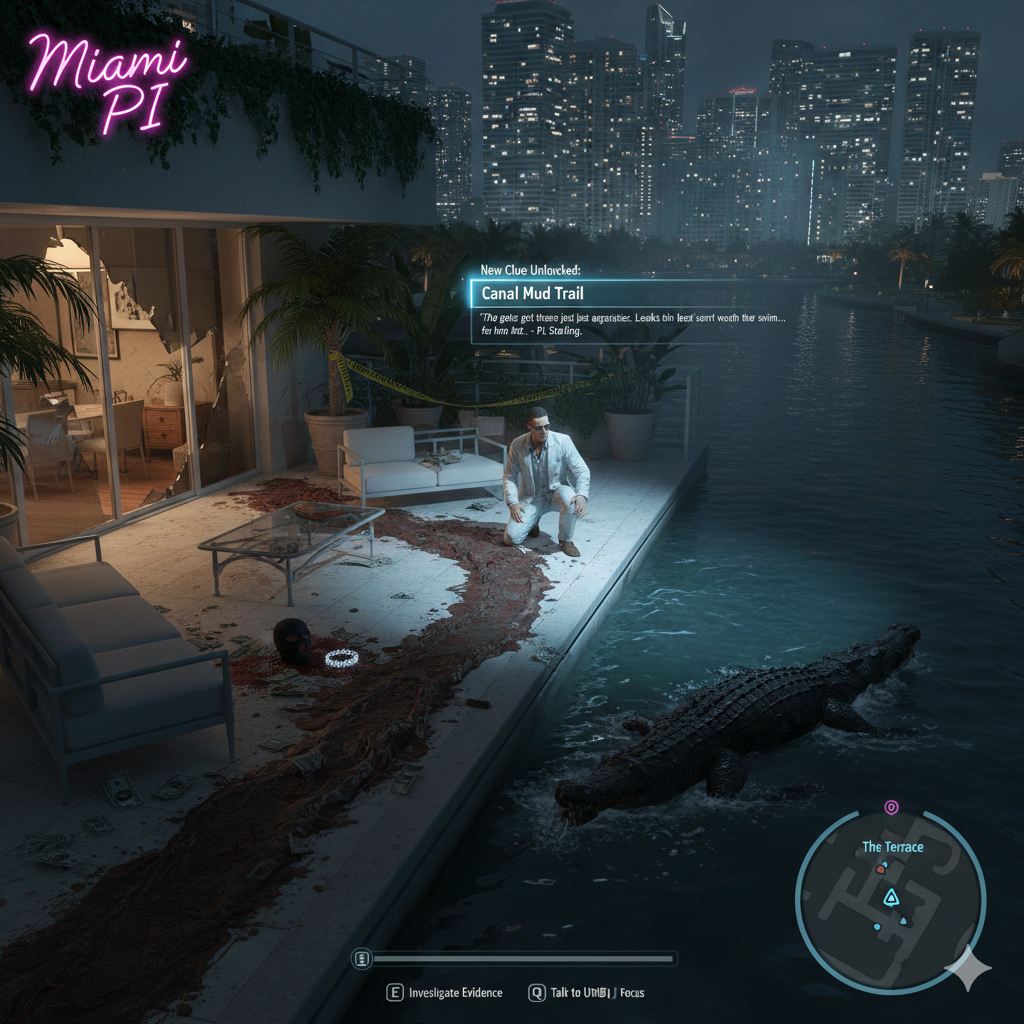
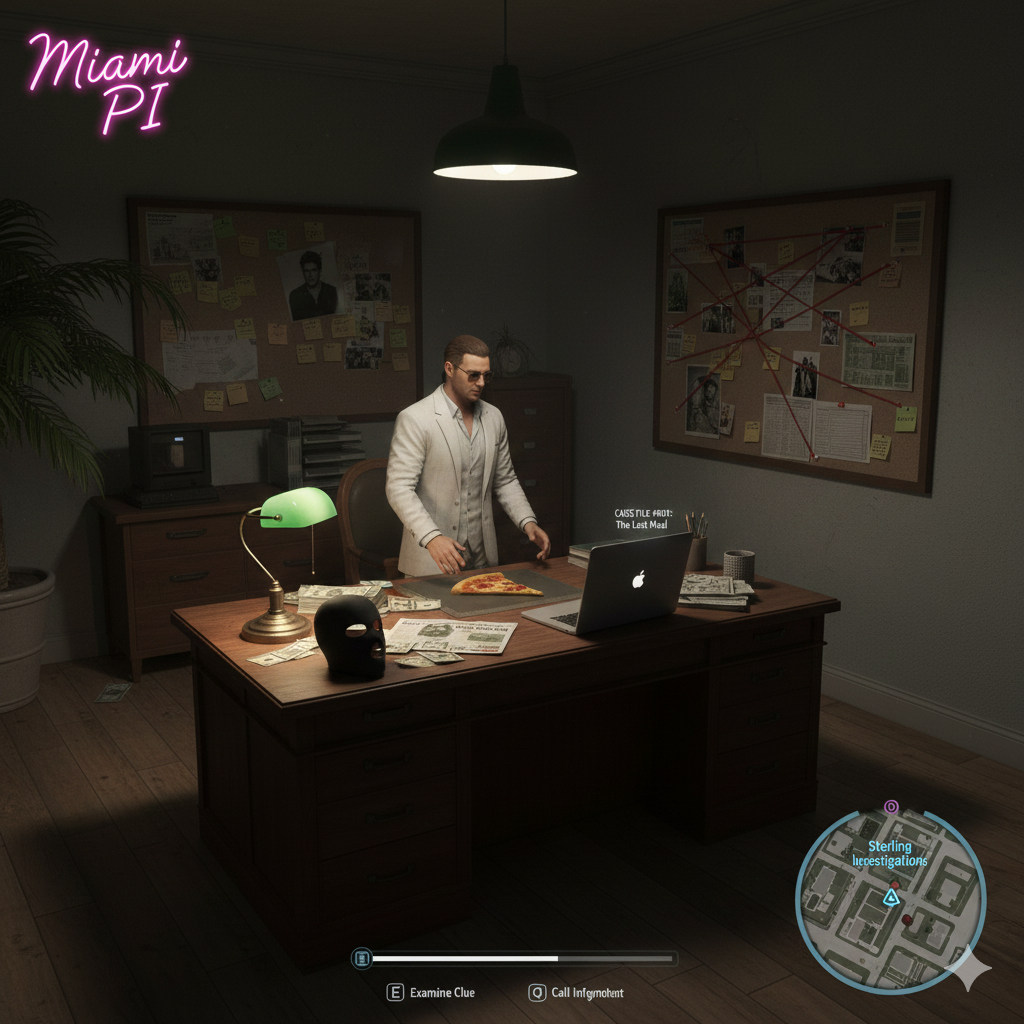
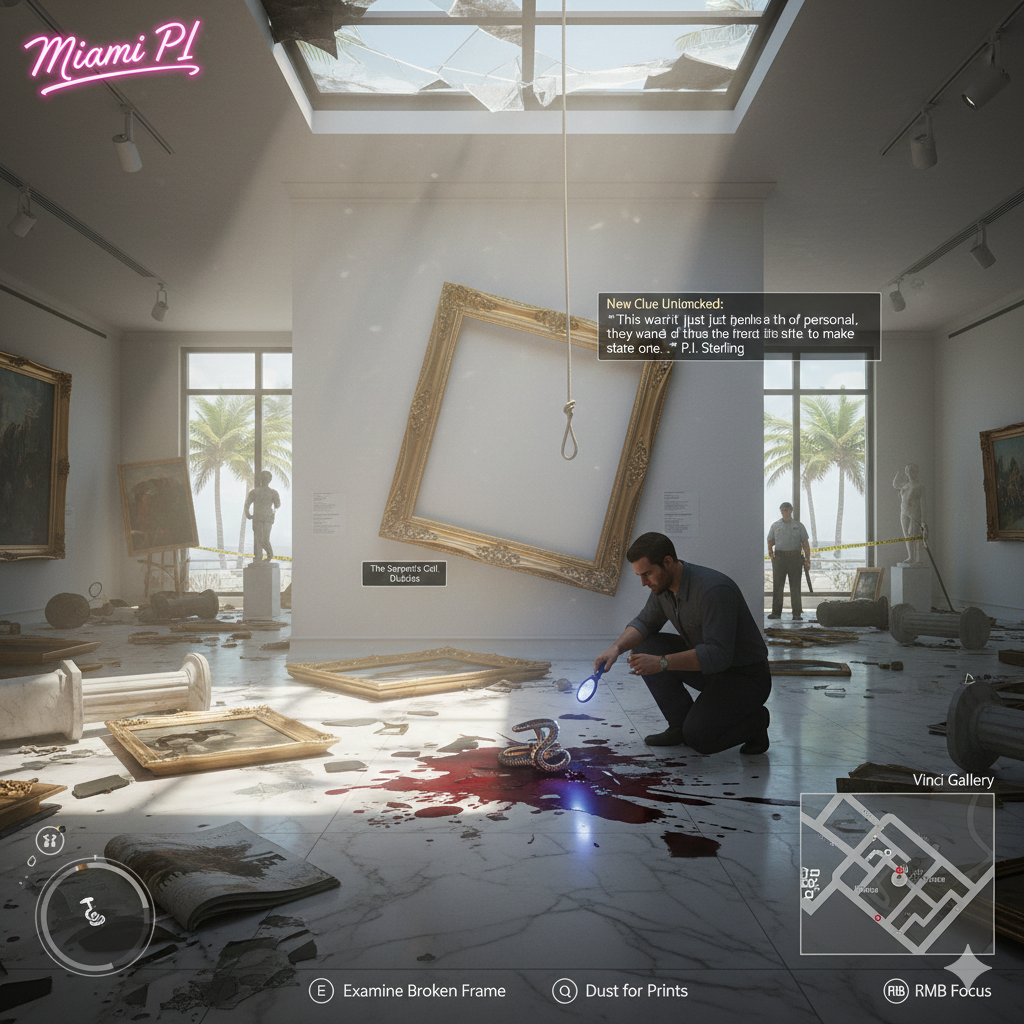
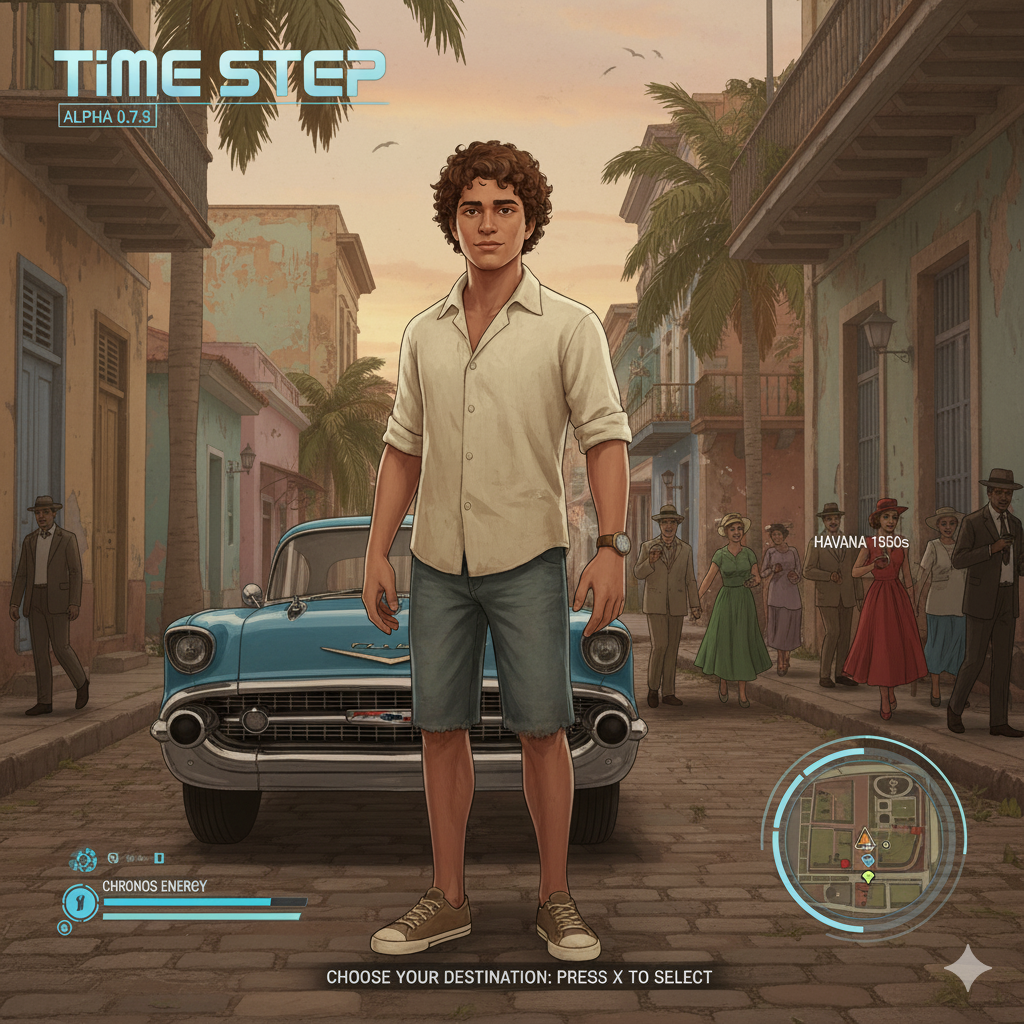
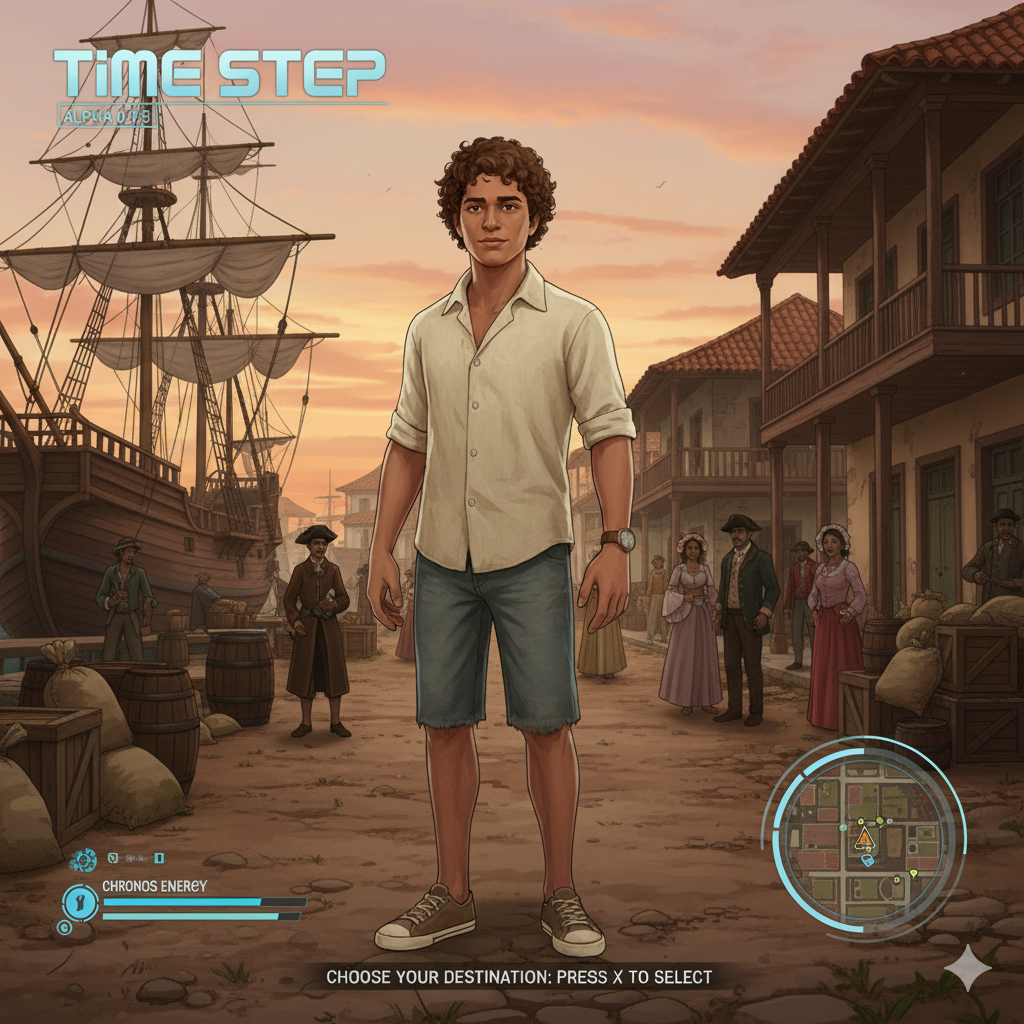
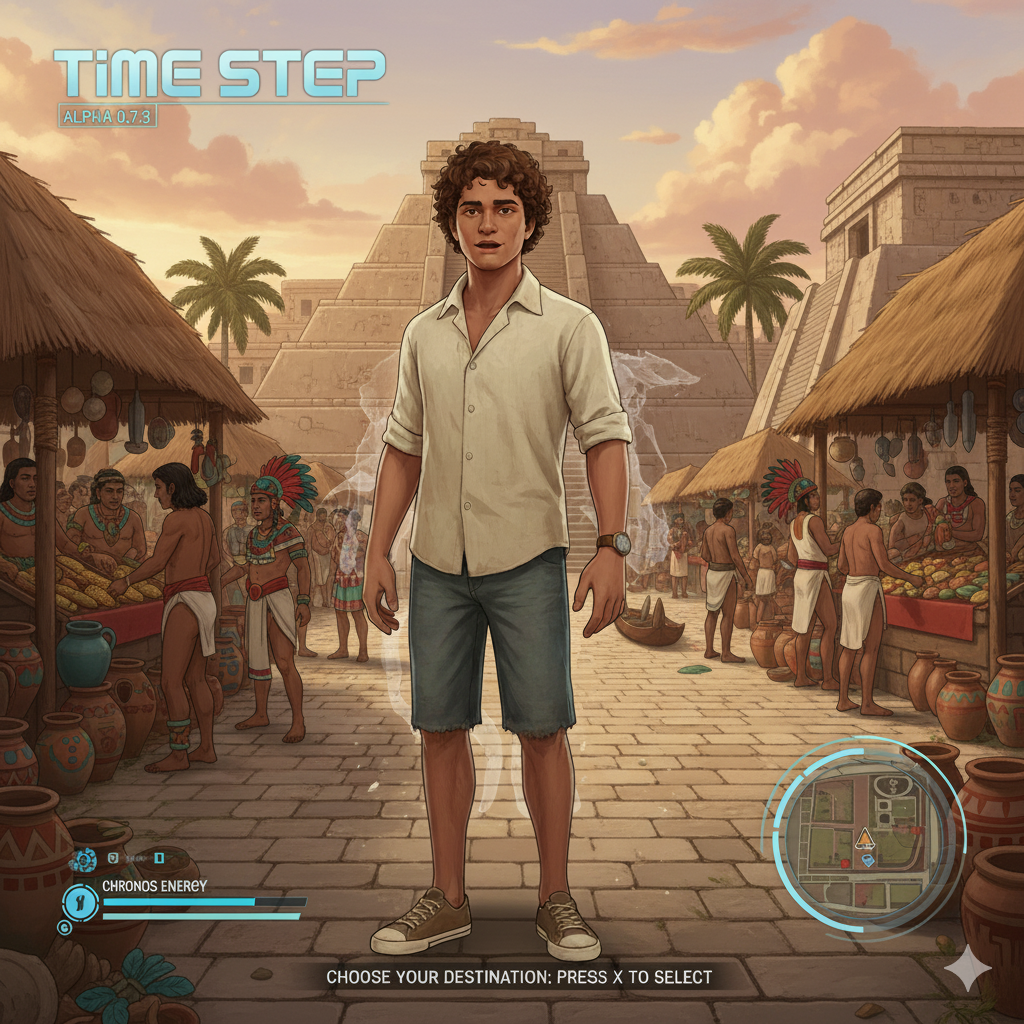
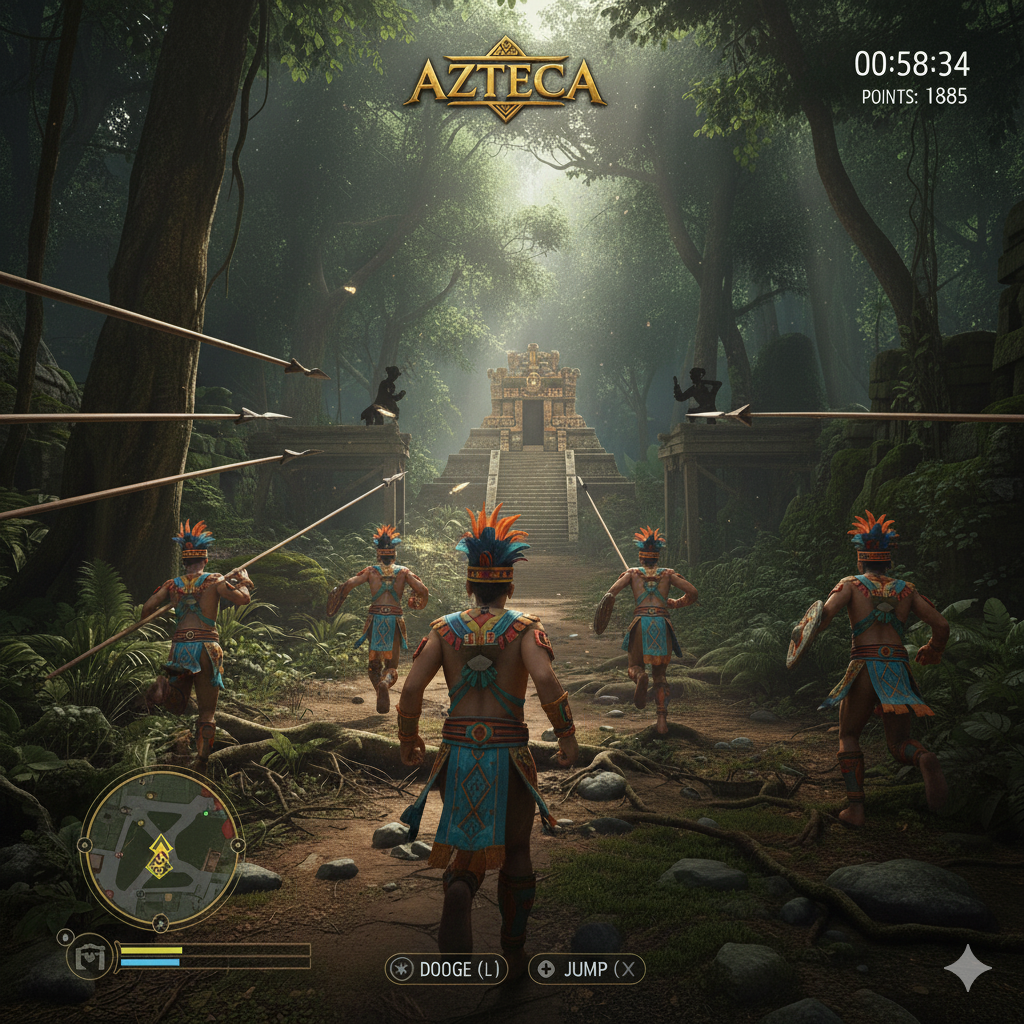
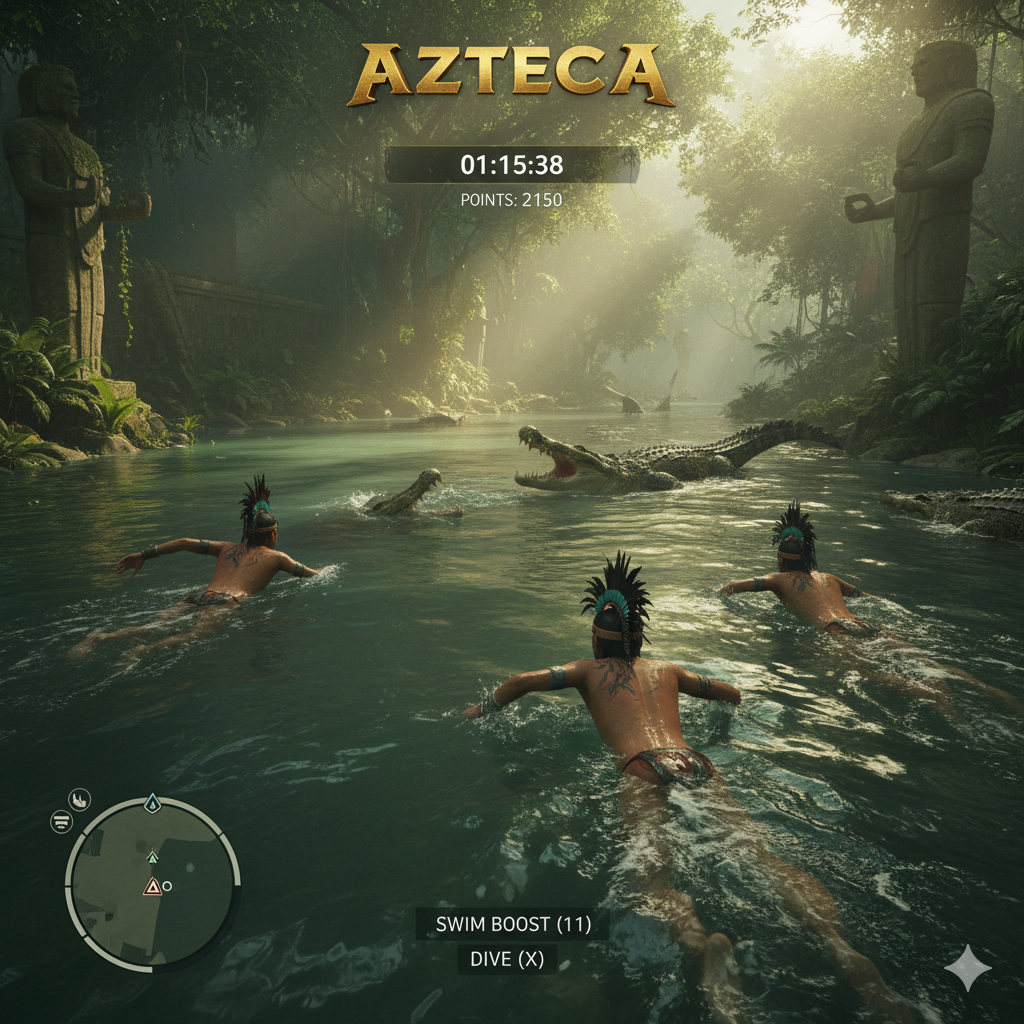
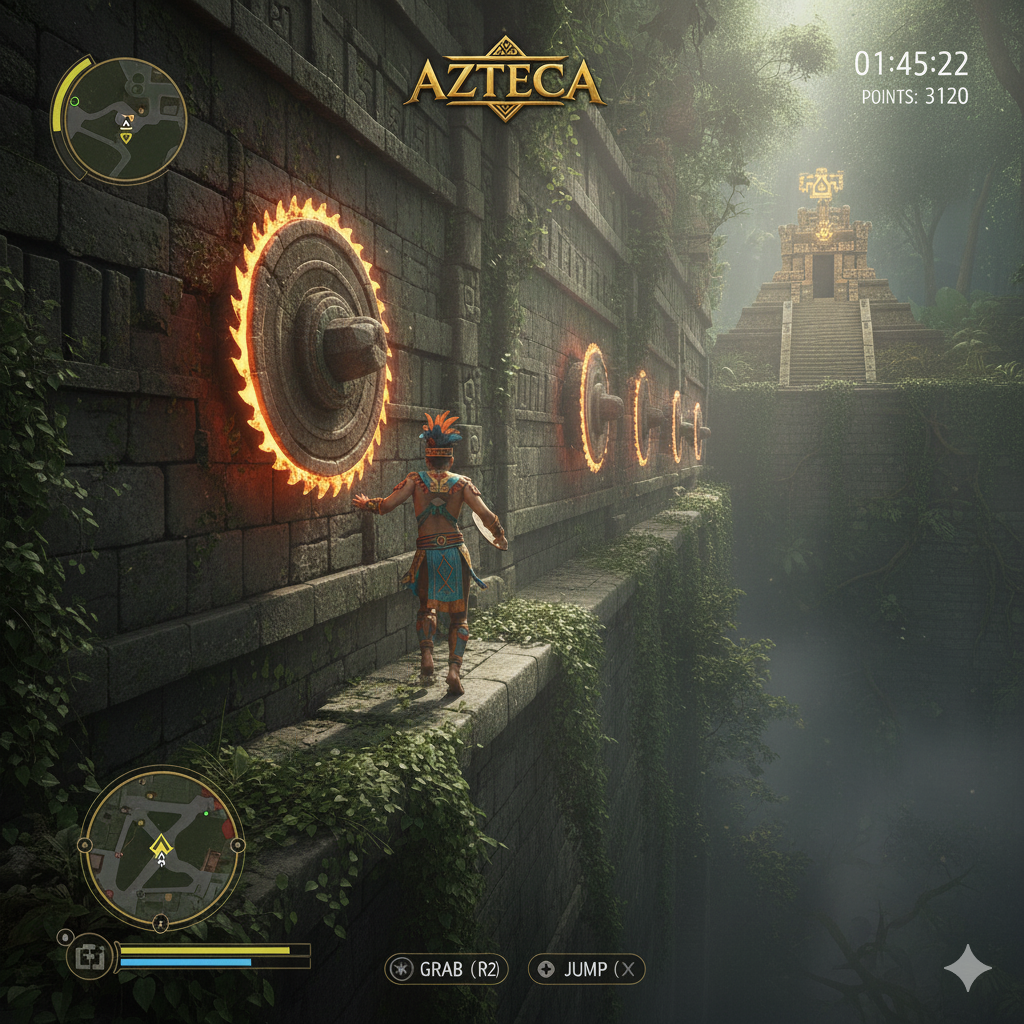
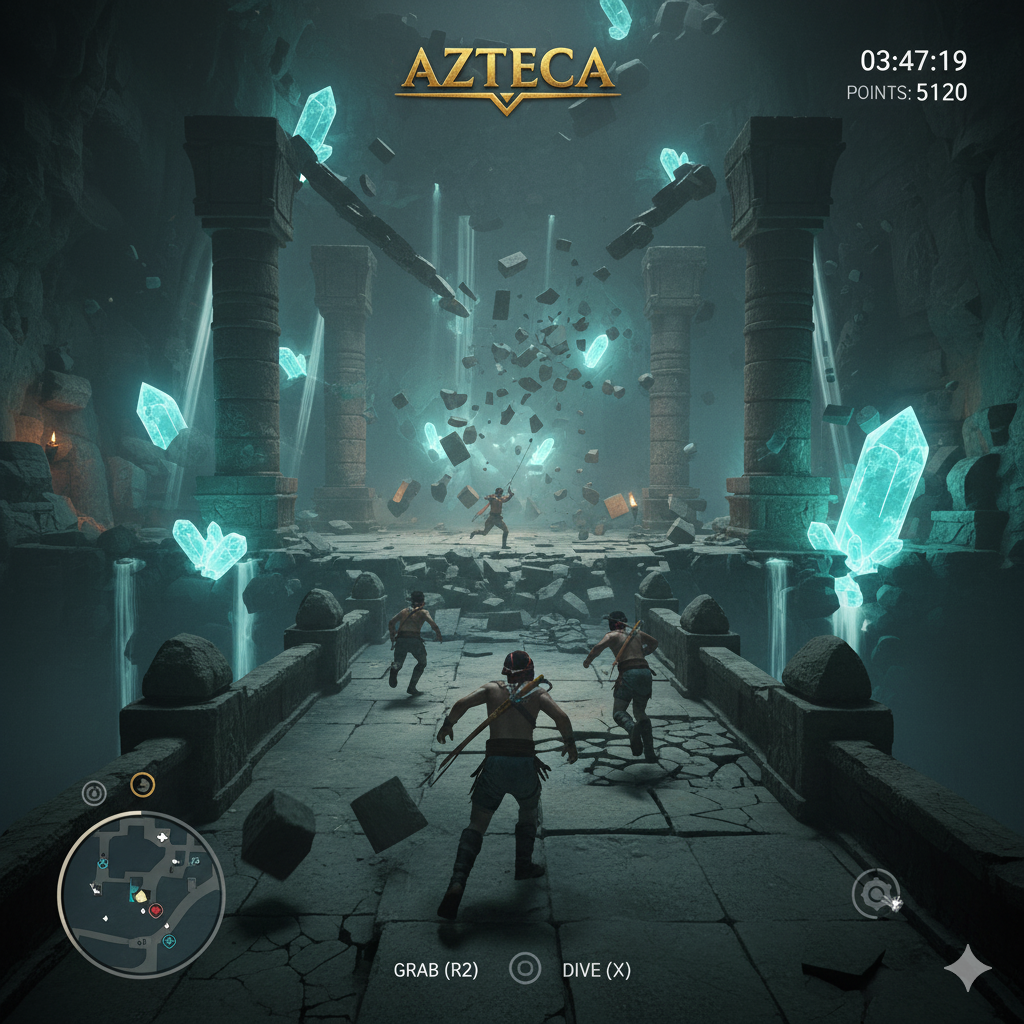
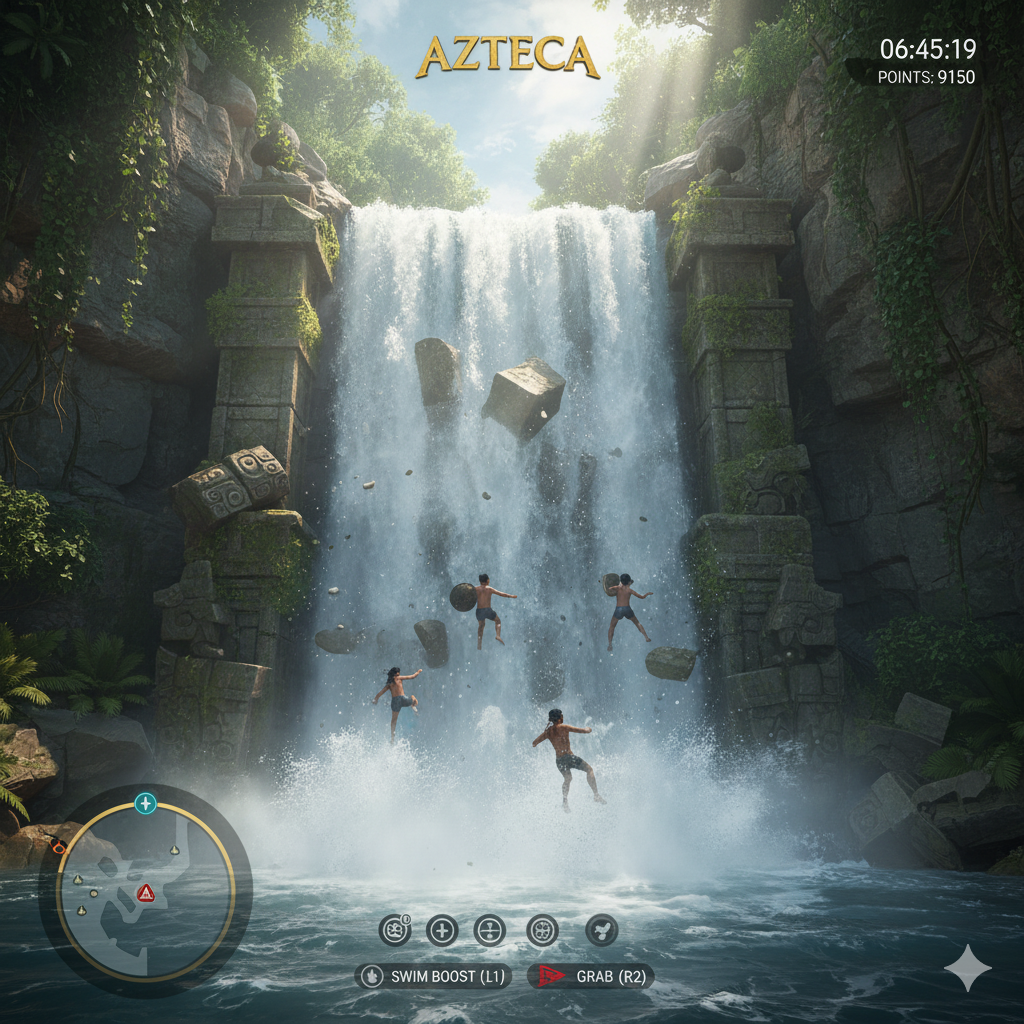
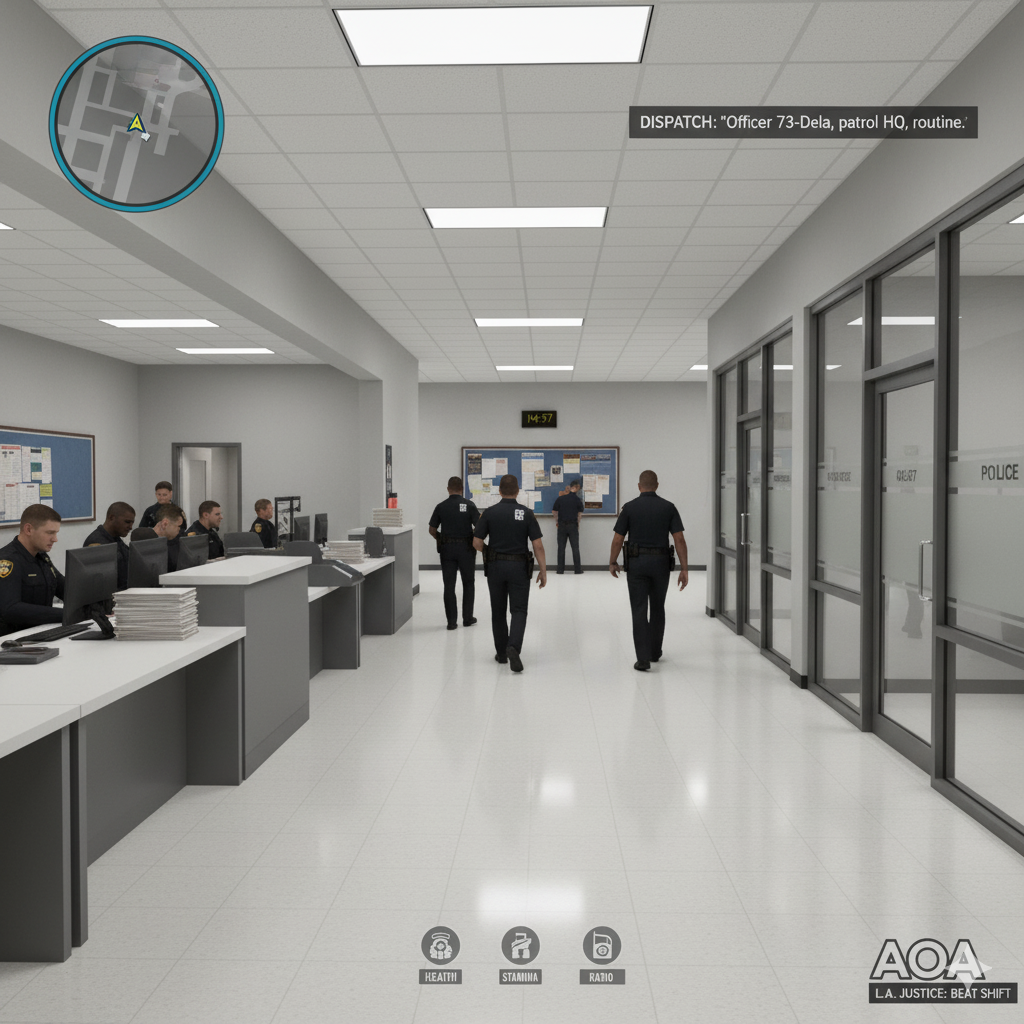
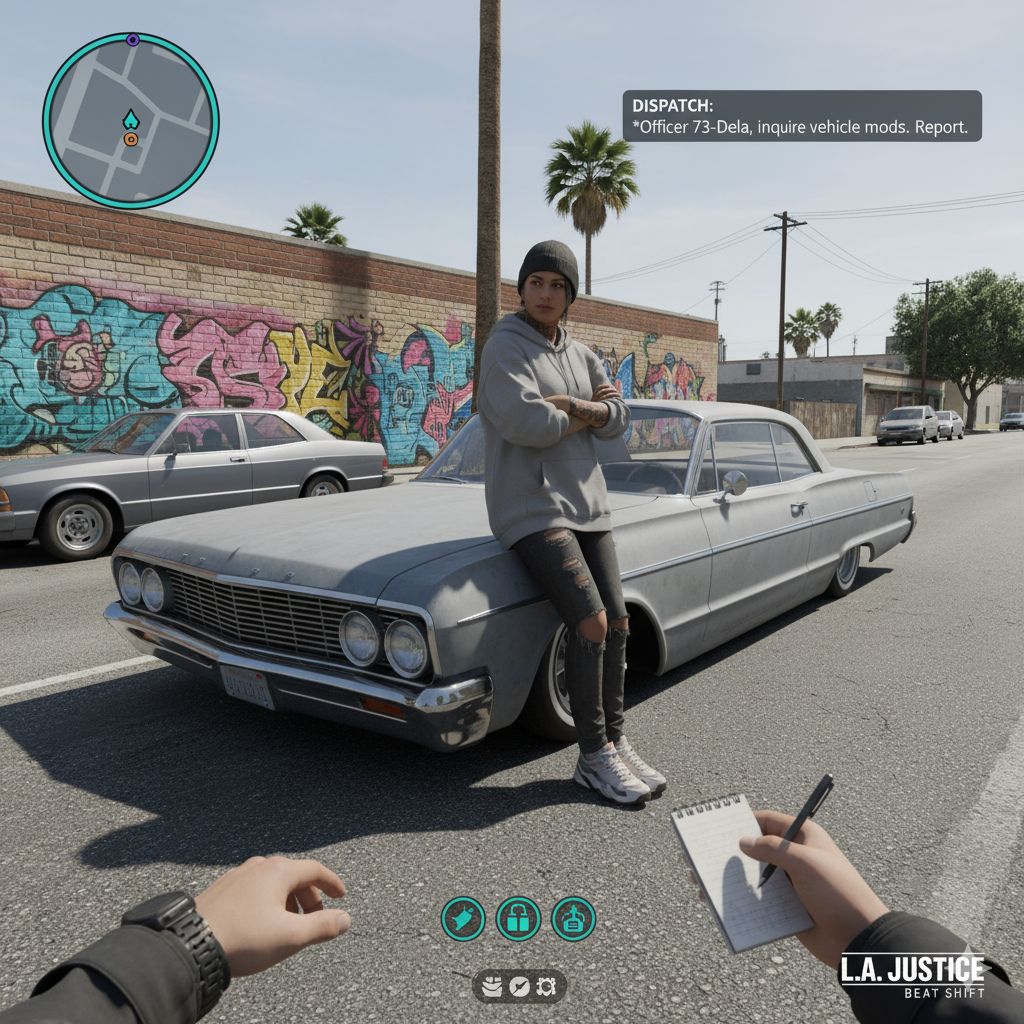
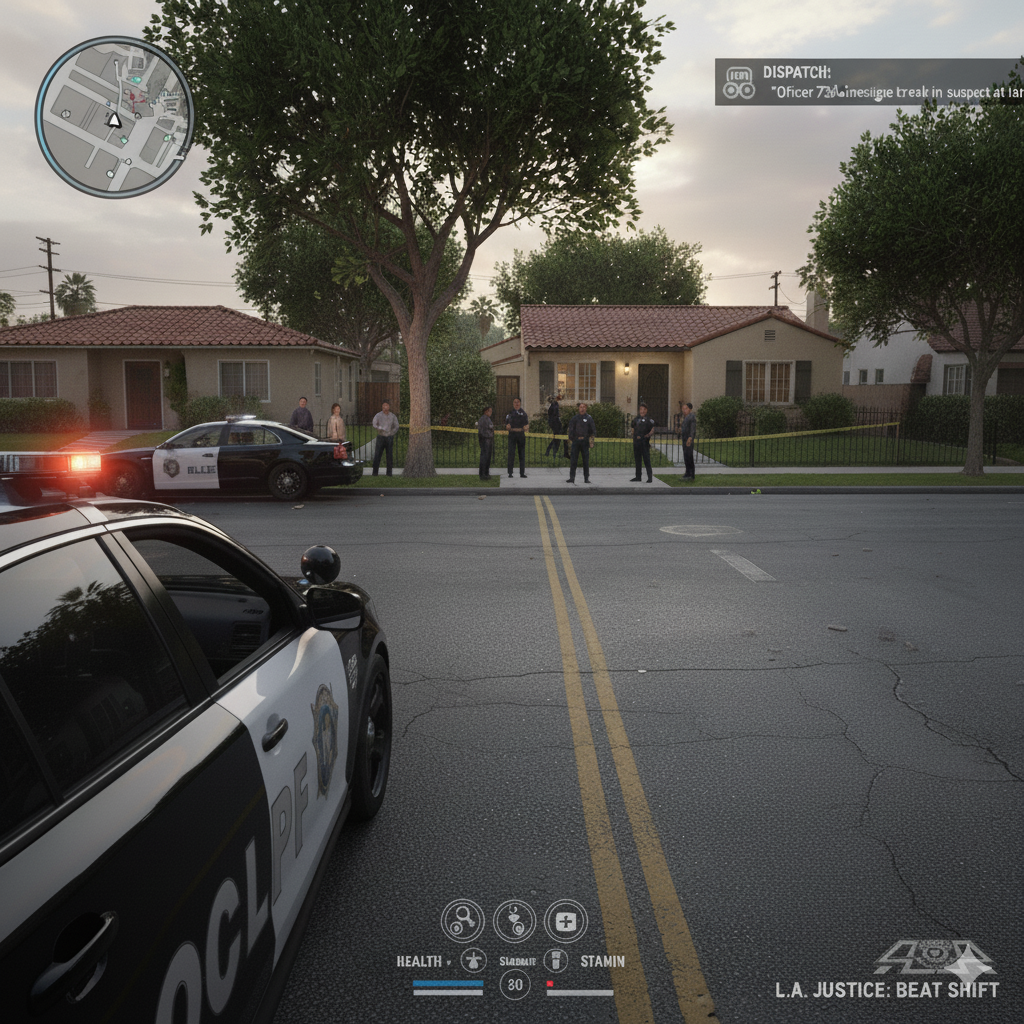
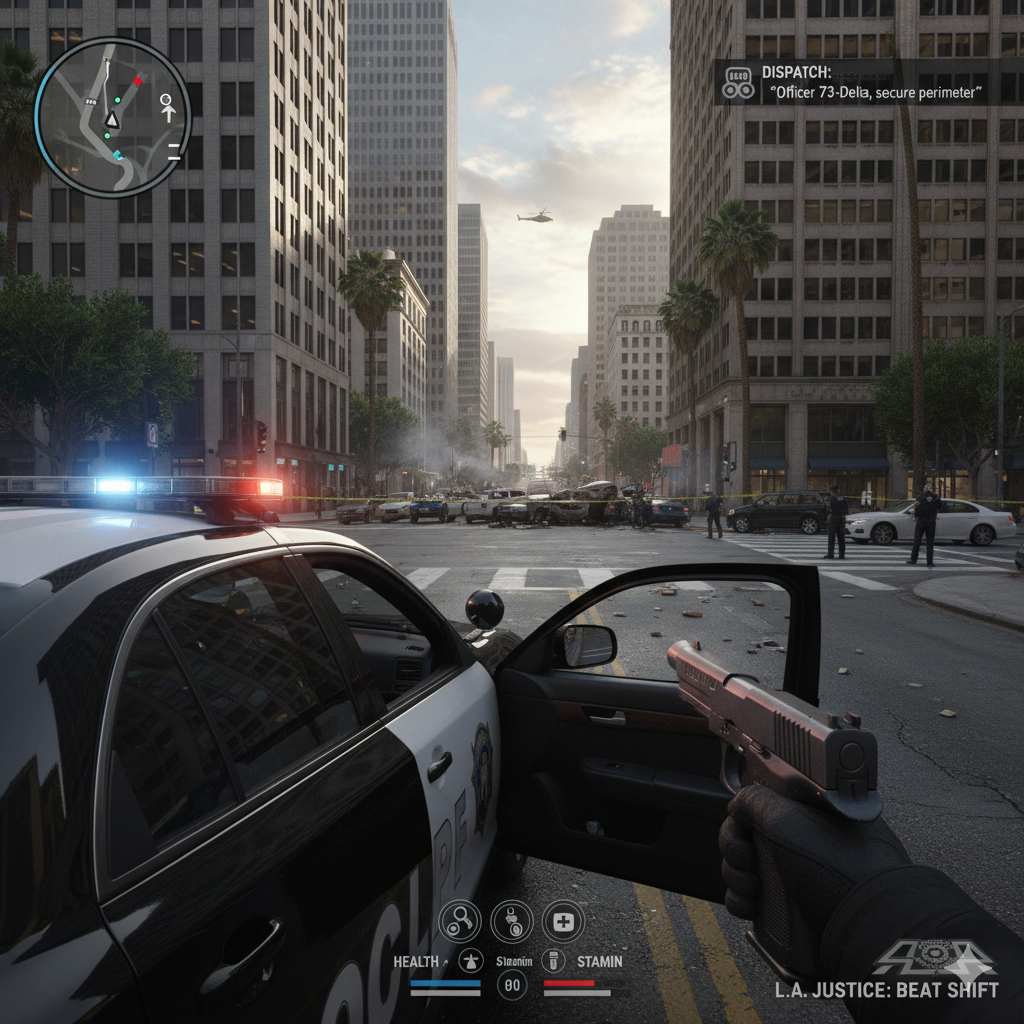
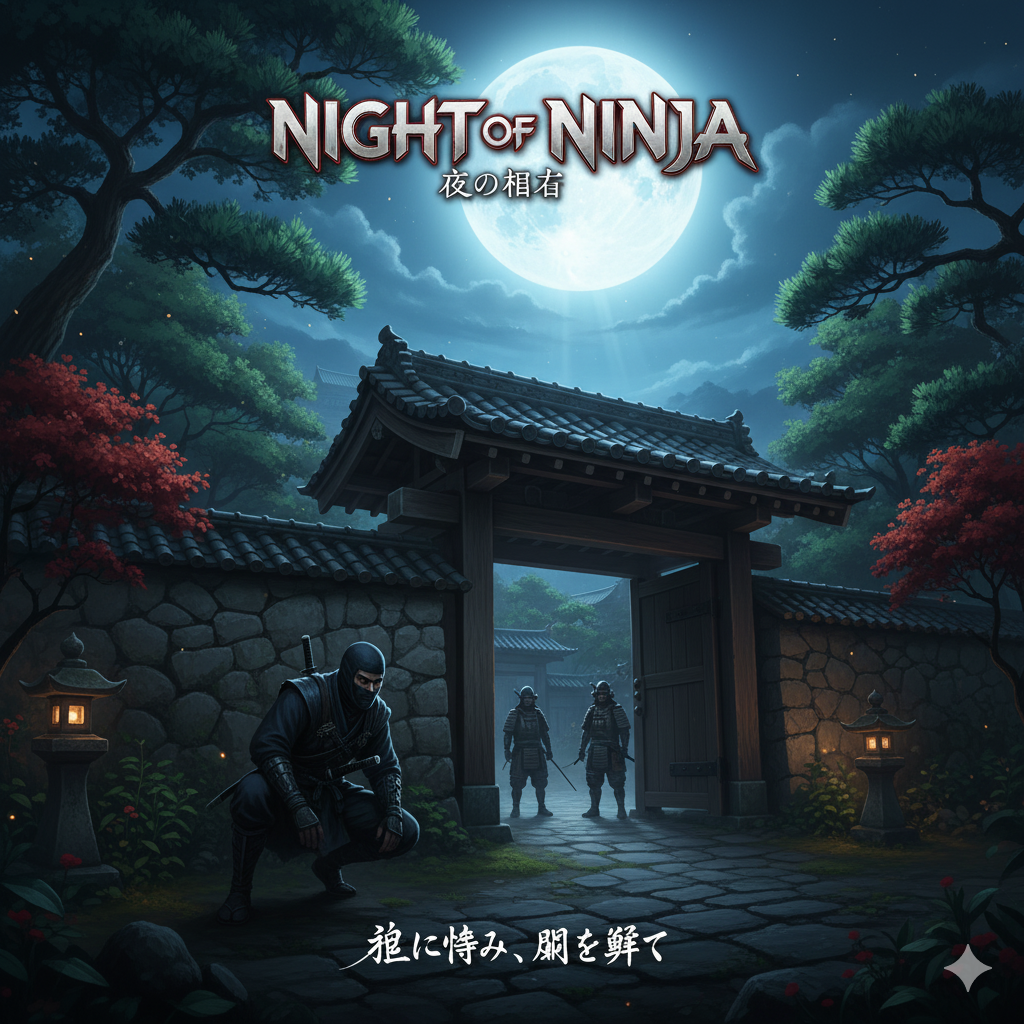
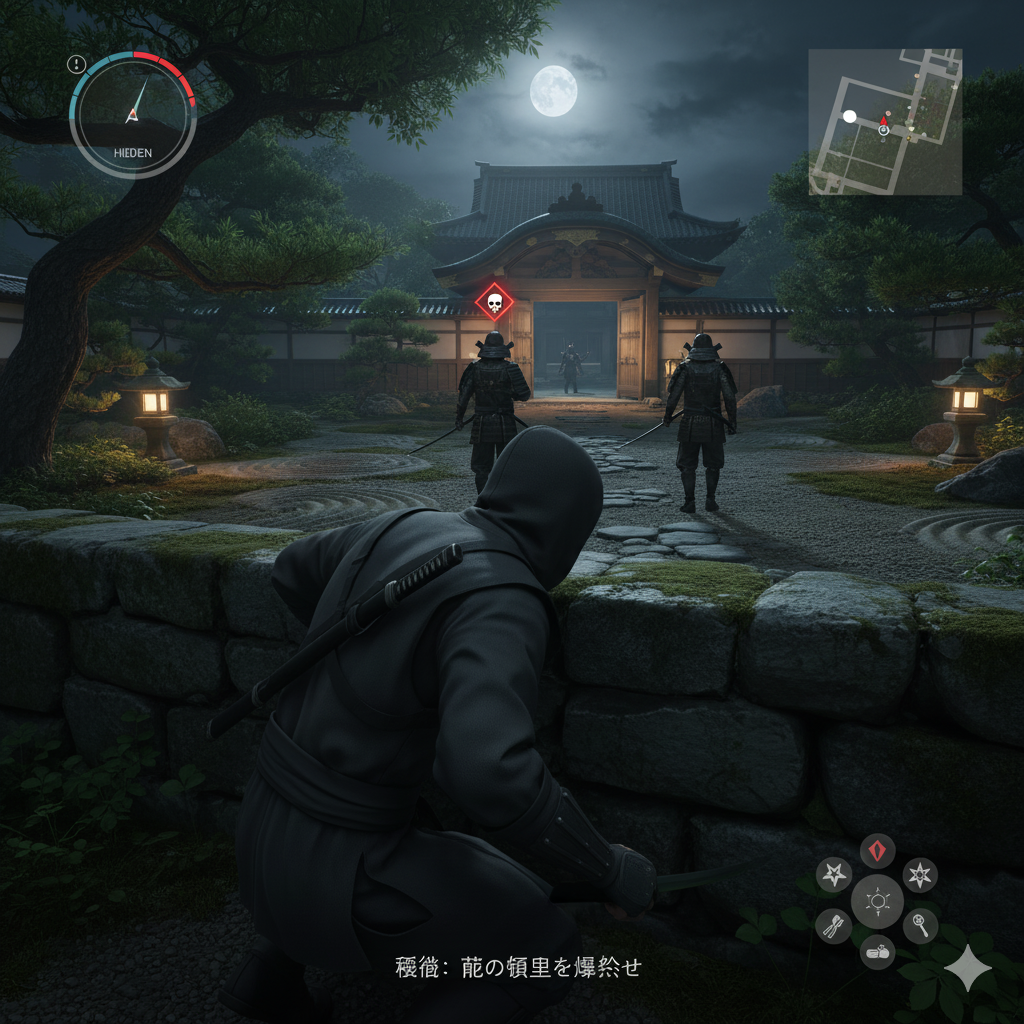
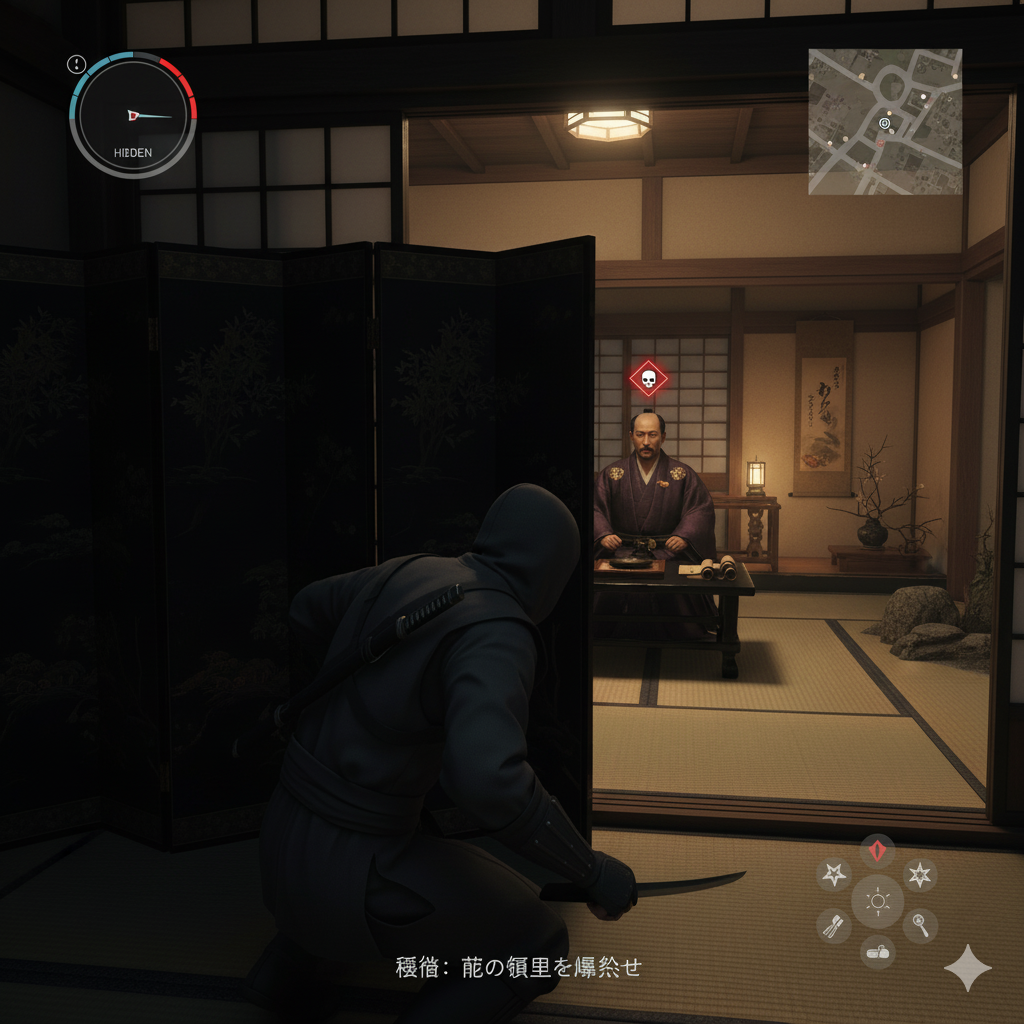
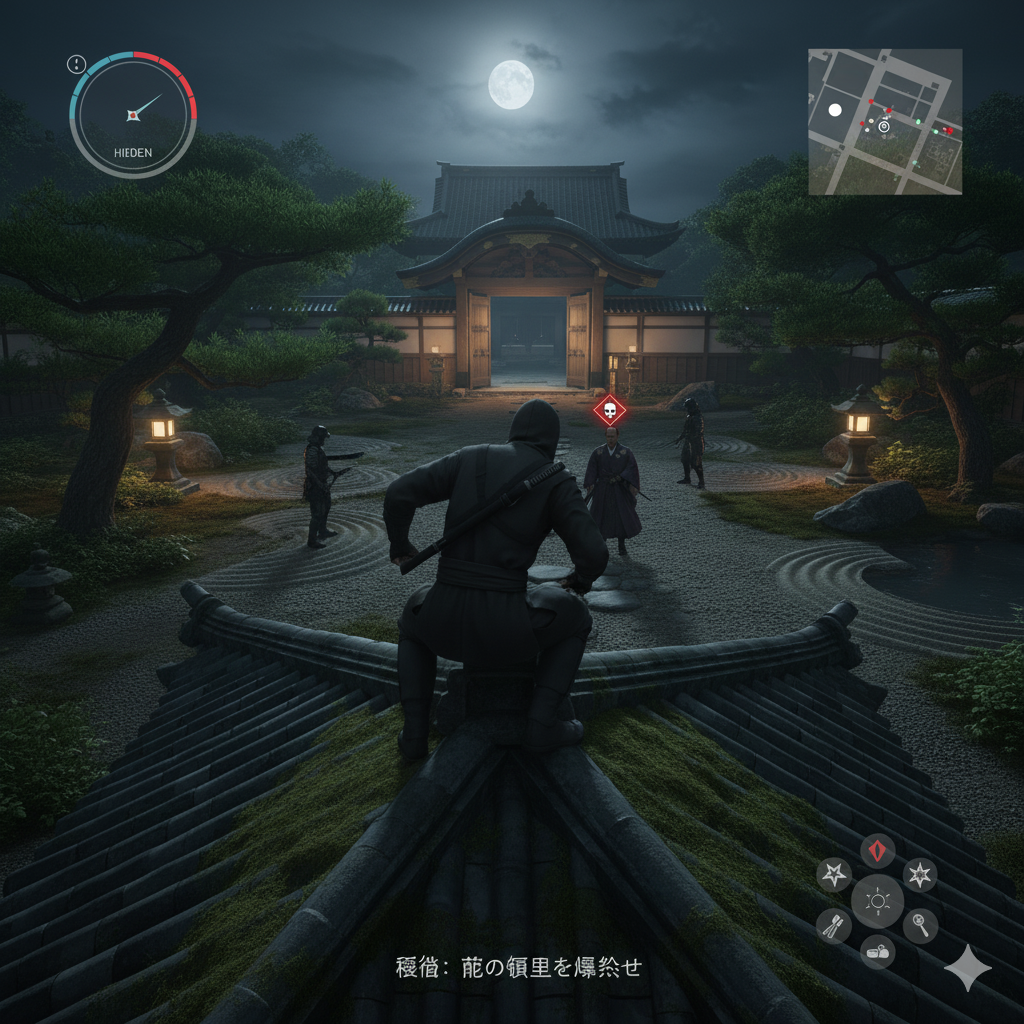
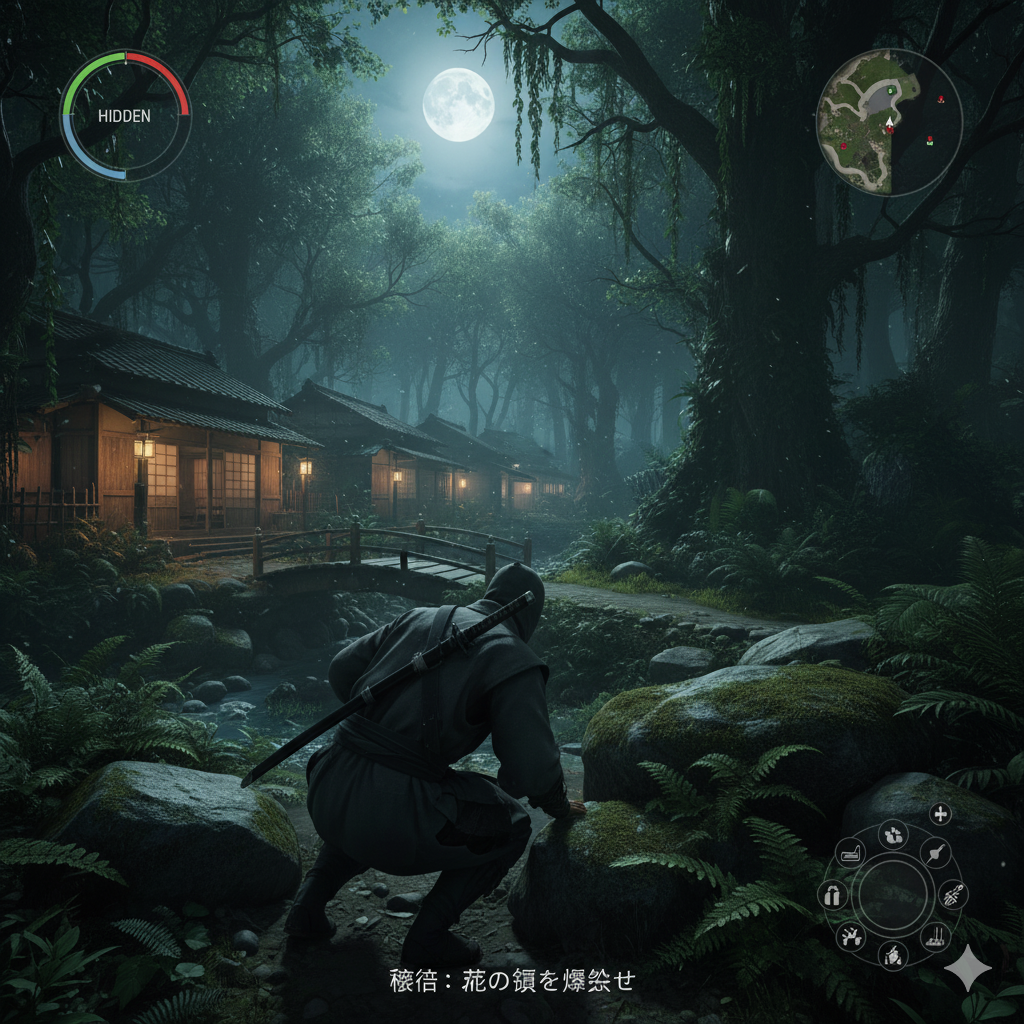
unity. but these are concept art made with gemini
Time step
some T-pose images
some more T-pose images out there
changed the thread title to be more clear.
if I have to explain, then it's not for you.
it's game idea / concept.