

Tool Tutorials Page 2
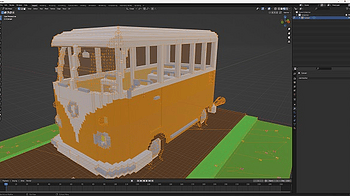
This tutorial explains step by step how to clean up the geometry of voxel models in Blender to prepare them for export to game engines like Unreal, Godot or Uni...
1 file
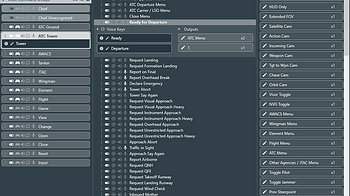
Plugin support provides a way to introduce and set variable values inside of FoxVox. External voice control can also be accomplished by following the steps in a...
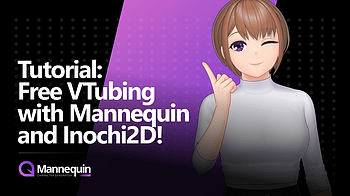
Hello! Just a quick update regarding Inochi2D export in the latest version of Mannequin. We have uploaded two videos that can be used for a quick visual guide r...
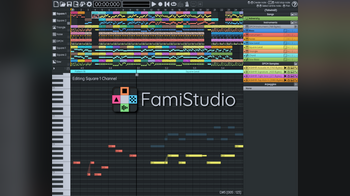
With the release of FamiStudio 2.3.0, I took the time to record a brand new tutorial. In one hour, you will learn how to make a brand new song, from scratch, no...
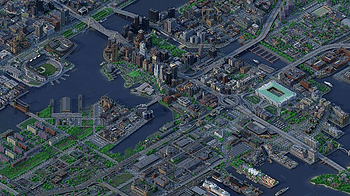
This tutorial covers how to make an isometric voxel render of a Minecraft map in Avoyd, using the arcball camera, tweaking the atmosphere and lighting, tips for...
2 files
I am introducing a new format for short, topic driven tutorials rather than version related content summarizing new features. Hopefully this makes learning easi...
Hello! I'm Stumpy the Squirrel. Let's make a game with RPG in a Box! In this tutorial, we'll create a walk animation for me in the Voxel Editor. It's simple to...
Hello! I'm Stumpy the Squirrel. Let's make a game with RPG in a Box! In this tutorial, we'll create and layer some wall tiles in our map. It's a fun way to lear...
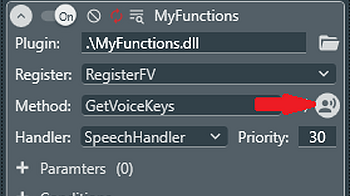
Starting with version 3.4, plugins now support custom voice control. In order to offload voice control to a plugin, the plugin must provide two things: Method...
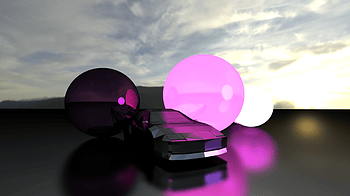
Overview - First build the 3D model you wish to render by adjusting/adding/deleting vertices. Then, when satisfied with the model, hit the render button and th...
Hello! I'm Stumpy the Squirrel. Let's make a game with RPG in a Box! In this tutorial, we'll create a startup script, and then test our game with Quick Play. A...
This tutorial was made for the version 1.0.0 you have to adapt the naming of the files that changes in new version First you have to extract the file from the...
2 files
Hello! I'm Stumpy the Squirrel. Let's make a game with RPG in a Box! In this tutorial, we'll create a sign that the player can interact with. As part of this, y...
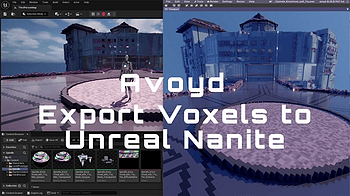
Avoyd 0.26 added a direct to optimised glTF binary mesh export pipeline . We recorded a short video showing how to get your voxel models into Unreal Engine 5+ w...
1 file
Hello! I'm Stumpy the Squirrel. Let's make a game with RPG in a Box! In this first tutorial, we'll set up our project and learn how to create me in the Voxel Ed...
Hello! I'm Stumpy the Squirrel. Let's make a game with RPG in a Box! In this tutorial, we'll make our map a bit more interesting by creating a functional door t...
Hello! I'm Stumpy the Squirrel. Let's make a game with RPG in a Box! In this tutorial, we'll create a grass tile, and then make a map with it in the Map Editor...
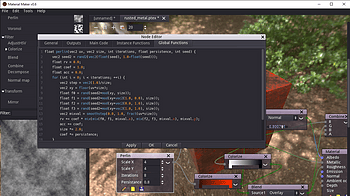
Here is a small guide that shows how to create new GLSL-based texture generators. Please don't hesitate to ask questions in comments so I can update it. First...
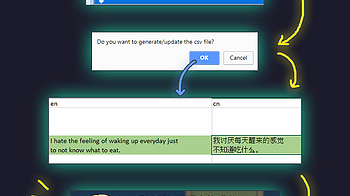
Auto generate translation file and translate your game without replacing your in-editor text
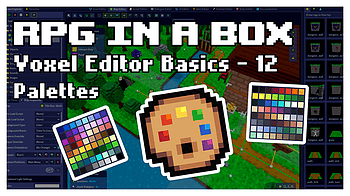
Check out the latest video in Sarah's Voxel Editor Basics tutorial series in which she explains how color palettes work! 😁👍...
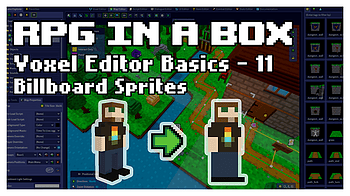
Check out the latest tutorial in the Voxel Editor Basics series! In this video, Sarah explains how to turn your characters and objects into flat billboard sprit...
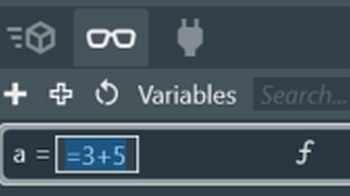
Starting with v3.0, FoxVox introduced support for formula evaluations on variables. Formulas are created by preceding the variable value with the equals symbol...
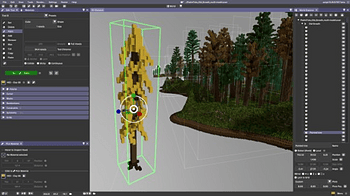
The multi-model voxel functionality is still subject to change. For now what you need to know to use multi-model in this beta is as follows: Setup - before you...
1 file
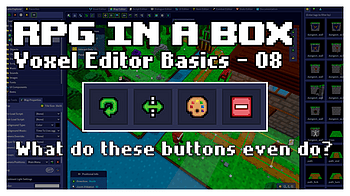
Another entry in the Voxel Editor Basics tutorial series has arrived! 🥳 In this video, Sarah explains the Rotate, Flip, Apply Palette, and Clear tools locate...
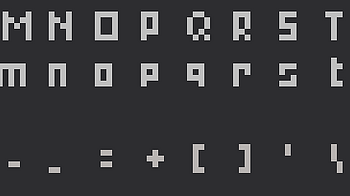
this post gives information about the supported fonts for the Write Tool for Aseprite. Aseprite Font This is the default font for the Aseprite UI. Aseprite Mini...
Hello! I'm Stumpy the Squirrel. Let's make a game with RPG in a Box! In this tutorial, we'll create an idle animation for me in the Voxel Editor. Let's get star...
Exciting News, RPG Creators! I'm happy to announce the 2D RPG Kit 4.0 Update is now live! This latest version brings a host of enhancements, new features, and b...
2 files
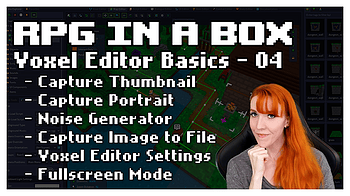
Check out "Voxel Editor Basics 04", the fourth video in a new series focused on the Voxel Editor! This beginner level video covers Capture Thumbnail, Capture Po...
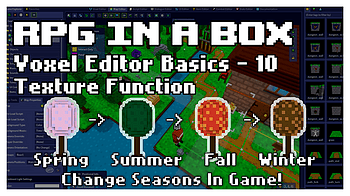
Hey everyone, check out Sarah's new Voxel Editor tutorial covering the Textures feature! It even includes a bonus mini scripting tutorial! If you're new to scri...
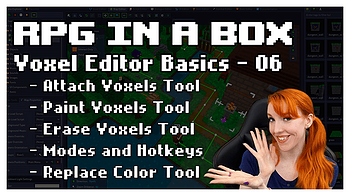
Learn about the basic model tools (Attach, Paint, and Erase) and their Box/Voxel/Face modes in "Voxel Editor Basics 06", the sixth video in a new series focused...
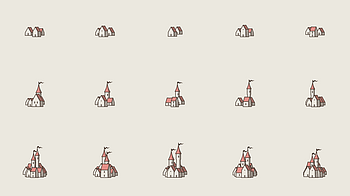
Enter - reroll current icon T - reroll shapes Shift+T - reset shapes O - open Options dialog S - open Colors dialog H - change the shading mode R - reroll color...
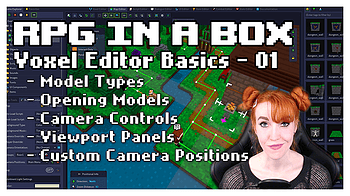
Check out "Voxel Editor Basics 01", the first video in a new short-format tutorial series focused on the Voxel Editor! This quick video covers the very basics o...
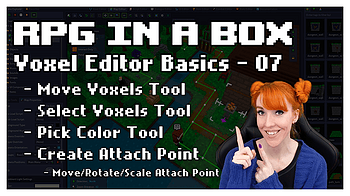
Learn about some more of the modelling tools (Move Voxels, Select Voxels, Pick Color, and Create Attach Point) in "Voxel Editor Basics 07", a new tutorial serie...
Check out "Voxel Editor Basics 05", the fifth video in a new short-format tutorial series focused on the Voxel Editor! This beginner level video covers everythi...
Check out "Voxel Editor Basics 02", the second video in a new short-format tutorial series focused on the Voxel Editor! This beginner level video starts to cove...
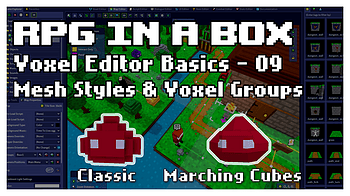
Even though RPG in a Box is voxel-based, you don't have to be stuck with cubes! Learn about a smoother mesh option and how to use groups to mix and match styles...
Check out "Voxel Editor Basics 03", the third video in a new short-format tutorial series focused on the Voxel Editor! This beginner level video covers the disp...
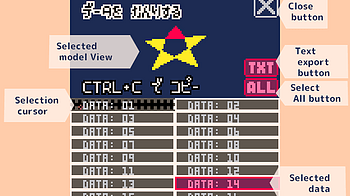
About PELOGEN2 3D model data PELOGEN2 data is managed using sprite data for Pico-8. Paste it into Pico-8's sprite editor and use it. Interface Selected model Vi...
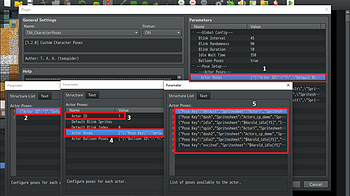
TAA_CharacterPoses is a powerful plugin. Understanding how to work with it can be a bit challenging, but once you do you'll see it is not that hard. To help wit...
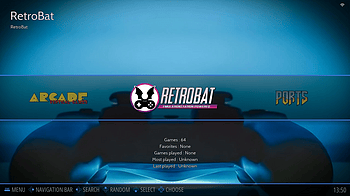
RetroBat is already configured and provide integrated features for the following emulators: retroarch (multi systems libretro cores) applewin (apple II) arcadef...
3 files
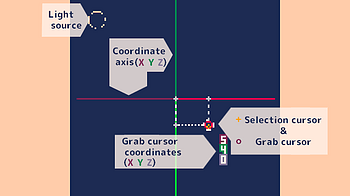
Interface Selection cursor A cursor for selecting vertices. Grab cursor Appears at the location where you add a triangular face or at the vertex you are moving...
9 files
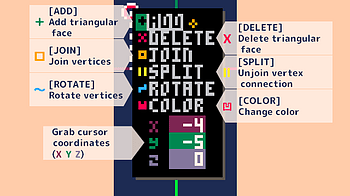
Interface [ADD] Add triangular surface Selecting ADD displays the Add Model menu. By selecting a model, the selected model is added to the position of the grab...
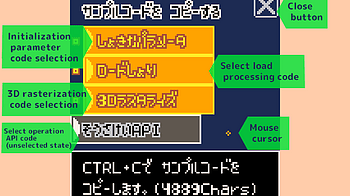
About sample code The sample code allows you to display a 3D model created with PELOGEN2 in the Pico-8 environment. Paste the code into Pico-8's code editor to...
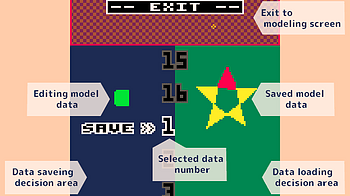
Interface Data save decision area [SAVE] When in save mode (image above), click to save to the selected data number. It is not accepted in load mode. Data loadi...
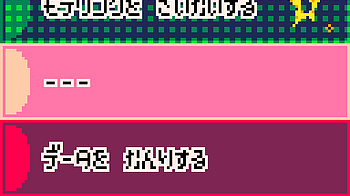
Start PELOGEN2! PELOGEN2 is mainly operated with a mouse. The title will be displayed after the manufacturer logo. Click to move to the start menu. Start menu M...
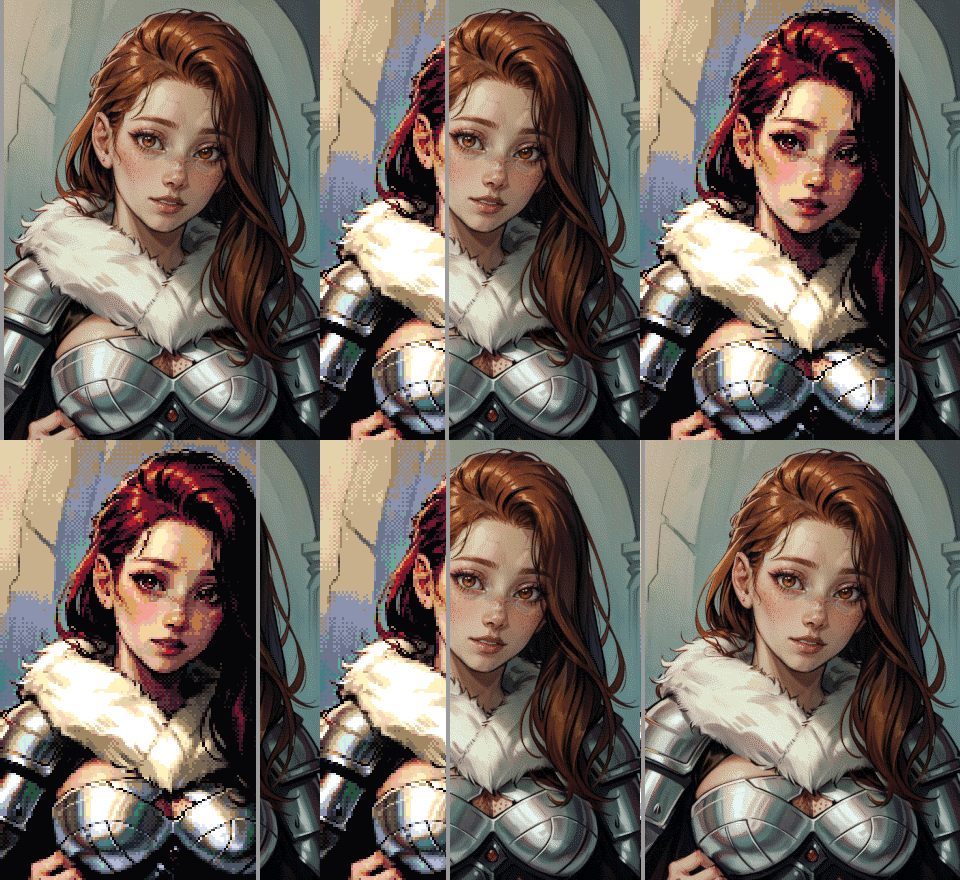
Ditherdragon FAQ and Usage Guide Hello there! This is your go-to guide for questions and answers around Ditherdragon. I’ll update this guide as Ditherdragon e...
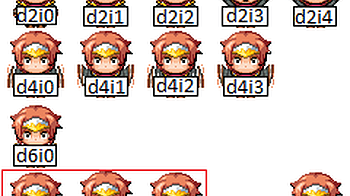
This is the second post in a four part tutorial series to help you work with TAA_CharacterPoses plugin. On part 1 we focused on Harold's default and dash poses...
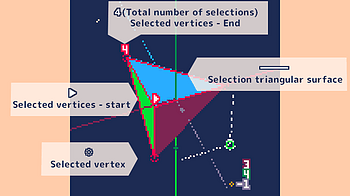
Interface Selected vertex ❉ Displaying selected vertices. Selected vertices can be moved or rotated. Overlapping vertices on the screen are selected in order...
Loading more posts...