Godot Vertex Paint Tool
A downloadable tool
Tool functionality
- Painting RGBA channels into Mesh.VERTEX_COLOR and Mesh.ARRAY_CUSTOM0-3
- Painting separately for each color channel
- Bunch of paint blending modes (set,multiply,screen,darken,lighten,
difference,exclusion,overlay,hard light, soft light,color dodge,linear dodge,color burn, linear burn) - Contiguous mode, gives you opportunity to paint on separate mesh clusters (non-connected geometry groups in clusters)
- Using textures as masks for painting
- Tolerance and Normal tolerance to paint from specific angles on surfaces.
- A couple (in progress) tools :
- Merge meshes (Merge selected mesh instances into one mesh)
- Split mesh by surfaces (Creates a copy of each surface as different mesh)
- Split by clusters (Each non-connected geometry to separate mesh)
- Autoskin (In progress but works somehow)
- Bones weight paint (In progress too, i need to figure it out better)
- Reading uniforms from shaders to have better experience.
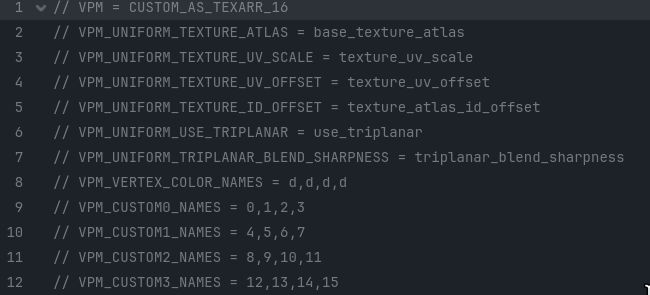
- Demo version has been obfuscated, but included onre "tarr 8 shader", that allow you to paint 8-textures on mesh by using texture array. And all main features.
- Paid version include everything clear and readable. (And gives you better karma)
- Include tarr 4, tarr 8, tarr 12 and tarr 16 (Number mean textures per vertex)
- Non obfuscated code
This tool in development and will be improved and updated with time.
https://www.youtube.com/@JewelByte
License placed inside downloadable archives.
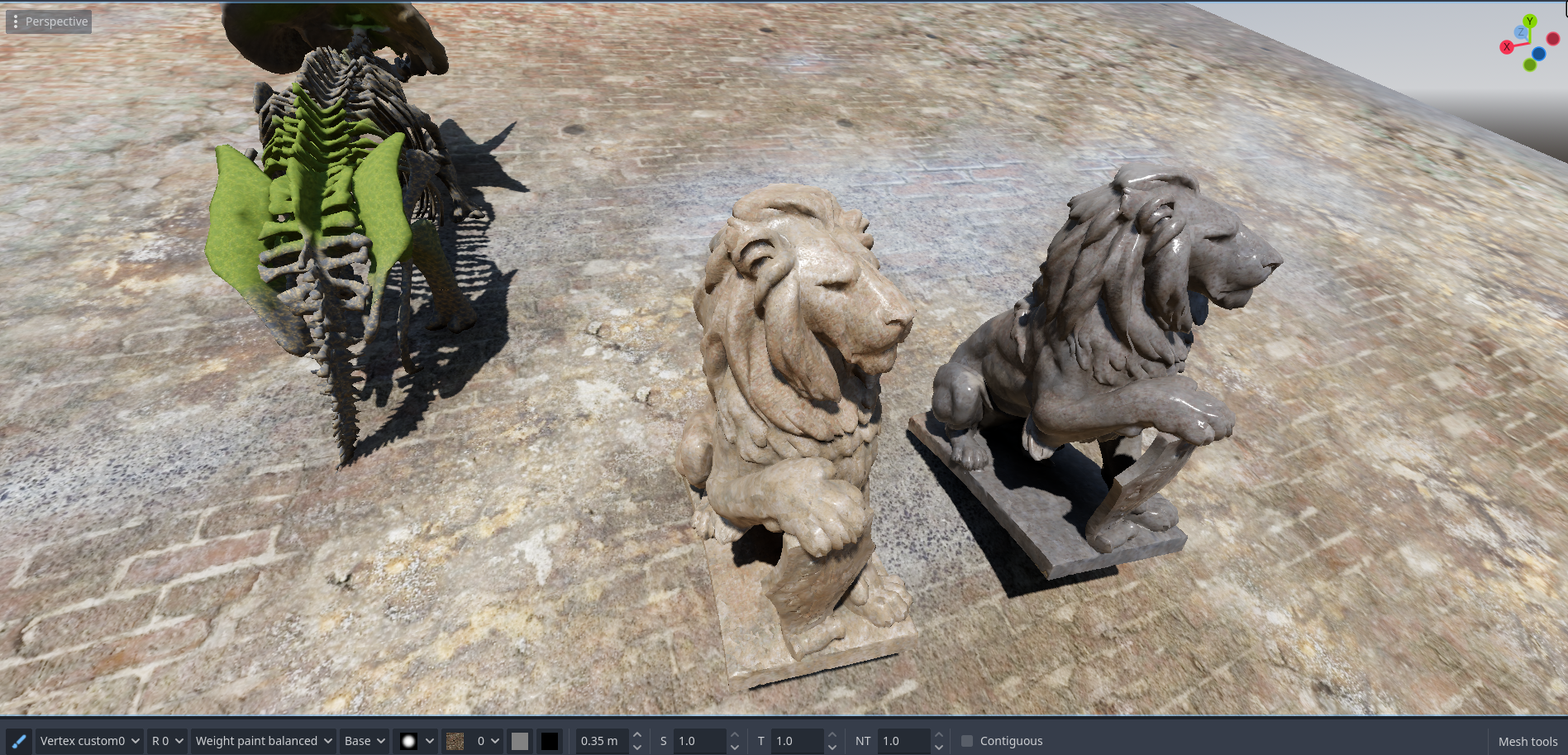
Install as any other addon : unzip and move "addons/vertex_tools" into your "addons" folder. After open project settings and enable vertex_tools addon.
To start painting, select your MeshInstance3D And press this button on the bottom dock : 

Buttons
- "Vertex color/Vertex Custom 0-3, Bone Weights" - This is data channels to paint.
- "Rgb, R, G, B, A" - Color channel to change
- "Set, Multiply, etc.." - how new color behave with already existed color
- "Base,Square,Real" - View modes on model, Base - mean show raw colors, Square - mean raw color * raw color, Real - mean show only changable area.
- "Masks" - List of masks to paint with
- Two colors to paint, Hold alt to use second color.
- Brush radius - Well, how big your brush is
- Brush strength - How strong your brush is
- Tolerance - should be tolerance to color under mouse
- Normal tolerance - Paint on verticies with similar normal direction like under mouse.
- Contiguous mode - Paint on connected vertex clusters
Redistribution is prohibited without explicit permission.
Purchase
In order to download this tool you must purchase it at or above the minimum price of $10 USD. You will get access to the following files:
Download demo