Sprite Sheet Slicer
A downloadable tool for Windows
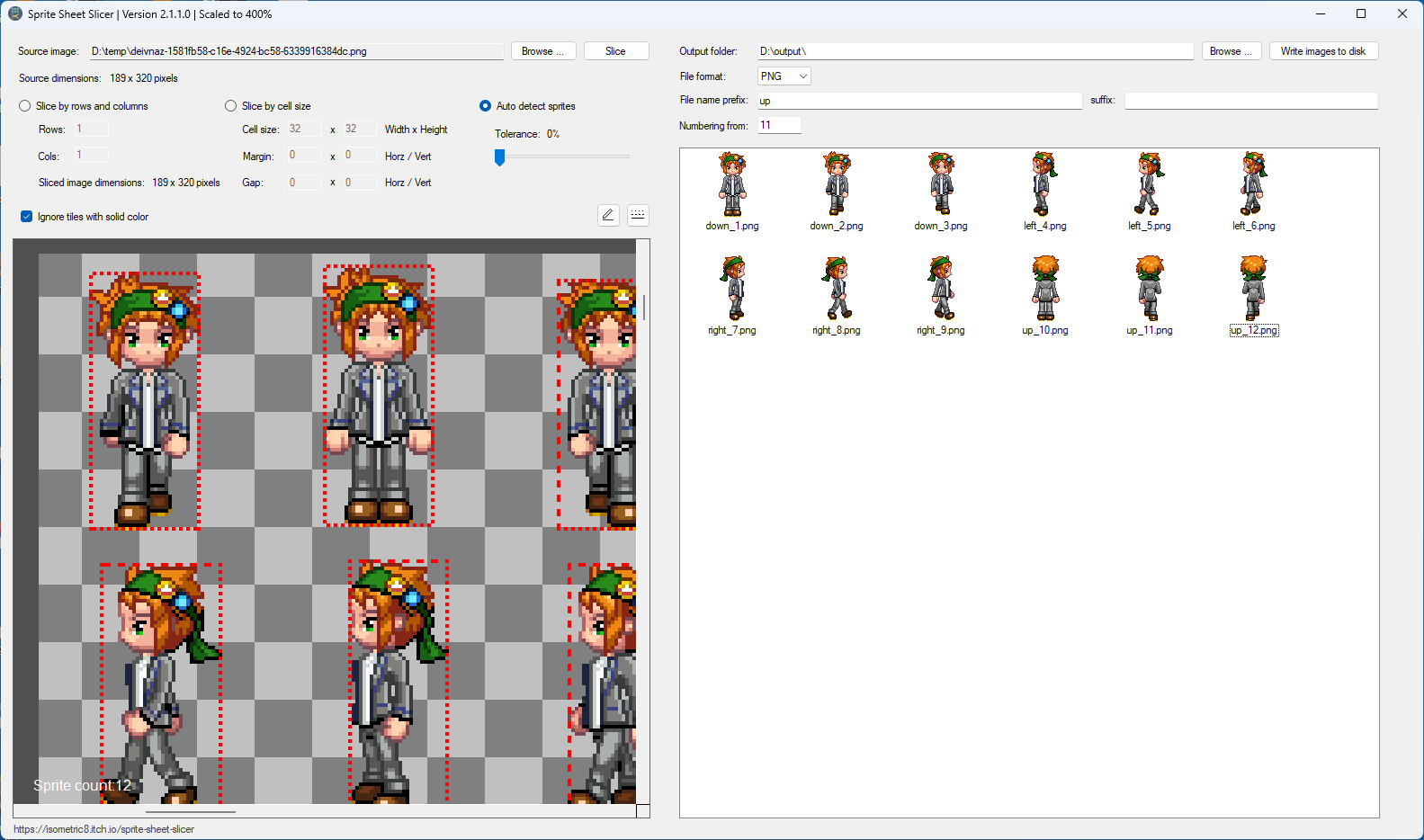
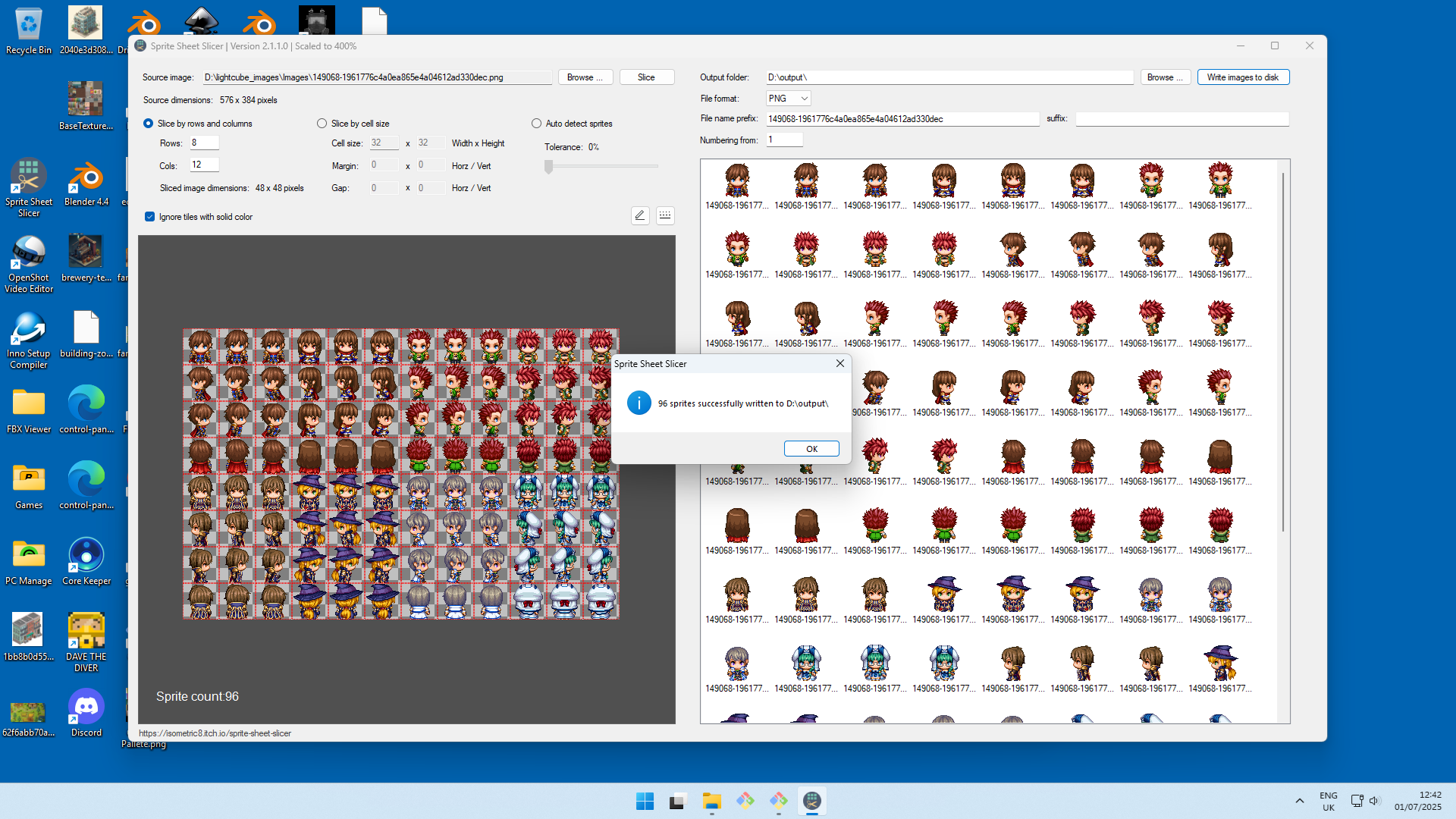
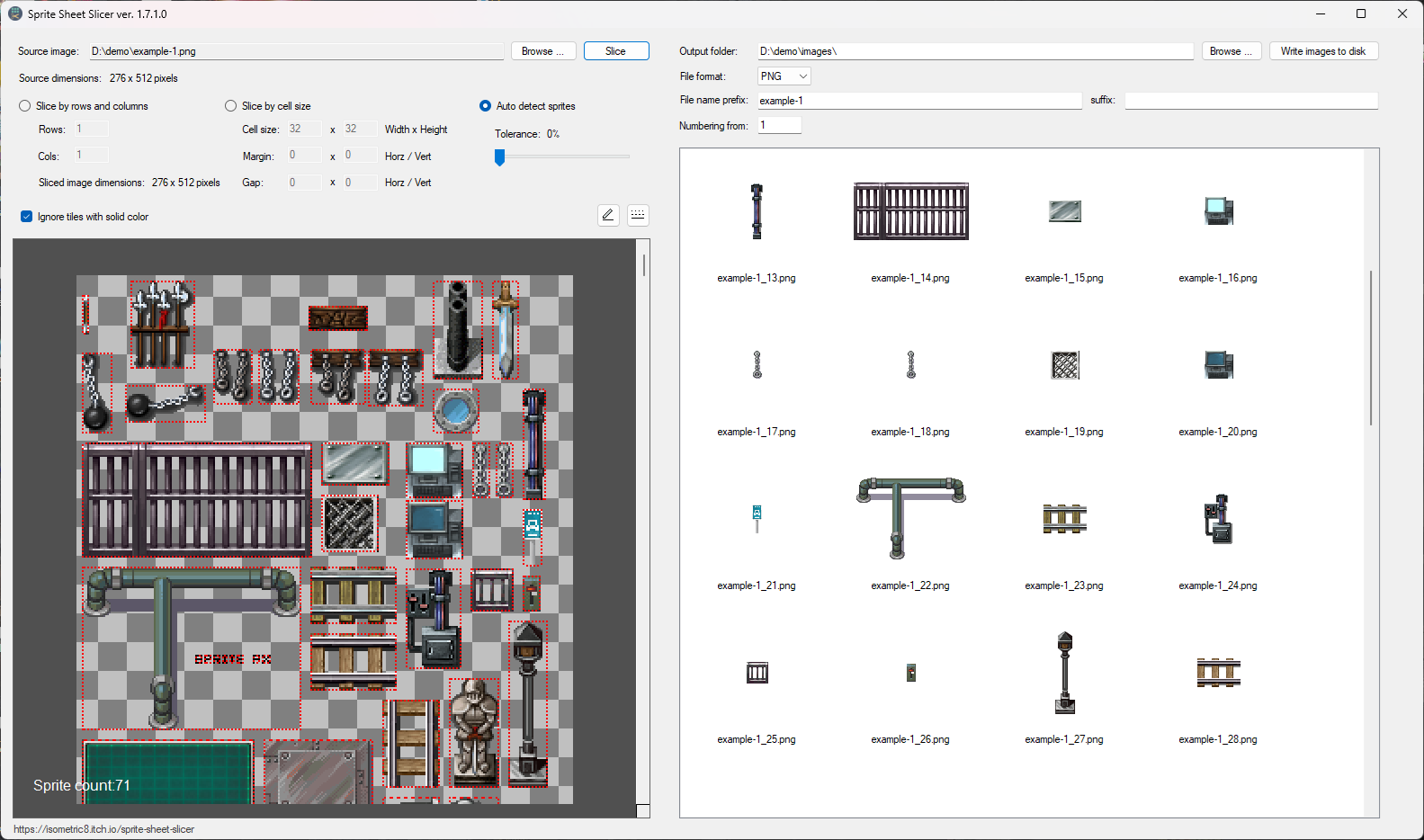
The Sprite Sheet Slicer is a handy no fuss utility to quickly slice a sprite sheet into individual sprite images. Simply select the source sprite sheet, enter the number of columns and rows, or cell size or use automatic detection, and then click Slice. You can provide a file name prefix and suffix for the images as well as change the file names for groups of images, for example 'run_left' or 'jump' - watch the Youtube video for a demo on how that works.
Version 3.0.1 out now with improved automatic sprite detection!
Features:
- Drag and drop image files into the application window.
- Slice by rows and columns, cell size or use automatic edge detection.
- Add a prefix and suffix to groups of sprites.
- Load animated GIF files - Sprite Sheet Slicer will automatically extract each animation frame and build a sprite sheet containing all the frames.
- Supports PNG, JPG, BMP and GIF sprite sheets.
- Choose an output format as PNG, JPG, BMP or GIF.
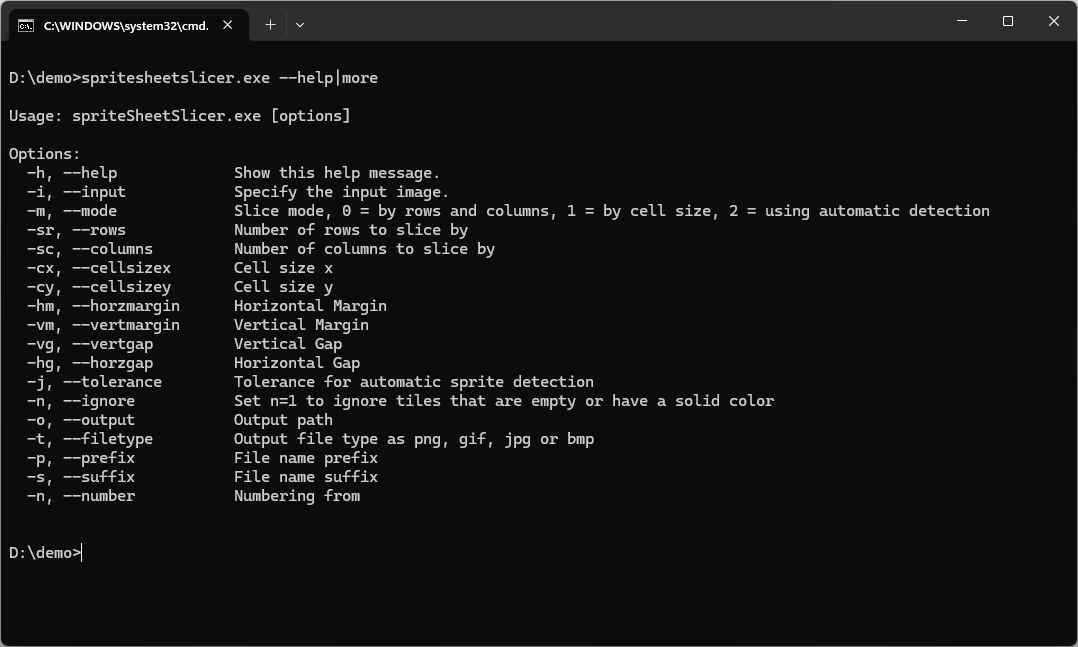
- Automate sprite slicing with full command-line functionality.
Download the files below. The spriteSheetSlicerStandalone.zip file is the same application but without an installer, it's just the main executable and the command line version.
Command line options:
To use the command line, run: spritesheetslicer.exe --help
Purchase
In order to download this tool you must purchase it at or above the minimum price of $10 USD. You will get access to the following files:
Development log
- Version 3.0.1 is out30 days ago
- Bug fix - layout issue with hyperlinkJul 07, 2025
- UI update with bug fixes and changesJan 14, 2025
- Save settings between sessionsSep 07, 2024
- Updated with two bug fixesApr 03, 2024
- Added an option to include solid color tilesNov 02, 2023
- Signed the executableOct 04, 2023
- April 2023 UpdateApr 24, 2023