Coloring Game: Godot 4 Starter Tutorial
Project Overview: Coloring Game
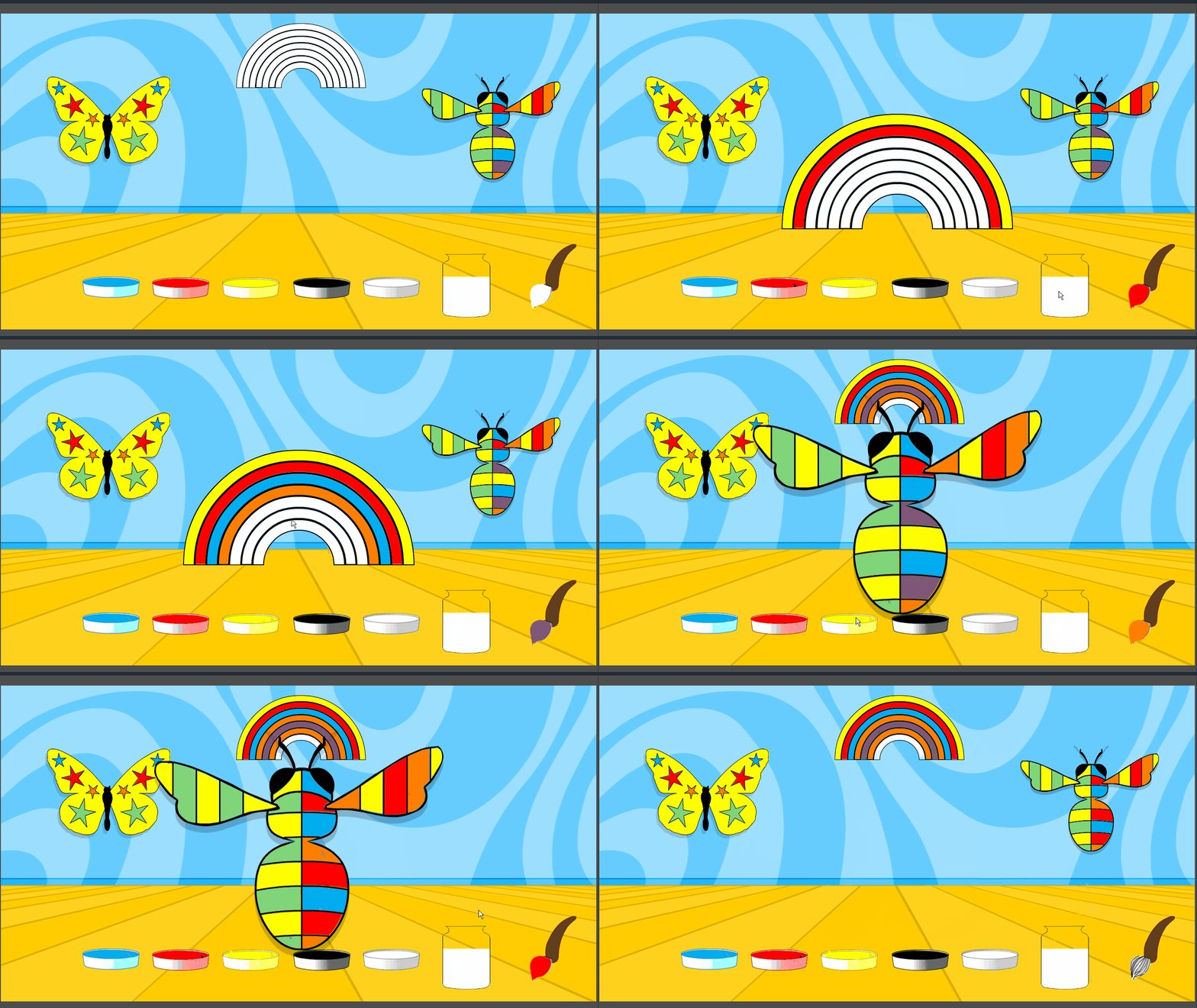
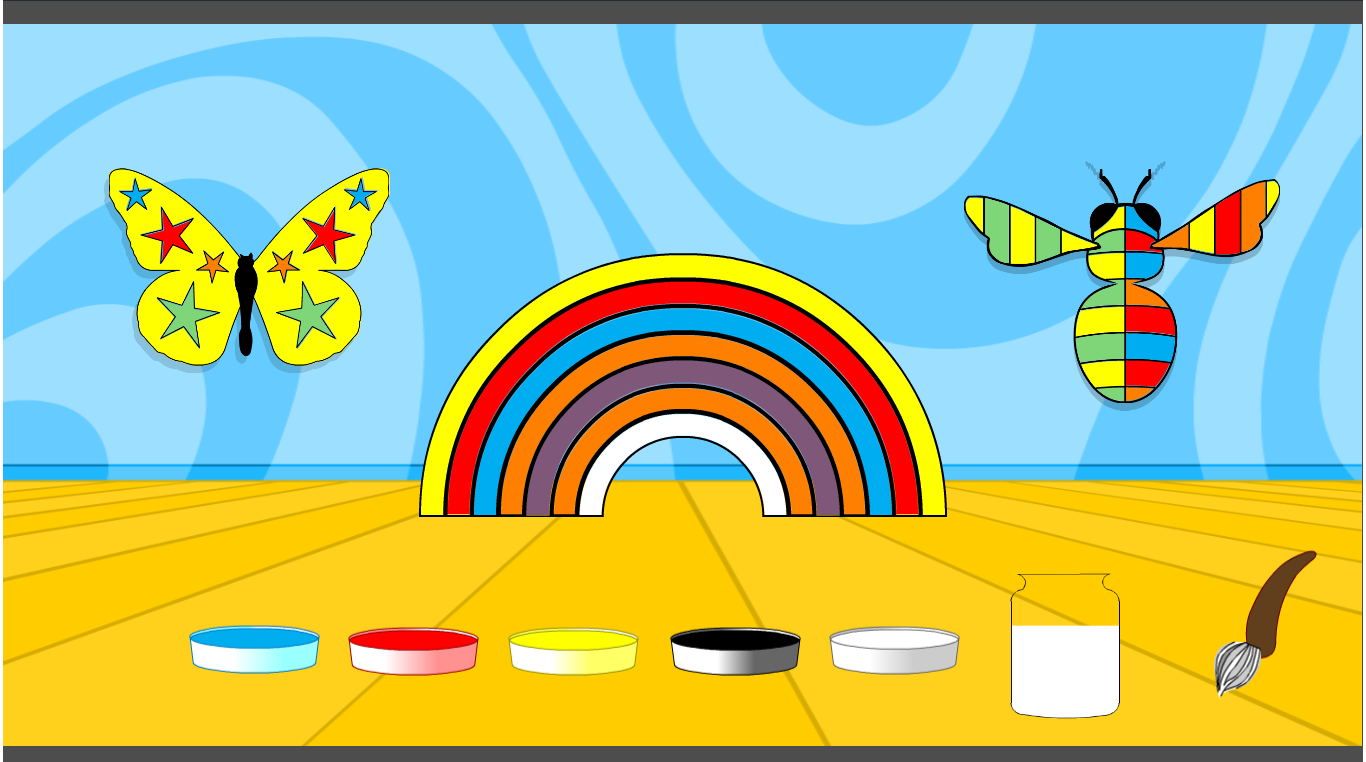
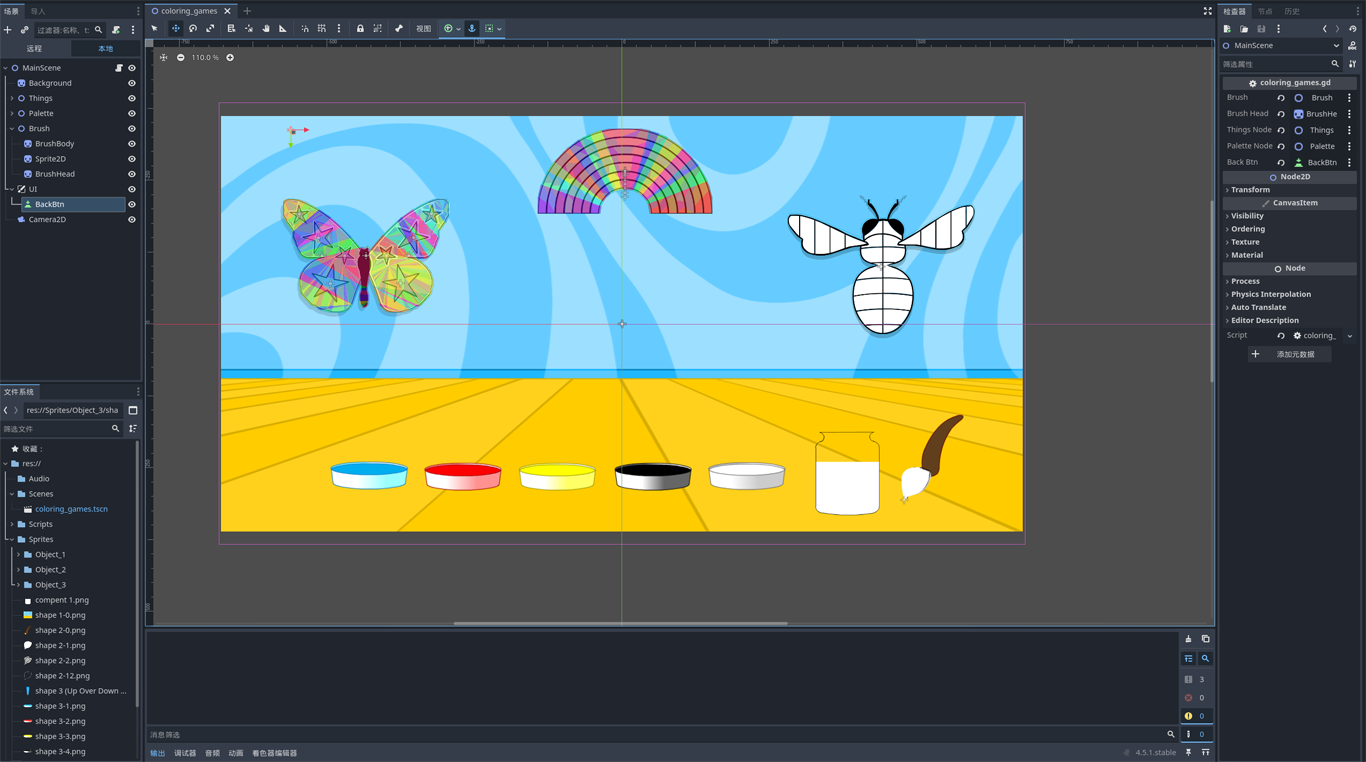
Coloring Sandbox is an interactive educational template designed for Godot beginners and aspiring game artists. More than just a simple painting app, this project demonstrates a polished workflow for handling dynamic object interaction in a 2D space. Players can select various insects, zoom into them with smooth cinematic transitions, and apply custom-mixed palettes to individual sections.
Core Learning Objectives
This project serves as a practical solution to common Godot hurdles:
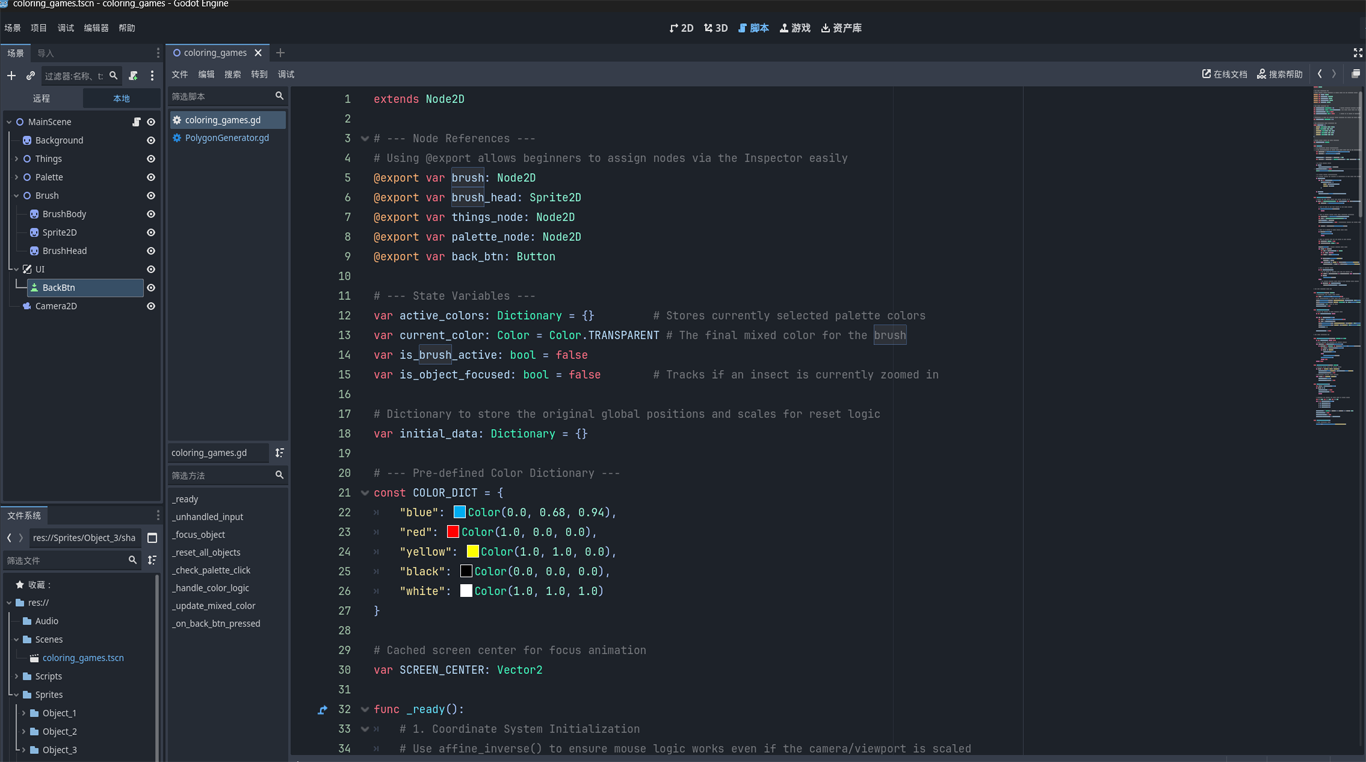
- Precision Coordinate Systems: Master the use of to ensure mouse clicks remain 100% accurate, even when objects are scaled or the camera is moved.
get_canvas_transform().affine_inverse() - Advanced Tweening Logic: Implementation of professional-grade "Focus & Reset" effects. Learn to use the system to handle parallel animations for position, scale, and Z-indexing.
Tween - State-Aware Interaction: A robust logic system that distinguishes between "UI clicking" (palette), "World interaction" (zooming), and "Detail painting" (patch coloring).
- Dynamic Color Theory: A custom script for additive color mixing, allowing players to blend primary pigments into a vast array of secondary tones.
How to Play
- 🔍 Click an Insect: Tap any creature to bring it into "Focus Mode." It will smoothly enlarge and center for detailed work.
- 🎨 Mix Your Palette: Click color buttons to mix them. Use the "Clean" button to reset your brush. Your brush head reflects your current mixture in real-time!
- 🖌️ Paint with Precision: Click on specific segments of the insect to apply your color.
- ♻️ Reset View: Click on any empty background area to return the insect to its original position in the gallery.
Implementation Tips for Beginners
- Global vs. Local: Always use when moving objects between a gallery layout and the screen center to avoid parent-node transform interference.
global_position - Input Handling: Use to prevent clicks from "bleeding through" your UI buttons into the game world.
_unhandled_input
Files
coloring_game Play in browser
69 days ago
coloring-games.zip 618 kB
69 days ago
Get Coloring Game: Godot 4 Starter Tutorial
Download NowName your own price
Coloring Game: Godot 4 Starter Tutorial
Learn interactive coloring and additive color mixing in Godot 4 with this fully commented source code.
| Status | Released |
| Author | Godot Example Hub |
| Genre | Educational |
| Tags | 2D, beginner, coloring, Godot, Open Source, Tutorial |
Leave a comment
Log in with itch.io to leave a comment.