
JAILBREAK
v0.3.0
This release has been exceptionally long and complex to make. I was not able to do everything I planned, but there are still some very cool milestones. Let’s review this together.
Assets Enhancement and Dynamic Level of Detail
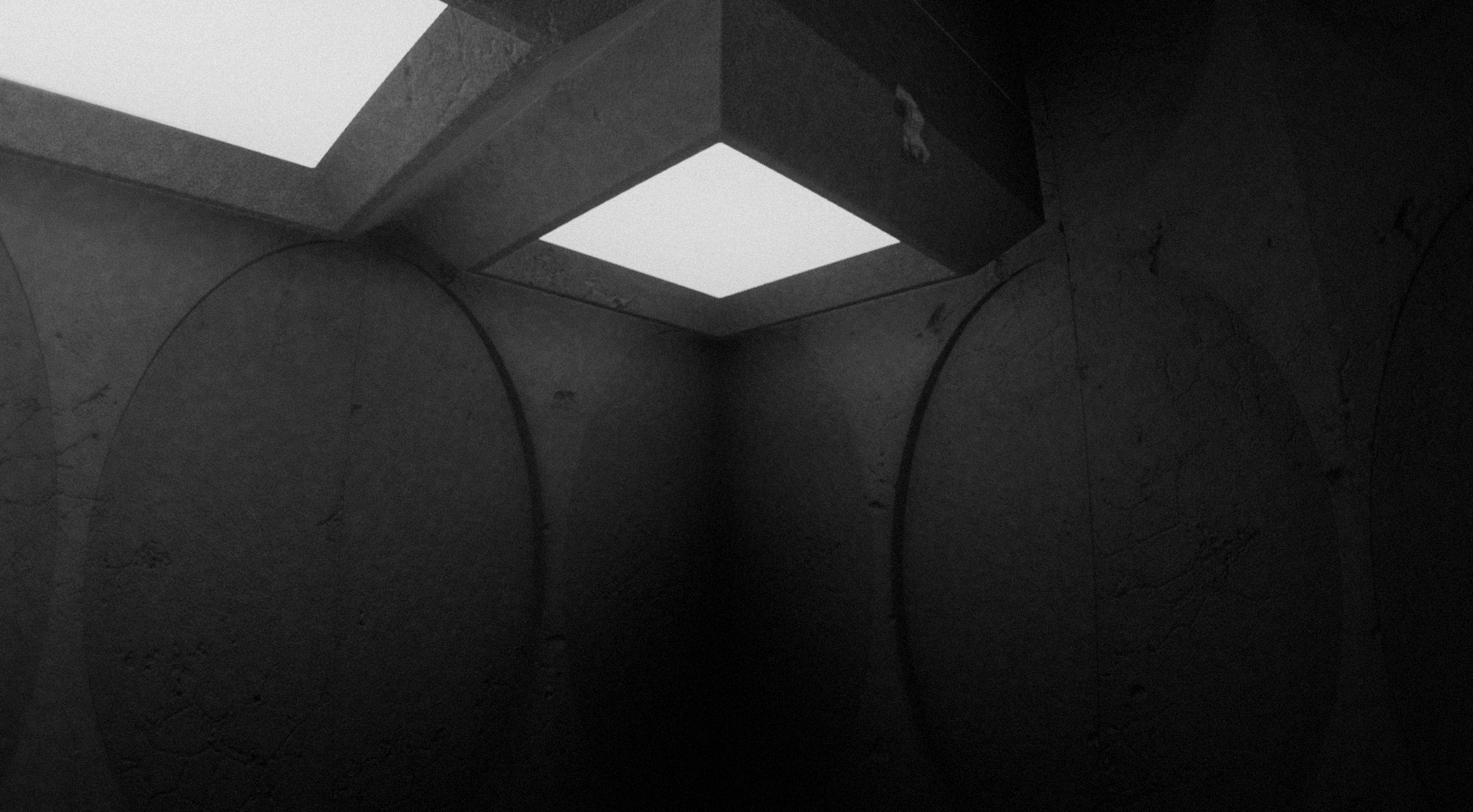
The first noticeable thing is the revamped concrete textures. Everything has been remade with the help of a custom workflow written with Python and taking advantage of the Blender API. The process is easy to fork and has proven to be reusable; this has drastically speed up my workflow and will continue to help me avoid wasting time. Thanks to this, I was able to procedurally generate and apply beautiful concrete textures for every concrete module. It looks insane!
This brings us to the next cool feature.
I want this game to be available to as many people as possible. Settings now allow you to control the level of detail of both 3D meshes and textures in-game.
Every level of detail has been artistically handcrafted, so it looks pretty good even with a low level of detail!
The dynamic level of detail mechanism was complex and difficult to build from scratch, but it was worth it. It provides a much more balanced CPU/GPU load based on distance and required level of detail, as one would expect from such a feature. This allowed me to raise the default settings a bit without negatively impacting frame rates. Close-to-camera objects will look stunningly detailed and texture-rich.
The drawback is that the current Dynamic LoD implementation has a lot of room for improvement and is, right now, quite hungry for VRAM. It works well in most cases with 3GB of video memory, but it might crash and/or trigger nasty visual glitches. If this happens to you, you can tweak the following:
- Decrease the VoxelGI size
- Decrease the level of detail
Environment Update
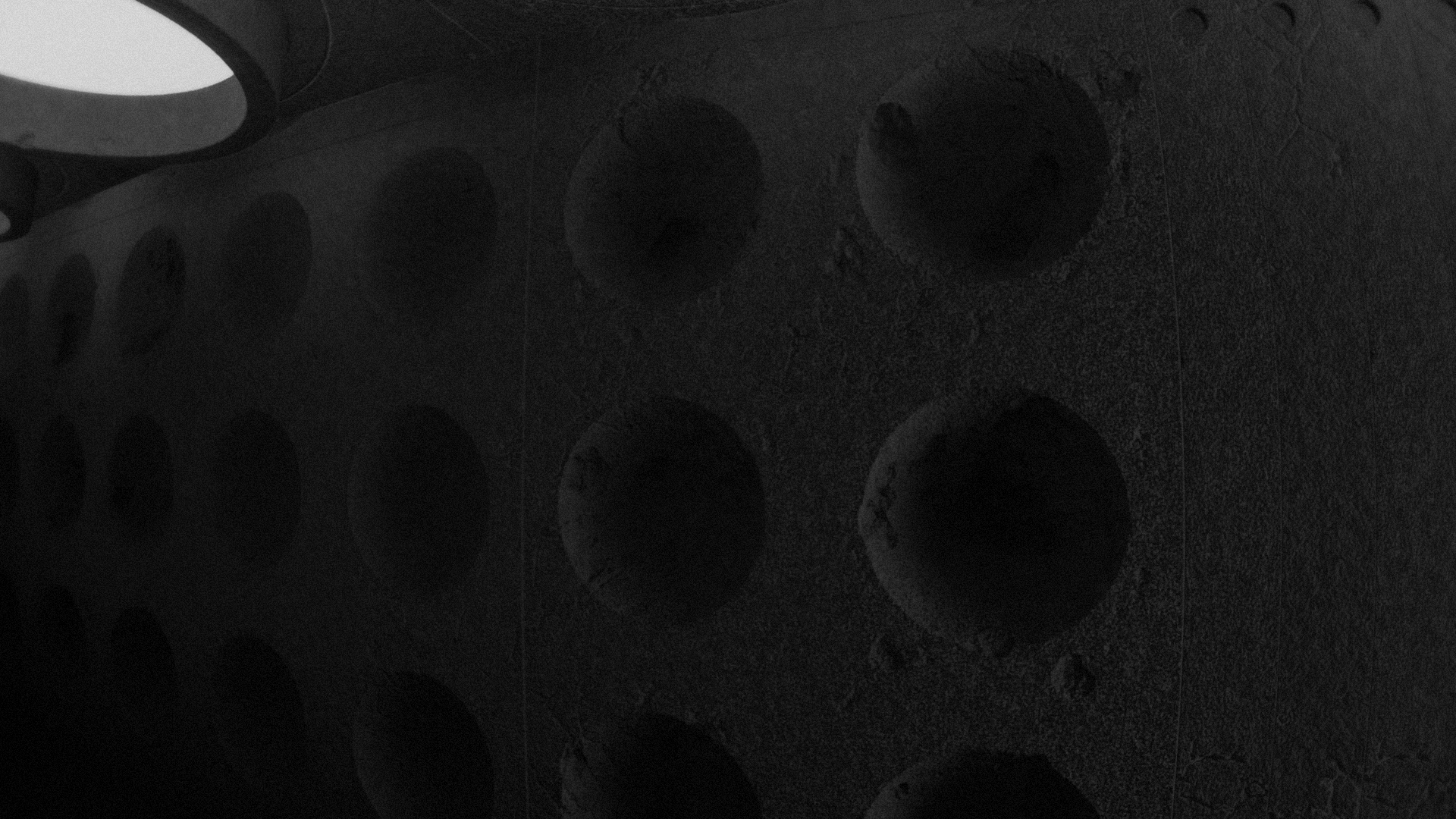
There are no new architecture features, unfortunately, but there are still a few new concrete modules as well as some new variations for the floors.
New settings
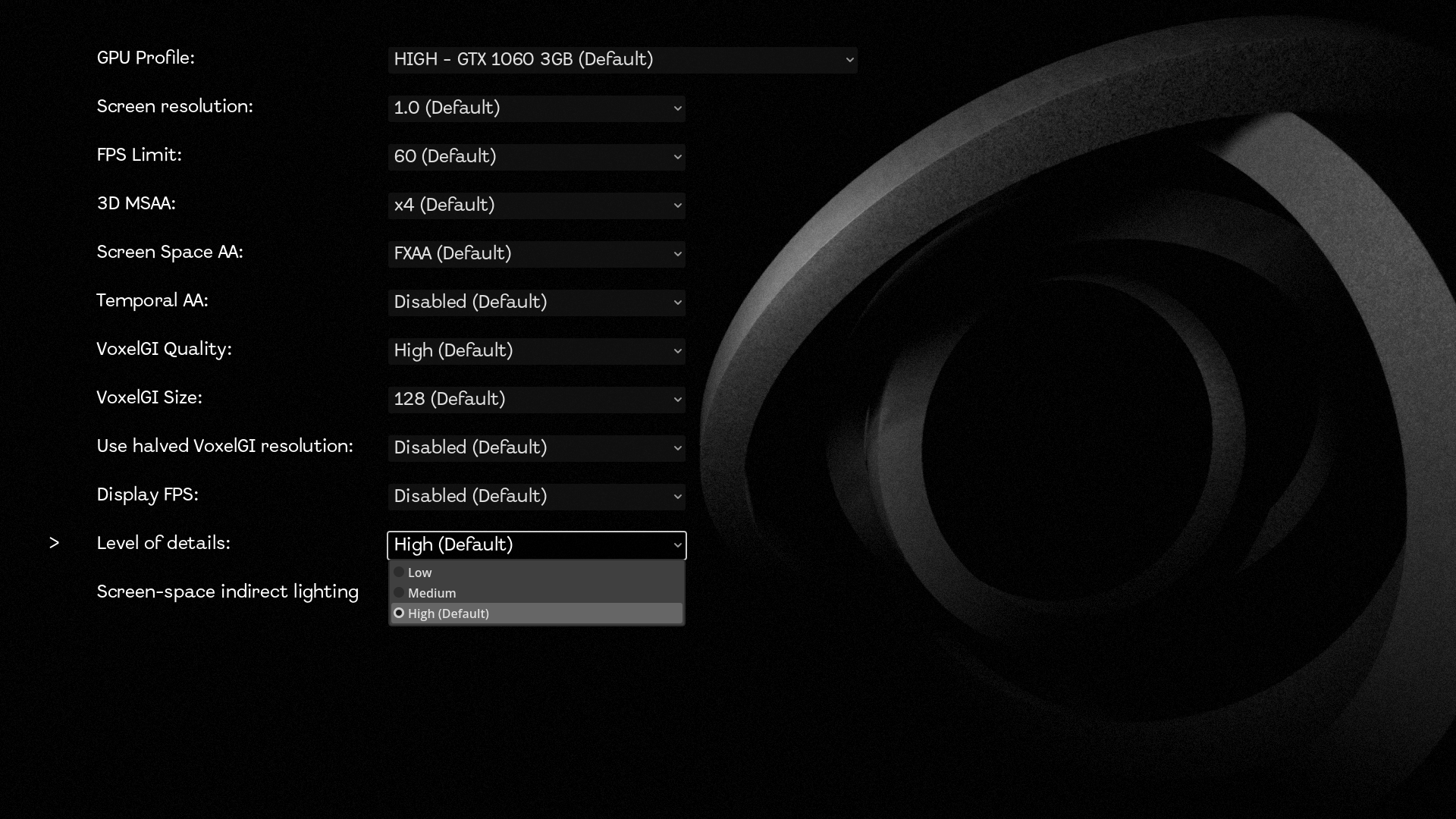
Tweaking graphics settings can be annoying if you don’t know what to do or how it works. With this new release, the game now provides four GPU profiles—from ULTRA to LOW—that provide default setups for each kind of hardware. You can then personalize individual settings according to your needs. There is also a new option, enabled by default, called Screen-Space Indirect Lighting, which greatly enhances how lights look, especially in regions where the surface looks too flat.
Last but not least, if you want to keep a close eye on performance, there is now an option to display the framerate during the game!
Miscellaneous improvements
- The loading screen has much more verbosity while you wait. There is no more scary opaque black screen.
- Numerous bugs have been fixed
- The project have been updated to Godot v4.6.1
- Code quality has been improved and cleaned up
Last words
Thank you to all the peoples who have helped and provided feedback. If you enjoy the game, consider supporting the project on Tipeee or Patreon. You can also follow me on Mastodon.
Don’t forget to rate the game, and see you soon in the next release!
Leave a comment
Log in with itch.io to leave a comment.